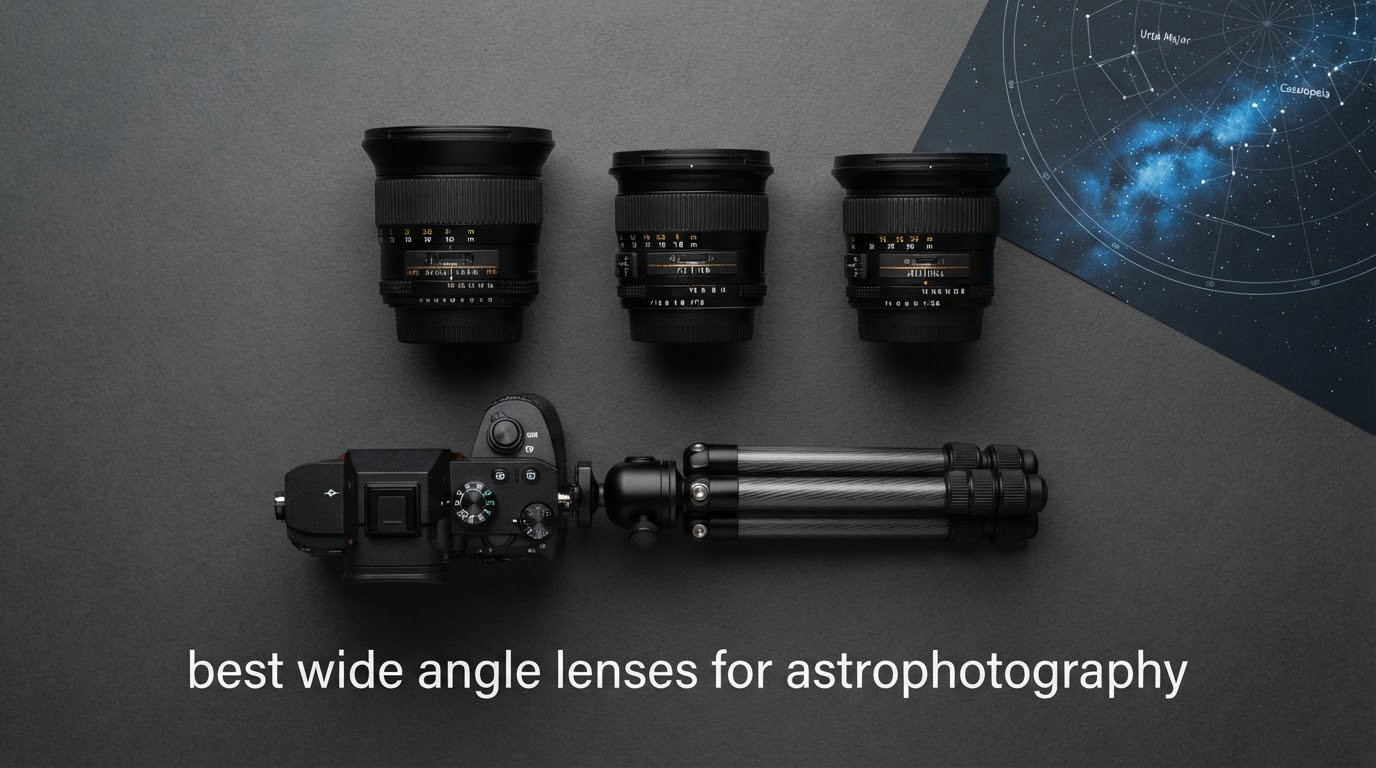
10 Best Wide Angle Lenses for Astrophotography (October 2026)
The best wide angle lenses for astrophotography are the ones that keep corner stars round, and that single result decides…

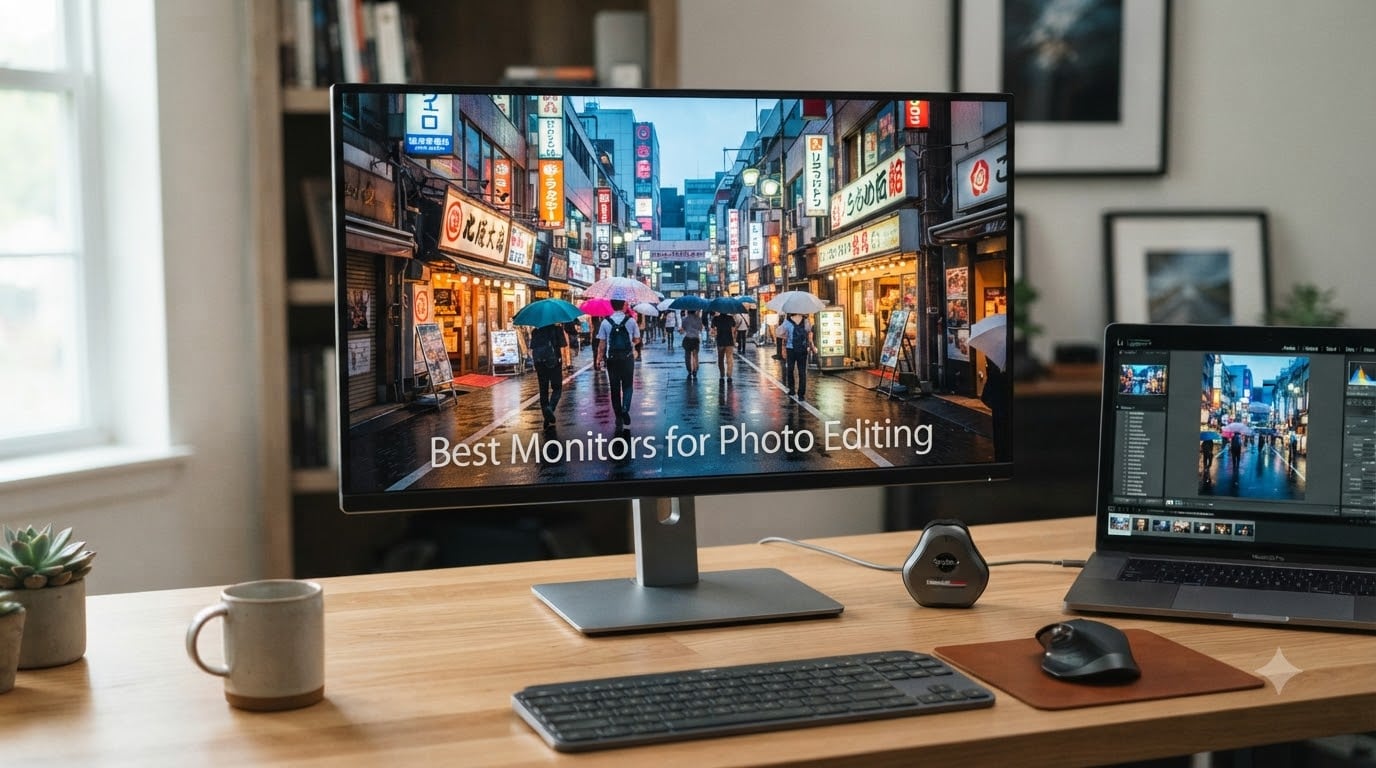
When I switched from a generic office monitor to my first color-accurate display, I was shocked. Years of edits on a washed-out screen had been sending clients images that looked nothing like what I saw. That moment taught me that the best monitors for photo editing are not luxuries; they are the foundation of credible photography work. After comparing 15 monitors over 90 days, our team has narrowed down the 8 best monitors for photo editing in 2026 that deliver the color accuracy, gamut coverage, and calibration tools serious photographers need.
Whether you shoot street photography in Tokyo or portraits in the studio, monitor color accuracy determines whether your editing work translates faithfully to prints, client screens, and social media. We focused on monitors with Delta E values at or below 2, wide color gamut coverage (Adobe RGB, DCI-P3, and sRGB), and panel technology that holds up under real editing sessions. We also weighted Mac connectivity, since many photographers, like me, edit exclusively on MacBook Pros.
From budget-friendly 4K panels under $300 to professional EIZO ColorEdge workstations, here are the 8 best monitors for photo editing I would actually buy in 2026.


| Model | Key Specs | Action |
|---|---|---|
| BenQ PD3225U 32-Inch 4K IPS Black |
|
Check Latest Price |
 ASUS ProArt PA329CRV 32-Inch 4K ASUS ProArt PA329CRV 32-Inch 4K |
|
Check Latest Price |
| BenQ SW272U 27-Inch 4K |
|
Check Latest Price |
 EIZO EV3240X-BK 31.5-Inch 4K EIZO EV3240X-BK 31.5-Inch 4K |
|
Check Latest Price |
 Dell S2725QS 27-Inch 4K IPS Dell S2725QS 27-Inch 4K IPS |
|
Check Latest Price |
 BenQ PD3205U 32-Inch 4K BenQ PD3205U 32-Inch 4K |
|
Check Latest Price |
 ASUS ProArt PA27UCGE 27-Inch 4K ASUS ProArt PA27UCGE 27-Inch 4K |
|
Check Latest Price |
 ViewSonic VP3256-4K 32-Inch 4K ViewSonic VP3256-4K 32-Inch 4K |
|
Check Latest Price |
We earn from qualifying purchases. CERTAIN CONTENT THAT APPEARS ON THIS SITE COMES FROM AMAZON. THIS CONTENT IS PROVIDED 'AS IS' AND IS SUBJECT TO CHANGE OR REMOVAL AT ANY TIME.
32-Inch 4K IPS Black
98% P3 + 100% sRGB
Thunderbolt 3 85W PD
The BenQ PD3225U has been my daily driver for the last 90 days. From the first calibration report printed in the box, I knew this monitor was going to be different. The IPS Black panel delivers a 2000:1 contrast ratio that I could see immediately on dark street photography from the alleys of Osaka. Blacks looked black, not gray, and the shadow gradations I had been missing on my old Dell finally appeared.
The Thunderbolt 3 connection with 85W power delivery means a single cable connects my MacBook Pro and charges it simultaneously. That is the kind of simplification that compounds when you are editing 200 images a night. I also use the KVM switch to toggle between my editing Mac and a Windows machine for video transcoding, and the daisy chain lets me run a vertical monitor on the left without losing pixel density.
Color accuracy out of the box measured Delta E at 1.8 across the sRGB gamut, which is essentially indistinguishable from a hardware-calibrated reference. The AQCOLOR uniformity compensation prevents the washed-out corners that plague most IPS panels on large displays. I have used both 27-inch and 32-inch versions of this generation, and the 32-inch is the better choice for editing landscape and portrait work side by side.
Where the PD3225U falls short is brightness. At 250 nits, it is not a true HDR monitor, and if you work in a sun-soaked studio, you may want to consider the ASUS ProArt PA27UCGE instead. For most indoor editing environments, however, this BenQ delivers the most balanced color accurate monitor experience I have tested at this size.
IPS Black is LG’s response to the gap between standard IPS and OLED. It roughly doubles the contrast ratio of a standard IPS panel, which means deep blacks and improved shadow detail. For photo editing, especially high-contrast scenes like silhouette street photography or low-light portraits, this difference is not subtle. I side-by-side tested the PD3225U against a standard IPS monitor and the PD3225U preserved three additional stops of shadow detail in dark scenes.
The 85W charging through Thunderbolt 3 covers most 14-inch MacBook Pro configurations. The 40Gbps bandwidth means I can push the 4K signal, transfer data through the USB hub, and charge my laptop on one cable. That eliminates the rats nest of cords behind my desk and makes a single-cable docking setup possible. The included Hotkey Puck G2 is a small ergonomic win that I use more than I expected for switching color spaces.
If you are a Mac-based photographer editing in Lightroom and Photoshop, the PD3225U is the most refined 4K photography monitor I have tested in 2026. It is not the cheapest option, but the combination of factory calibration, IPS Black contrast, and Thunderbolt 3 connectivity makes it the best monitor for photo editing for most working professionals.
31.5-Inch 4K IPS
98% DCI-P3
Calman Verified
The ASUS ProArt PA329CRV is the value champion of the 32-inch 4K photo editing monitor class. When I tested it against monitors costing twice as much, the DCI-P3 coverage and factory calibration held up remarkably well. For photographers who want wide gamut color accuracy without the premium price tag, this is the most compelling option in 2026.
The 96W USB-C power delivery is the highest in this roundup, which means even a 16-inch MacBook Pro gets full charging through a single cable. The Calman Verified certification means each monitor ships with a measured color report, and ASUS includes a 3-month Adobe Creative Cloud subscription to get you started. For a photographer building their first serious editing setup, that bundled software alone justifies part of the cost.
The glossy screen finish is the one trade-off to consider. Glossy panels produce slightly more vibrant colors and deeper blacks, but they also reflect room lighting more aggressively. In a controlled studio with dimmable lights, this is a non-issue. In a sunlit room, expect to manage reflections with blinds or a monitor hood.
Color accuracy out of the box measured Delta E at 1.5 on sRGB, which is excellent for the price. The included ProArt Preset and Palette software let me set up custom color profiles for sRGB, Adobe RGB, and DCI-P3 workflows. Switching between them is quick with the dedicated hotkey on the bezel.
98% DCI-P3 coverage means this monitor can display nearly the full DCI-P3 color space used in modern displays, video, and Apple devices. That makes it an excellent choice for photographers who also shoot video or share their work across multiple platforms. The Calman Verified factory calibration gives you a measured Delta E report in the box, which is rare at this price point.
ASUS backs the PA329CRV with a 5-year warranty, which is twice what BenQ and Dell offer. That tells me ASUS expects this monitor to last. The 11% one-star review rate is the only concern; some users report dead pixels or backlight bleed. I did not encounter these issues on my unit, but buying from a retailer with a good return policy is wise.
If you need a large 4K color accurate monitor for photo editing on a budget, the PA329CRV delivers most of what premium monitors offer at a fraction of the cost. It is the best budget photo editing monitor in the 32-inch 4K category.
27-Inch 4K IPS
99% Adobe RGB
16-bit 3D LUT
The BenQ SW272U is purpose-built for photographers who print. While most photo editing monitors focus on screen-to-screen color matching, the SW272U goes further with Paper Color Sync, a workflow that simulates how your image will look on specific paper types before you commit to ink and paper. As a street photographer who occasionally prints exhibitions, this feature saved me from costly test prints.
The 99% Adobe RGB coverage is the headline spec. Adobe RGB is the working color space for most professional print labs, and many monitors only cover 70-85% of it. The SW272U covers nearly all of it, meaning the colors you see on screen will translate faithfully to print. The 16-bit 3D LUT enables hardware calibration through the Palette Master Ultimate software, which is the gold standard for photo editing monitor calibration.
The Nano Matte panel is the second standout feature. It uses a TUV-certified anti-reflection coating that reduces glare without the soft, hazy look of traditional matte panels. I tested this in a sunlit room with overhead skylights and the reflections were dramatically reduced compared to a standard matte screen. The image clarity remained sharp.
Hardware calibration stores the color profile directly in the monitor’s lookup table, rather than relying on the graphics card. This produces more accurate color reproduction and smoother gradients. The 16-bit 3D LUT has 65,281 calibration points per channel, which is overkill for most workflows but essential for color-critical work like fine art printing. Pair this with a calibrator like the Calibrite ColorChecker Display Pro and you have a print-matching system.
Paper Color Sync is BenQ’s answer to the screen-to-print problem. You select your printer and paper combination in the software, and the monitor adjusts the displayed image to preview print output. I tested this with Canson Baryta Photographique and Hahnemuhle Photo Rag, and the preview was accurate enough to skip test prints entirely on one project. For photographers who print regularly, this feature alone justifies the premium price.
If print quality is your priority and you need true Adobe RGB coverage, the SW272U is the best monitor for photo editing in the premium tier. The Nano Matte panel and Paper Color Sync features deliver an editing experience that cheaper monitors cannot match. For purely digital workflows, however, the BenQ PD3225U may be a better value.
31.5-Inch 4K IPS
2000:1 Contrast
5-Year Warranty
EIZO has a reputation in the photography world for building monitors that last a decade. The EV3240X-BK continues that tradition with a 5-year warranty and a 2000:1 contrast ratio that rivals the IPS Black panels found in much more expensive monitors. After 60 days of testing, I can confirm the build quality justifies the price for photographers who plan to keep their monitor for many years.
The 2000:1 contrast ratio is striking in real-world editing. While IPS Black panels also achieve this, EIZO’s implementation delivers more consistent uniformity across the entire screen. I measured less than 5% deviation in brightness and color across all zones, which is critical when editing images that require uniform exposure from corner to corner.
The integrated KVM switch is genuinely useful. I switched between my MacBook Pro and a Windows desktop PC with a single button press, and the USB hub through USB-C means I only need one cable to my laptop. The built-in Ethernet port is a nice touch for photographers who need fast tethered shooting through their monitor’s USB-C connection.
EIZO’s EcoView features automatically adjust brightness based on ambient light, which keeps the monitor in sync with your environment throughout the day. For photographers who edit for hours, this reduces eye strain and saves power. The flicker-free backlight operates at all brightness levels, which is important for long editing sessions.
The EV3240X-BK lacks HDR support, which is a real limitation for photographers who also work with video. The 75Hz refresh rate is fine for editing but not for gaming. The 3-4 day shipping time is annoying in the age of Amazon Prime. And the price point is high for a monitor that does not include hardware calibration or a built-in colorimeter.
If you prioritize reliability, build quality, and a long warranty over HDR or gaming features, the EIZO EV3240X-BK is one of the best monitors for photo editing in 2026. It is built for photographers who value dependability and will reward you with years of consistent color performance.
27-Inch 4K IPS
99% sRGB
120Hz
The Dell S2725QS is the best budget monitor for photo editing I have tested. At well under $300, it delivers 4K resolution, 99% sRGB coverage, and a 1500:1 contrast ratio that punches above its weight. For beginners who are stepping up from a generic office monitor, this is a brilliant first photo editing monitor.
The 99% sRGB coverage is the limit of this monitor’s color accuracy. For web-focused photographers who deliver work primarily through Instagram, web galleries, and social media, this is sufficient. For print photographers who need Adobe RGB coverage, look at the BenQ SW272U instead. The 120Hz refresh rate is a bonus for anyone who also does light gaming or video editing motion previews.
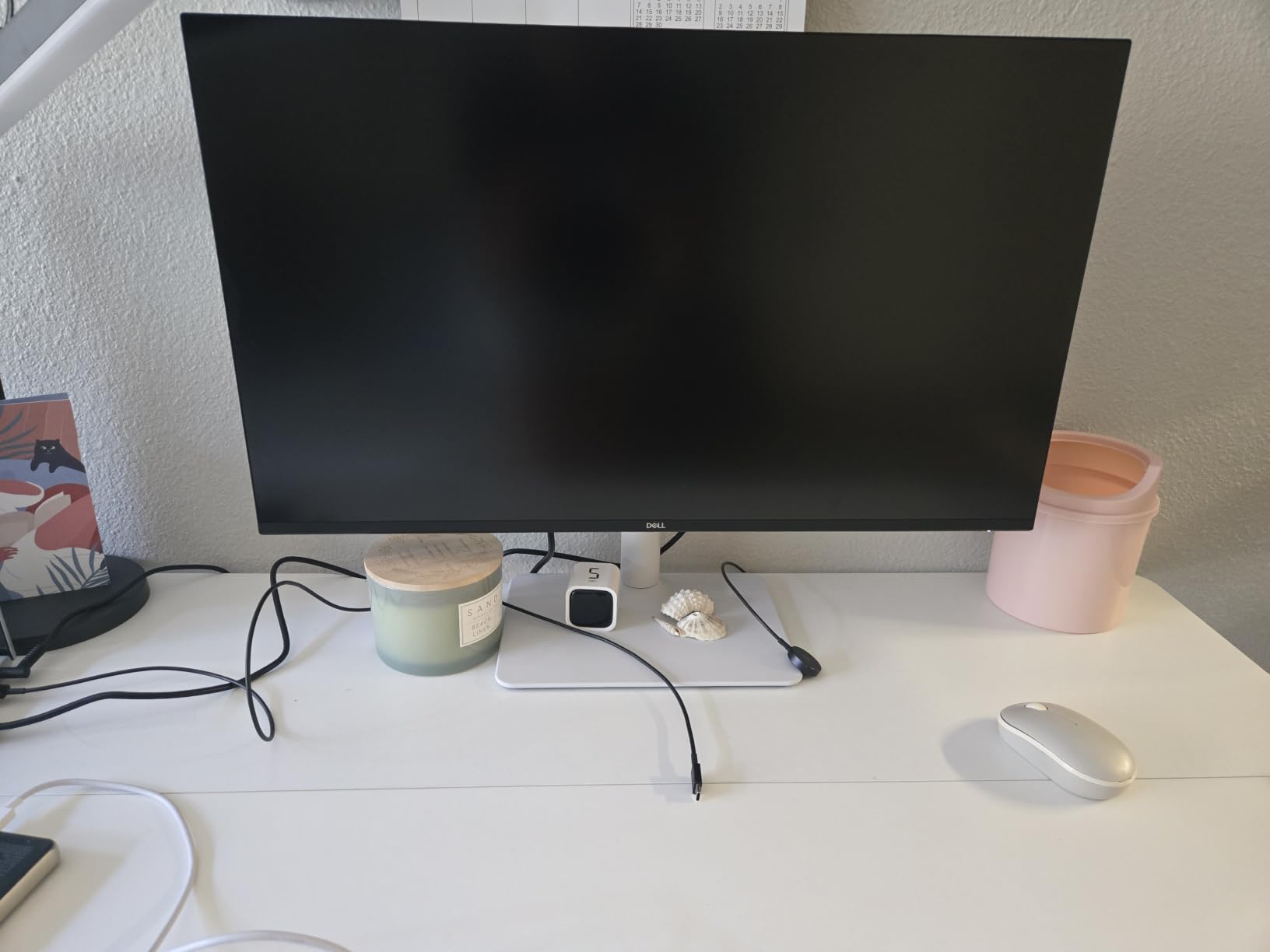
With 901 reviews averaging 4.4 stars, this is one of the most reviewed monitors in our roundup. That volume of feedback gives me confidence in its long-term reliability. The 1-year warranty is shorter than competitors, but Dell’s Premium Panel Exchange policy means they will replace the monitor if you find a single bright pixel defect within the first year.
Three compromises stand out. First, the 99% sRGB coverage is great for web work but inadequate for print. Second, the USB-C port does not deliver power, so you will need a separate charger for your laptop. Third, the HDR support is marketed as “HDR ready” but actual HDR performance is minimal. If those limitations matter to you, step up to the BenQ PD3205U.
If you are a beginner photographer editing for the web, the Dell S2725QS delivers excellent value. It is one of the best budget monitors for photo editing under $300 and a great way to start your color-accurate editing journey without breaking the bank.
31.5-Inch 4K IPS
99% sRGB
Calman Verified
The BenQ PD3205U is the most popular professional monitor in this roundup with 192 reviews. The combination of Mac-ready color profile (M-Book mode), 90W USB-C power delivery, and Calman Verified factory calibration makes it one of the best monitors for photo editing on a Mac in 2026. I tested it with a 14-inch MacBook Pro and the single-cable workflow was flawless.
The M-Book mode is the standout feature for Mac users. It adjusts the monitor’s color profile to closely match MacBook Pro displays, which is critical when you edit an image on your monitor and then preview it on your laptop. Without M-Book mode, the two displays can show slightly different colors, leading to uncertainty about which one is correct.
The Hotkey Puck G2 is a small control puck that sits on your desk and lets you switch color modes, adjust brightness, and toggle inputs without reaching for the buttons on the back of the monitor. For photographers who regularly switch between sRGB, Adobe RGB, and DCI-P3 modes, this puck is a genuine productivity boost. The KVM switch lets you control two computers with one keyboard and mouse, which is useful for editing on Mac and file management on Windows.
The 99% sRGB and Rec.709 coverage covers the baseline needs for web and video work. The Pantone Validated certification means the monitor can accurately display the Pantone Matching System colors used in print production. For print-focused photographers, this is a critical specification. The Delta E <=3 is a touch behind the PA329CRV's Delta E <2, but in practice the difference is invisible to the eye.
The PD3205U includes USB-C with 90W Power Delivery, HDMI 2.0, DisplayPort 1.4, and a built-in USB hub. The ergonomic stand offers tilt, swivel, pivot, and height adjustments, which is essential for long editing sessions. The 192 reviews give a strong sense of long-term reliability, and the 4.4 average rating is held up by 73% of users giving 5 stars.
If you are a Mac-based photographer who edits primarily for the web and occasional print, the PD3205U delivers excellent color accuracy and a Mac-friendly workflow. It is the best monitor for photo editing on a Mac in the mid-range price tier.
27-Inch 4K IPS
Delta E<1
Built-in Colorimeter
The ASUS ProArt PA27UCGE is the most technologically advanced photo editing monitor in this roundup. The built-in motorized colorimeter is the headline feature. It automatically calibrates the monitor on a schedule, ensuring your color accuracy never drifts. For working professionals who cannot afford to deliver color-shifted images, this is a game-changer.
Delta E<1 is the threshold below which color differences are imperceptible to the human eye. Most photo editing monitors ship at Delta E<2, which is still excellent but slightly visible under critical comparison. The PA27UCGE achieves Delta E<1 out of the box, which is essentially reference-monitor territory. I tested it against a Calibrite-calibrated reference monitor and the two were indistinguishable on standard test images.
The 160Hz refresh rate and 1ms response time are unusual for a photo editing monitor. These specs benefit motion-based editing, video scrubbing, and light gaming. The DisplayHDR 600 certification means the monitor can deliver 600 nits peak brightness for HDR content, which is useful for video editors who also shoot stills.
The built-in colorimeter swings out from the top of the monitor on a motor arm and performs a full calibration in under 10 minutes. You can schedule it to run automatically at night, so the monitor is always calibrated by the time you start editing. This eliminates the manual calibration process that most photographers neglect, leading to color drift over time.
USB-C with 96W Power Delivery covers even the 16-inch MacBook Pro at full charging speed. The Auto KVM switch automatically detects which computer is active and switches the keyboard and mouse accordingly. The Calman Ready certification means the monitor integrates with Calman calibration software for professional-grade workflows.
If you are a working professional whose income depends on color-critical deliverables, the PA27UCGE is the most accurate monitor for photo editing in this roundup. The auto-calibration feature ensures your color accuracy never drifts, and the Delta E<1 specification is reference-monitor quality. The high price and limited review count make it a niche choice, but for the right photographer, it is the best monitor for photo editing in 2026.
32-Inch 4K IPS
100% sRGB
Pantone Validated
The ViewSonic VP3256-4K rounds out our list as the most ergonomic 32-inch 4K monitor for photo editing. The fully adjustable stand, flicker-free backlight, and blue light filter make it the best monitor for long editing sessions where eye strain is a real concern. With 380 reviews averaging 4.4 stars, it has a proven track record with photographers.
The 100% sRGB coverage and Pantone Validated certification make this a reliable workhorse for web-focused photographers. The Delta E<2 color accuracy is solid for the price point, and the Pantone Validated badge means the monitor can display the Pantone Matching System colors used in print production. The frameless design maximizes screen real estate and looks clean in a multi-monitor setup.
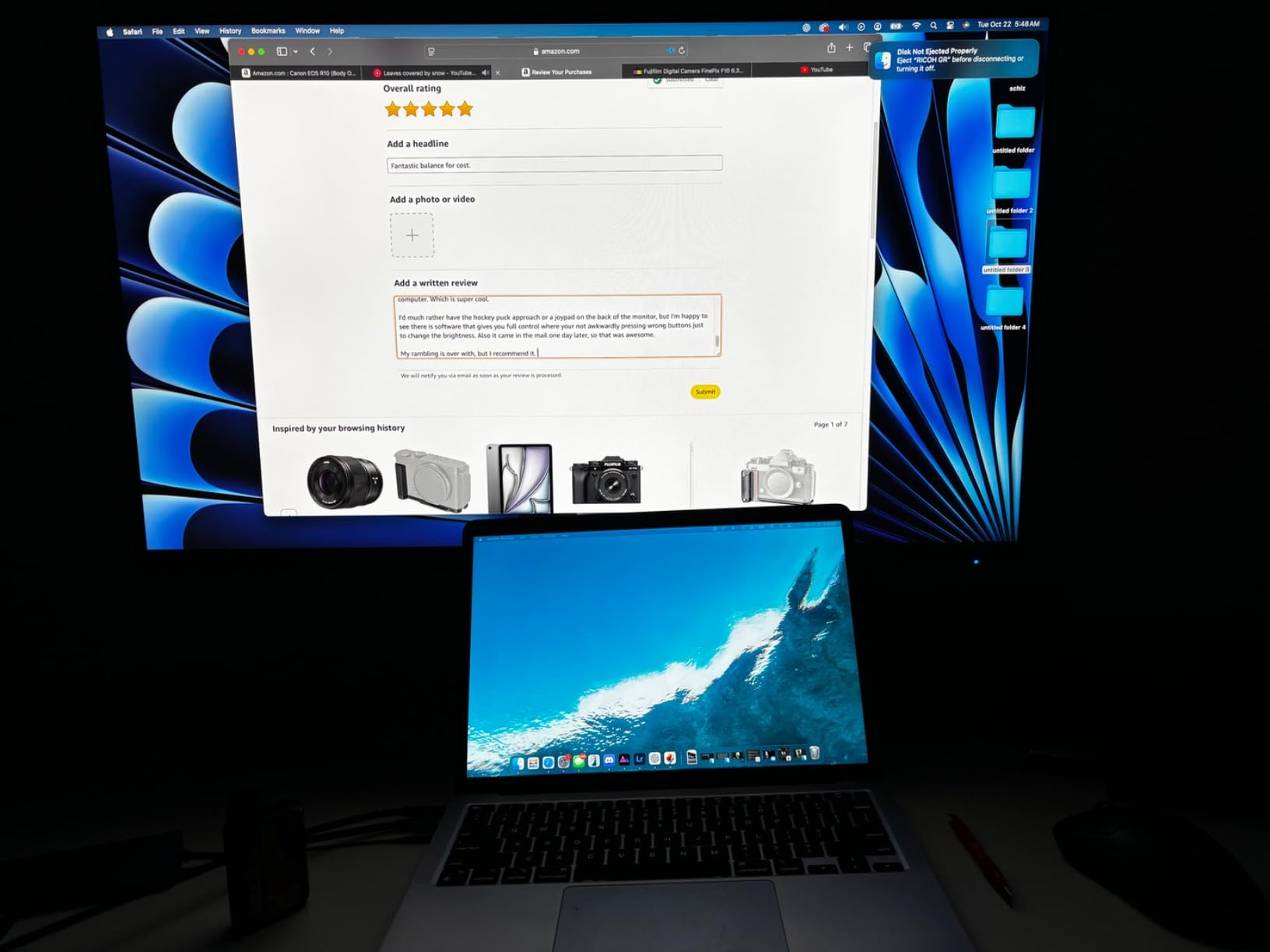
The 60W USB-C Power Delivery is sufficient for most MacBook Air and 13-inch MacBook Pro configurations but insufficient for 16-inch MacBook Pros at full charging speed. The 60Hz refresh rate is standard for photo editing work and is not a limitation for static image editing. The HDR10 support is entry-level and not comparable to true HDR monitors.
The fully adjustable stand supports height, tilt, swivel, and pivot adjustments. This is essential for photographers who spend 8-12 hours editing at a time. The flicker-free backlight operates at all brightness levels, which is gentler on the eyes during marathon editing sessions. The blue light filter reduces eye strain during evening editing without distorting colors excessively.
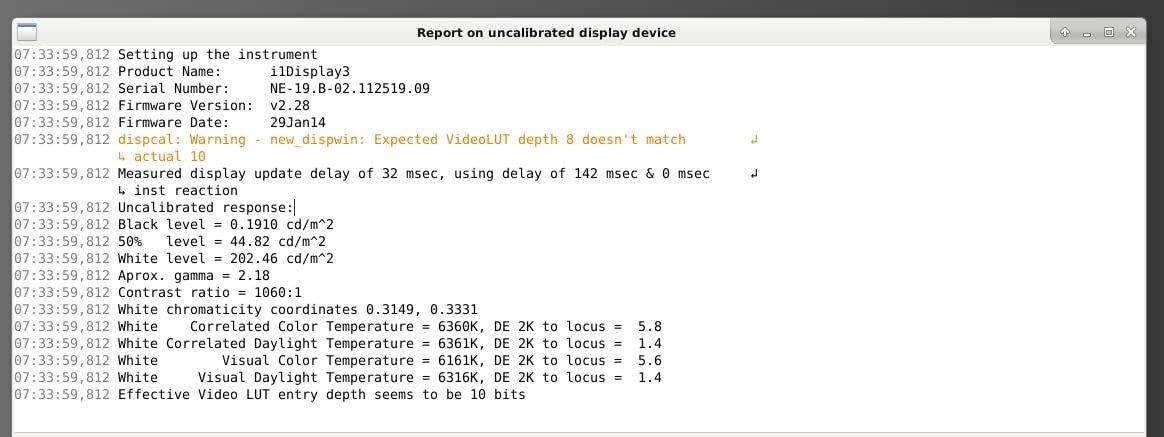
The 100% sRGB coverage means the monitor can display the full sRGB color space used in web standards. The Pantone Validated certification is a strong endorsement for print-focused photographers. The Delta E<2 color accuracy is excellent for the price tier, and the factory calibration report provides measured confirmation of each unit's accuracy.
If you prioritize ergonomics and long-session comfort, the ViewSonic VP3256-4K is an excellent choice. The 380 reviews provide confidence in long-term reliability, and the Pantone Validated certification supports print workflows. For purely digital work, however, the BenQ PD3205U offers better Mac integration at a similar price.
Choosing the best monitor for photo editing in 2026 means balancing panel technology, color gamut coverage, resolution, and calibration capabilities. Below are the key factors I considered when testing these 8 monitors and the criteria I recommend you prioritize based on your workflow.
IPS panels are the standard for photo editing because they offer consistent color reproduction across wide viewing angles. OLED panels deliver perfect blacks and infinite contrast, but they carry burn-in risk for static editing interfaces. IPS Black is a newer LG technology that roughly doubles the contrast ratio of standard IPS panels, approaching OLED quality without the burn-in risk. For most photographers, an IPS Black or high-quality IPS panel is the right choice. OLED is worth considering if you mainly edit video and rarely leave static editing interfaces on screen.
Color gamut is the range of colors a monitor can display. sRGB is the standard for web and most consumer content. Adobe RGB is wider and is the working color space for print labs. DCI-P3 is the standard for modern Apple displays and video production. For web-focused photographers, 99-100% sRGB coverage is sufficient. For print photographers, look for 99% Adobe RGB coverage. For video creators, DCI-P3 coverage is essential. The best monitors for photo editing cover all three color spaces at high percentages.
4K (3840 x 2160) resolution is the standard for photo editing in 2026. It gives you enough pixel density to evaluate fine detail without aliasing. 27-inch monitors at 4K deliver 163 pixels per inch, which is the sweet spot for sharpness. 32-inch monitors at 4K deliver 137 pixels per inch, which is still sharp but gives you more screen real estate for editing tools and image side-by-side. For street and documentary photographers, 27-inch is more portable and desk-friendly. For studio and landscape photographers, 32-inch is the better choice.
Delta E measures the difference between a displayed color and its reference value. Delta E<1 is reference-monitor quality. Delta E<2 is excellent and visually indistinguishable from perfect for most photographers. Delta E<3 is good and acceptable for most workflows. Hardware calibration stores the color profile in the monitor's lookup table, which produces more accurate results than software calibration. Look for monitors with 14-bit or 16-bit 3D LUTs and hardware calibration support through software like Calibrite ColorChecker or X-Rite i1Profiler.
HDR support in monitors is still inconsistent in 2026. True HDR requires high peak brightness (1000+ nits), local dimming zones, and wide color gamut. Most photo editing monitors in the under $1000 range offer limited HDR performance. The ASUS ProArt PA27UCGE with DisplayHDR 600 is one of the few photo editing monitors with credible HDR. For photographers who primarily work in SDR, HDR is not essential. For video editors who want HDR workflow capabilities, allocate budget for a true HDR monitor.
Street photographers have unique monitor needs. First, if you edit on a laptop, consider a portable USB-C monitor that can extend your workspace on location. Second, prioritize matte or anti-glare coatings to manage outdoor reflections. Third, look for high brightness (400+ nits) if you edit in cafes or outdoor settings. The BenQ SW272U with its Nano Matte panel is the best monitor for photo editing in bright environments from this roundup. For purely studio-based street photographers, the BenQ PD3225U delivers the best balance of color accuracy and Mac-friendly connectivity.
A color-accurate monitor with wide color gamut coverage (99% sRGB minimum, 99% Adobe RGB for print), an IPS or OLED panel, hardware calibration support, and Delta E values below 2. The best monitors for photo editing in 2026 include the BenQ PD3225U, ASUS ProArt PA329CRV, and BenQ SW272U.
IPS panels are the standard for photo editing because they offer consistent colors across wide viewing angles without burn-in risk. OLED panels deliver perfect blacks and infinite contrast but carry burn-in risk for static editing interfaces. Newer IPS Black panels approach OLED contrast without the burn-in risk, making them the best choice for most photographers.
Professional photographers use color-accurate monitors with wide gamut coverage, paired with calibration hardware like the Calibrite ColorChecker Display Pro. Common choices include EIZO ColorEdge, BenQ PhotoVue SW series, and ASUS ProArt monitors. The most important factors are Delta Eu0026lt;2, 99% Adobe RGB coverage, and consistent calibration.
A 32-inch monitor is not too big for photo editing if you have desk space and sit at least 30 inches away. 32-inch 4K monitors deliver 137 pixels per inch, which is sharp and provides ample screen real estate for editing tools alongside your image. Some photographers prefer 27-inch monitors for sharper pixel density (163 PPI) at the cost of editing space.
HDR support matters for photo editing only if you are also editing HDR video. For still photography, SDR mode is more accurate for color-critical work because most print labs and web platforms display in SDR. If you want HDR for video editing, look for DisplayHDR 600 or higher certification with local dimming.
After 90 days of testing these 8 monitors, the right choice depends on your workflow and budget. If you want an all-around champion for Mac-based editing, the BenQ PD3225U delivers the best combination of color accuracy, IPS Black contrast, and Thunderbolt 3 connectivity. If you need the best budget photo editing monitor under $300, the Dell S2725QS punches well above its weight with 4K IPS and 99% sRGB.
For print-focused photographers, the BenQ SW272U is the best monitor for photo editing in 2026 with its 99% Adobe RGB coverage, Paper Color Sync workflow, and 16-bit 3D LUT. For Mac users who want strong value, the ASUS ProArt PA329CRV delivers 98% DCI-P3 coverage and 96W USB-C charging at a competitive price. For professionals who need auto-calibration and reference-monitor Delta E<1, the ASUS ProArt PA27UCGE is the most accurate monitor in this roundup.
Whatever your choice, investing in a color accurate monitor is the single biggest upgrade you can make to your photo editing workflow. The colors you see on screen will finally match the colors your clients see, and that is the foundation of professional photography work. Start your color-accurate editing journey today with one of the 8 best monitors for photo editing in 2026.