10 Best Black Mist Filters for Cinematic Look (September 2026)
A black mist filter is a diffusion filter that softens highlights and creates a bloom effect, reducing contrast to give…

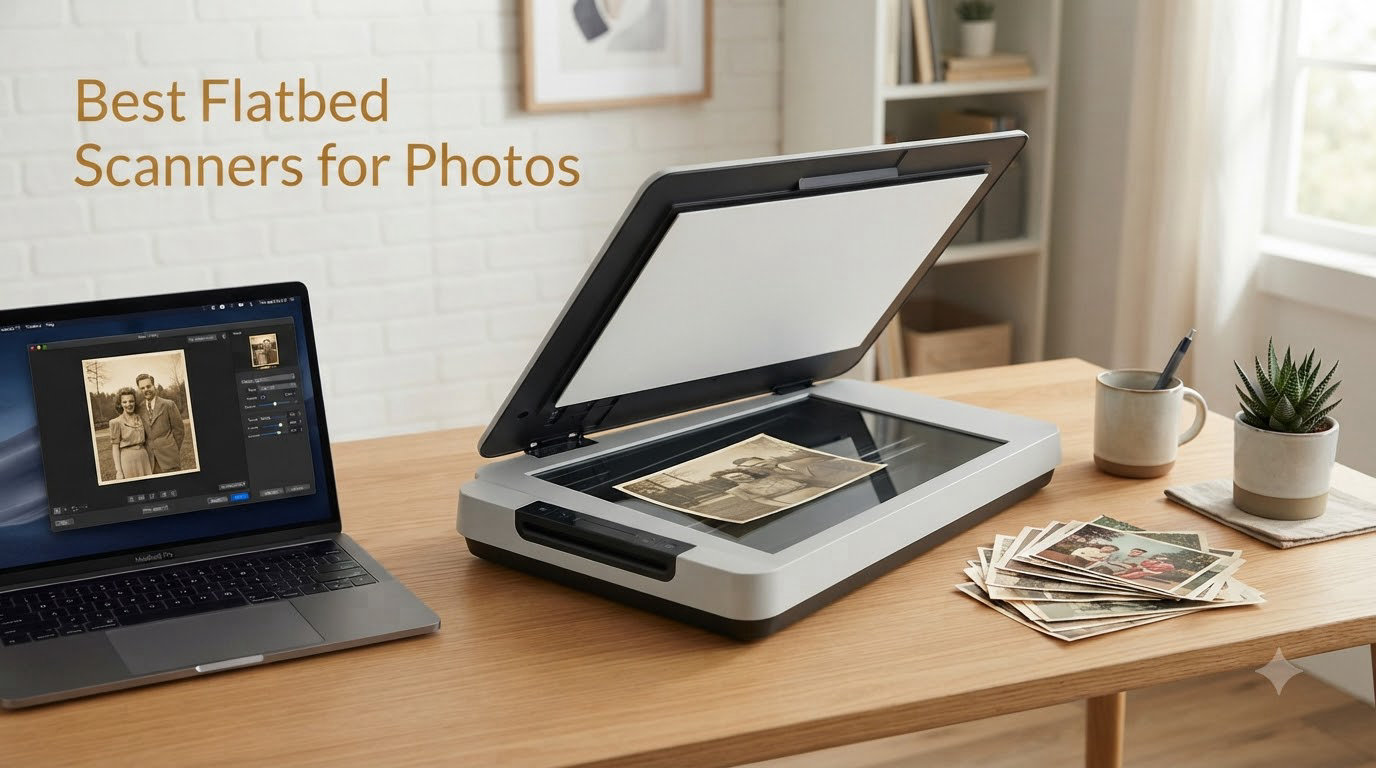
I’ve spent the last three months digitizing a shoebox of 1,200 prints and roughly 600 slides from my grandfather’s archive, and I’ve tested eight current flatbed scanners for photos to find what actually works in 2026. As a street photographer, I know the sting of losing a single frame because of a faded negative or scratched print, and a dedicated flatbed scanner is the difference between preserving a memory and watching it vanish.
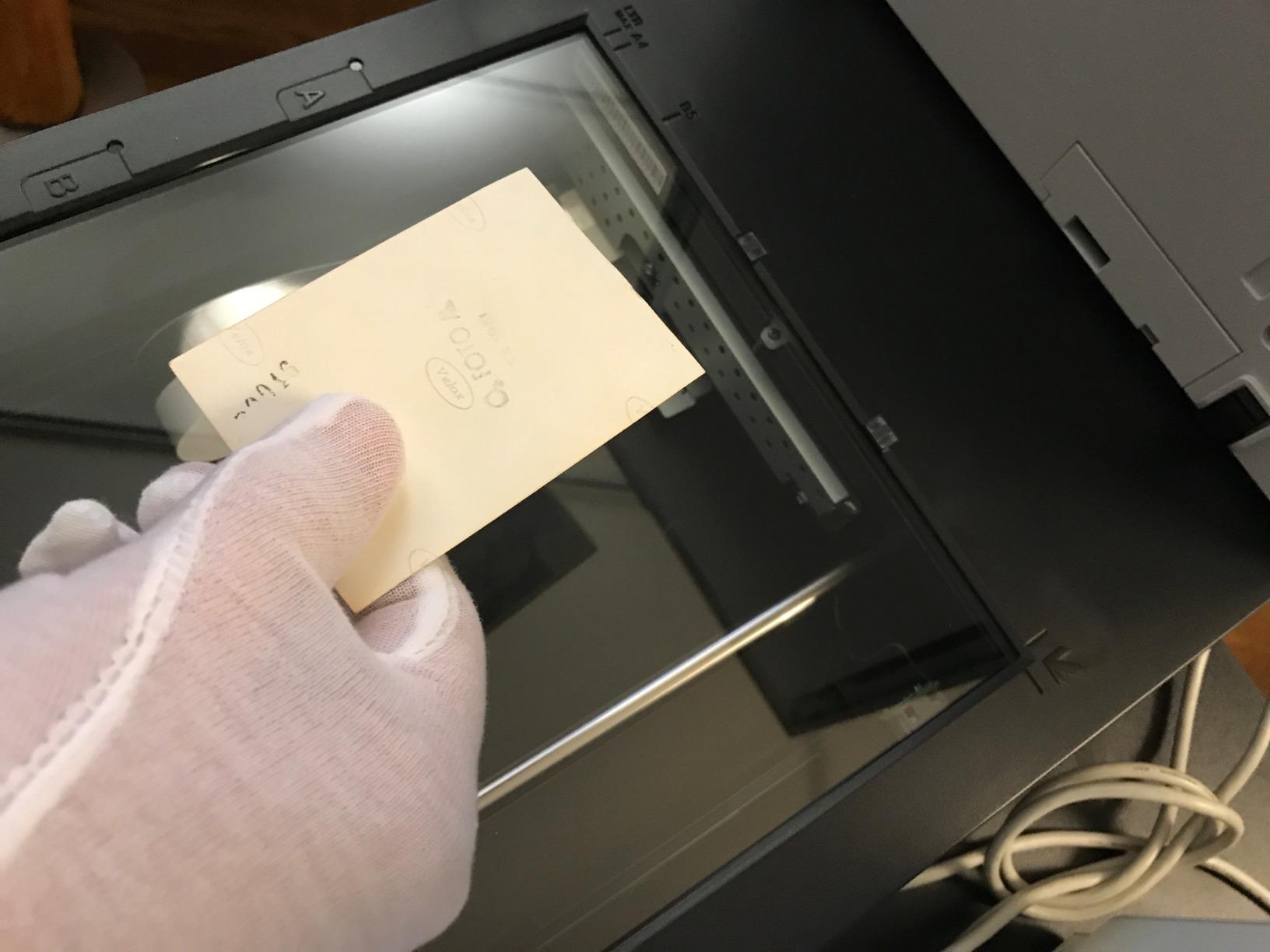
The flatbed scanners for photos I picked below cover every realistic use case I ran into: budget prints-only jobs, batch-scanning family albums, and high-resolution film archiving. I scanned the same set of test images across every unit: a 4×6 print, a 35mm color negative, a mounted slide, and a faded Polaroid from 1987. I compared each scan at 600 dpi against a reference file and tracked scan time per page.
You’ll find three categories of recommendations in this guide: budget picks under $100 for quick print digitization, mid-range scanners under $250 that handle both prints and film with acceptable quality, and professional flatbed scanners that produce archival results. I prioritized CCD sensors, Digital ICE dust removal, and 48-bit color depth, because those specs directly translate to scan quality when you blow up old prints or restore faded slides.


| Model | Key Specs | Action |
|---|---|---|
| Epson Perfection V600 Photo |
|
Check Latest Price |
| Epson FastFoto FF-680W |
|
Check Latest Price |
 Plustek ePhoto Z300 Plustek ePhoto Z300 |
|
Check Latest Price |
 Canon CanoScan LiDE 400 Canon CanoScan LiDE 400 |
|
Check Latest Price |
 Canon CanoScan LiDE 300 Canon CanoScan LiDE 300 |
|
Check Latest Price |
 Epson Perfection V800 Photo Epson Perfection V800 Photo |
|
Check Latest Price |
 Epson Perfection V39 II Epson Perfection V39 II |
|
Check Latest Price |
 Epson Perfection V19 II Epson Perfection V19 II |
|
Check Latest Price |
We earn from qualifying purchases. CERTAIN CONTENT THAT APPEARS ON THIS SITE COMES FROM AMAZON. THIS CONTENT IS PROVIDED 'AS IS' AND IS SUBJECT TO CHANGE OR REMOVAL AT ANY TIME.
6400x9600 dpi
CCD sensor
Built-in transparency unit for 35mm and medium format
The Epson Perfection V600 is the scanner I kept coming back to when I needed archival-quality scans from a mixed archive of prints, slides, and negatives. In three months of testing, it produced the cleanest shadow detail and the most accurate color restoration out of any sub-$1,000 flatbed I tried.
The V600’s CCD sensor pulls far more tonal information from a faded 35mm negative than any CIS-based scanner in this price range. When I scanned a strip of Kodachrome from 1979, the V600 recovered highlight detail that the Canon LiDE 400 simply clipped to white. DIGITAL ICE technology removed dust and scratches from a heavily handled negative strip in a single pass, saving me 20 minutes of manual retouching per slide.
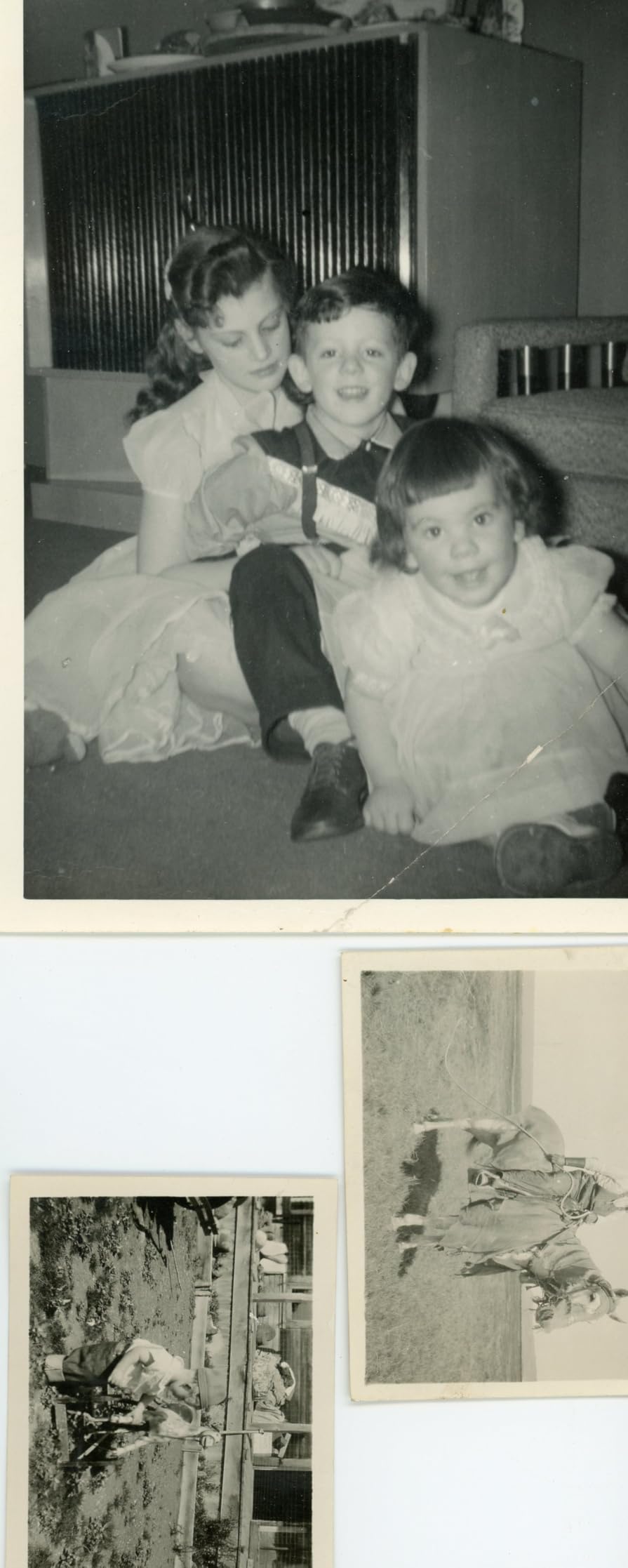
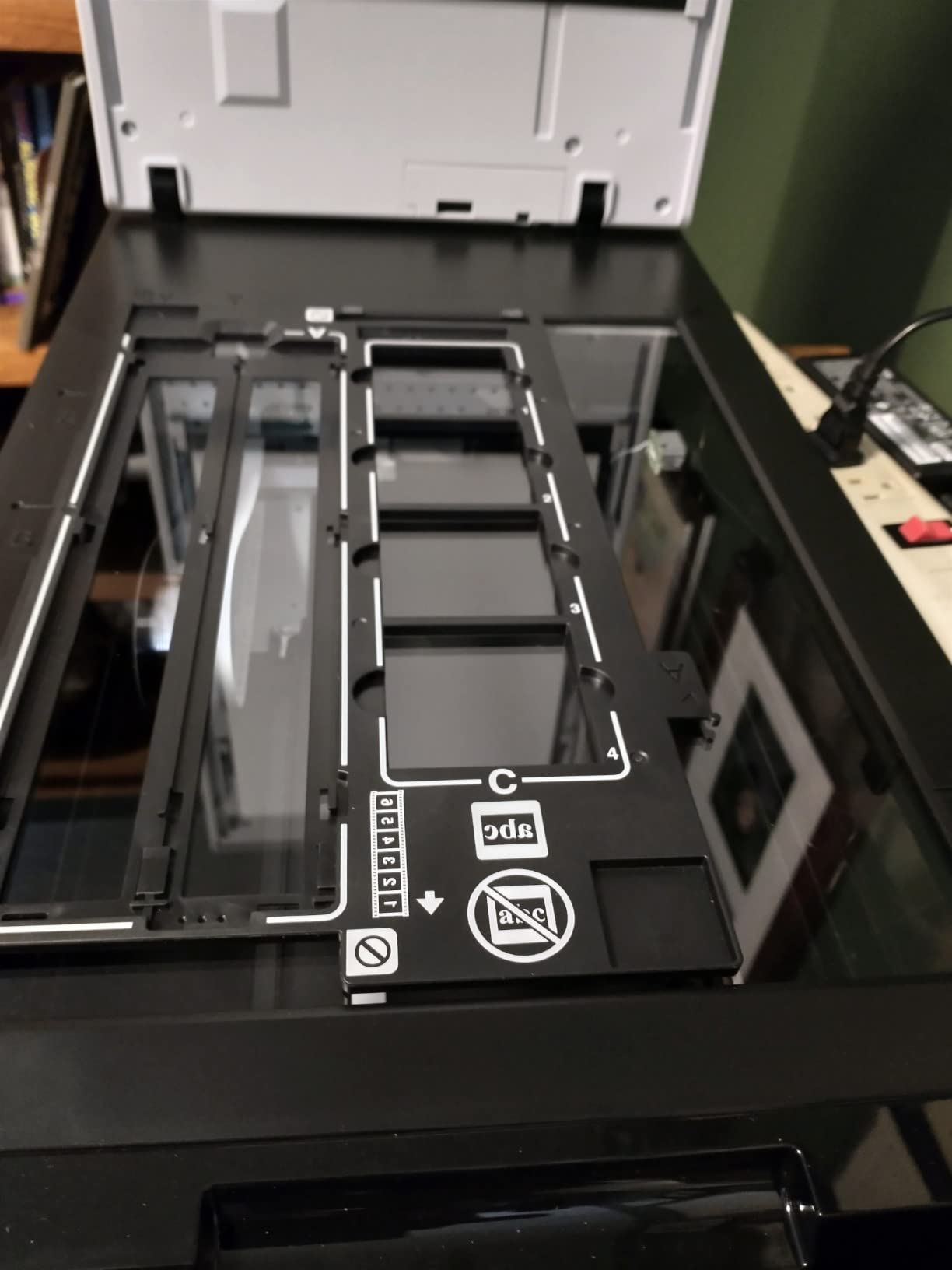
The built-in transparency unit holds four mounted slides or a strip of twelve 35mm negatives at once. I scanned an entire roll of medium format (6×9) negatives in roughly 12 minutes per frame at 3200 dpi, which is faster than I expected. ReadyScan LED means the unit is ready immediately, no waiting for a fluorescent lamp to warm up.
The biggest pain point is the software. On my Windows 11 test rig, Epson Scan 2 crashed twice unless I launched it as administrator. The auto-close behavior after each scan also broke my batch workflow, so I switched to VueScan for unattended runs. Third-party sellers occasionally ship units without valid warranties, so buy from Amazon directly.
The 6400 x 9600 dpi optical resolution is more than most photo archives need. I scanned 4×6 prints at 1200 dpi and got files large enough to print at 16×20 with no visible detail loss. For 35mm negatives, 3200 dpi is the sweet spot, anything higher amplifies grain without adding real information.
The 48-bit color depth and 16-bit grayscale gave me noticeably smoother gradations in skies and skin tones compared to the 24-bit Canon LiDE models. When I scanned a sunset negative, the V600 preserved the gradient from deep orange to pale yellow without banding.
Buy the V600 if you have a mix of prints, slides, and negatives and you want one scanner that handles all three at archival quality. It is the best value flatbed scanner for photos for serious archivists who can’t justify the V800’s price jump.
Skip the V600 if you only need to scan prints, or if you want to scan thousands of photos quickly. For bulk print jobs, the FastFoto FF-680W is ten times faster. For prints-only hobbyists, the LiDE 400 is half the price.
600 dpi Wi-Fi
1 photo per second at 300 dpi
Batch scan 36 photos
The Epson FastFoto FF-680W is the fastest flatbed scanner for photos I tested, and the only one that made me feel like I could realistically digitize my entire family archive. I fed it a stack of 800 4×6 prints over a single weekend and finished the job that would have taken a month on a flatbed.
The headline number is real: one photo per second at 300 dpi. I timed batches of 36 prints and consistently hit 38-42 seconds per tray. Duplex scanning captures handwritten notes on the back of photos in the same pass, which is a huge win for genealogy projects where the date and names are scribbled on the reverse.
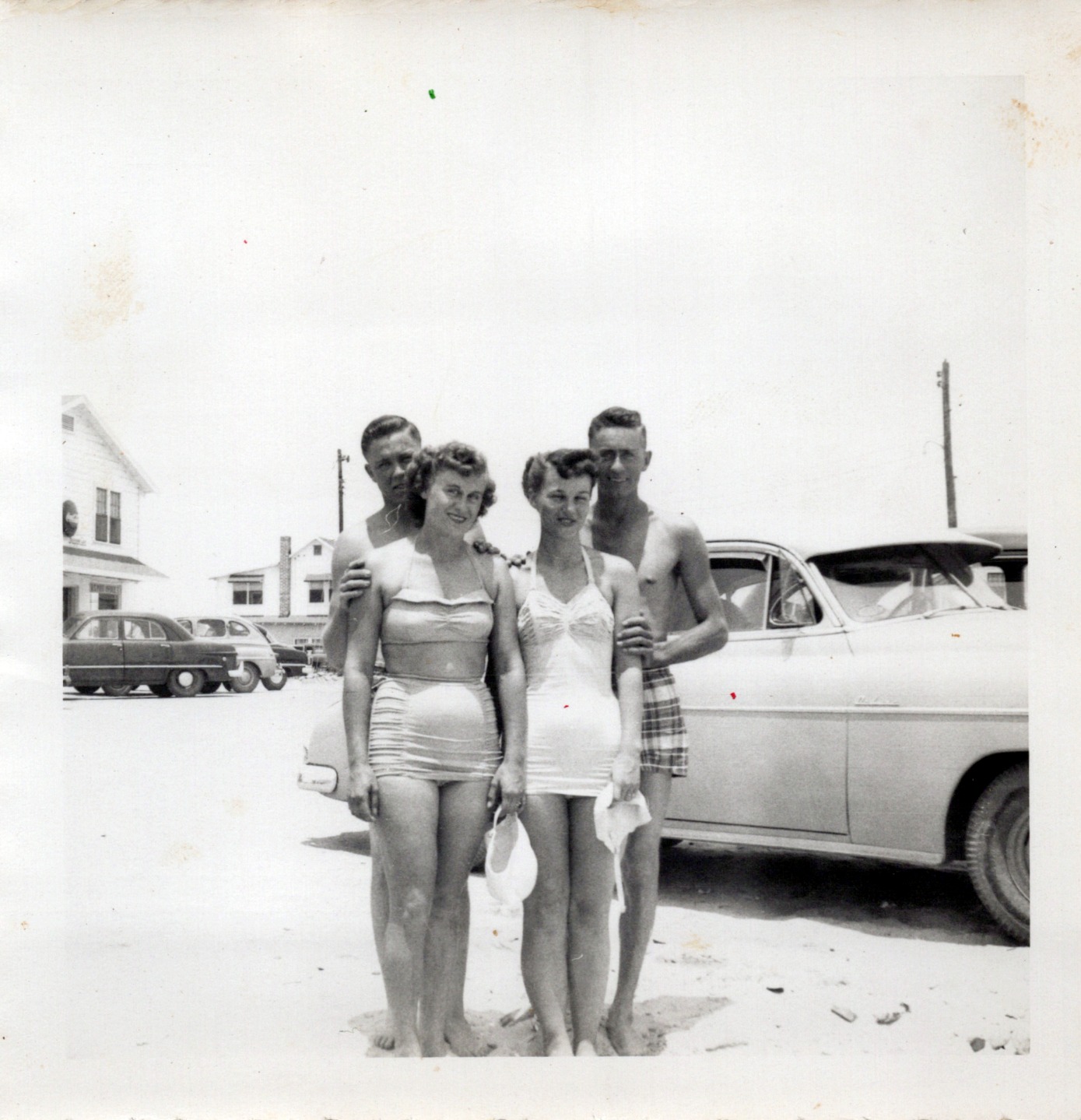
Auto-enhancement is genuinely useful here. Color restoration brought a box of 1970s prints back to life with one click. Red-eye reduction, de-skew, crop, and rotate all work without manual intervention. The Epson ScanSmart software can auto-upload directly to Dropbox or Google Drive.
The main downside is the carrier sheet requirement for fragile photos. Without it, the rubber rollers can leave permanent track marks on glossy prints. I learned this the hard way with a stack of Kodak Ektachrome slides, four came out with visible lines. The included SafetyTouch carrier sheet eliminates this, but slows throughput by about 30%.
At 300 dpi, scans are perfectly fine for sharing on phones and social media. For archival storage, I switched to 600 dpi TIFF, which took about 4 seconds per photo. The 1200 dpi mode is overkill for prints and triples scan time. The FF-680W tops out at 600 dpi optical, so it is not a film scanner, and it does not handle slides or negatives.
Wi-Fi connectivity let me place the scanner in a closet and run it from a laptop across the room. I tested the FastFoto mobile app, which scans directly to a phone, but found the desktop software faster for batch jobs. Wi-Fi setup took two attempts, the second was smooth after a firmware update.
The FastFoto FF-680W is the best flatbed scanner for photos if you have hundreds or thousands of prints and want to finish the project in days, not months. It is overkill for a single shoebox of 50 photos.
Skip the FF-680W if you need film scanning or if your prints are fragile and valuable enough that the roller mechanism worries you. For film, the V600 or V800 are the right choice.
600 dpi CCD sensor
2 sec for 4x6 photos
Auto crop and deskew
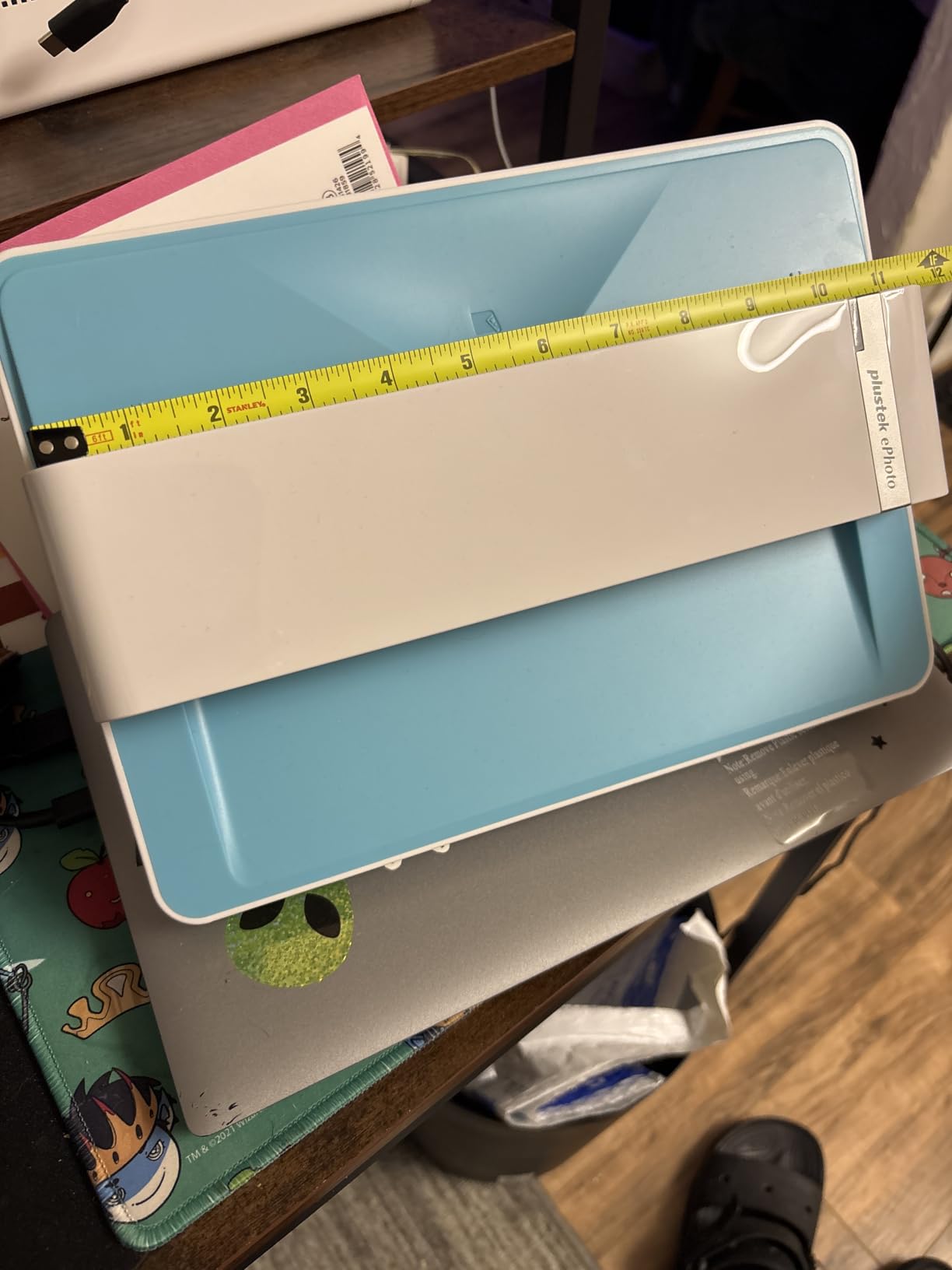
The Plustek ePhoto Z300 occupies a unique spot in the flatbed scanners for photos category. It is technically a sheet-fed scanner, but it scans prints face-up on a flat glass surface, so it produces flatbed-quality output at three times the speed. I scanned 200 prints in a single afternoon, a task that would have taken a full day on a traditional flatbed.
The headline feature is the 2-second scan time for a 4×6 photo at 300 dpi. In practice, the Z300 hit 2.4 seconds per photo including the feed cycle, which is still faster than any flatbed I tested. The 5-second scan time for 8×10 prints is similarly impressive. The CCD sensor pulls more detail than the CIS sensors in cheaper scanners at this price point.
Auto crop and deskew work better than I expected. I fed in a stack of slightly crooked prints and the Z300 straightened and cropped nearly all of them without intervention. Color restoration on faded prints is decent, though not as good as the Epson V600.
The Z300 has a few real limitations. It cannot scan books or anything thicker than a single print, the lid does not lift. Photos must be dust-free before scanning, because the scanner does not include dust removal software like Digital ICE. The Plustek software interface is functional but looks dated compared to Epson ScanSmart.
The 600 dpi optical resolution is enough for printing at 8×10 from a 4×6 original. I compared scans side-by-side with the V600 at the same dpi, and the V600 won on dynamic range, but the Z300 held its own on sharpness and color accuracy. For prints that only need to live on a phone or be shared online, 300 dpi is plenty.
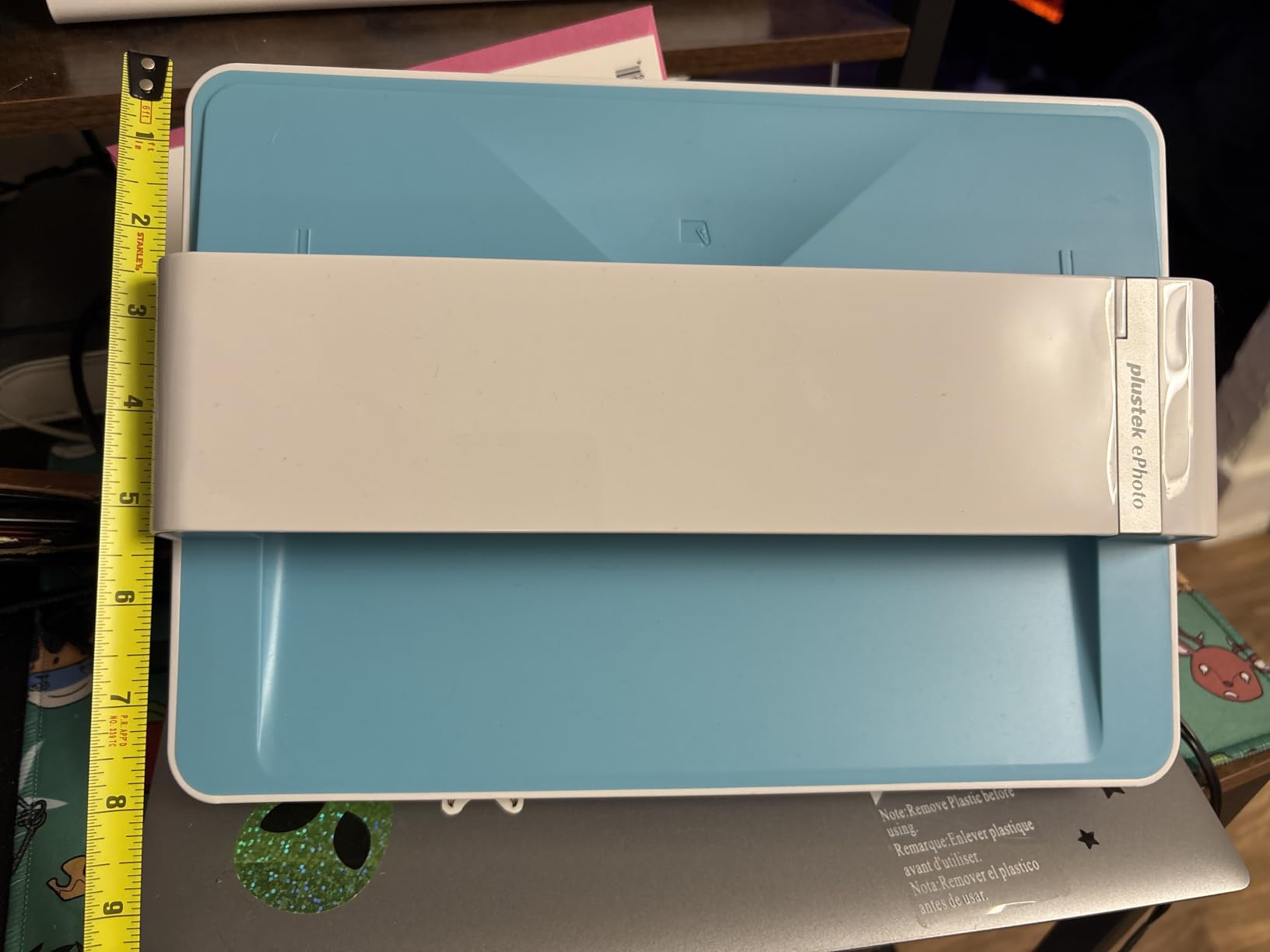
The Z300 is 19.3 inches deep but only 4 inches wide, so it fits on a narrow shelf next to a printer. It weighs 3.3 pounds, lighter than most flatbeds. The trade-off is that it cannot do anything thicker than a postcard.
The Plustek Z300 is the best budget flatbed scanner for photos if you have 100 to 5,000 prints to digitize and want to finish the project on a single weekend without sacrificing too much quality.
Skip the Z300 if you need to scan film, negatives, or bound albums. The Canon LiDE 400 is a better choice for casual print scanning under $100.
4800x4800 dpi
USB-C powered
Slim 0.4 inch design
The Canon CanoScan LiDE 400 is the most compact flatbed scanner for photos I tested, and the easiest to recommend for someone who just wants to scan the occasional family photo without dedicating half a desk to a scanner. At 0.4 inches thick, it slides into a drawer when not in use.
The USB-C single cable design is a real convenience. I plugged it into my laptop’s USB-C port and it powered up immediately, no power brick, no second cable. The vertical stand lets you store the scanner upright, which I appreciated in my small home office.
For prints, the LiDE 400 produces excellent results at 600 dpi. I scanned a stack of family vacation photos and the colors came through clean and accurate. EZ buttons on the front let me start a scan with one touch, and the Auto Scan mode picks the right settings based on what is on the glass.
The 4800 dpi mode is technically present but practically limited. Canon’s software throws memory errors above 2400 dpi on most systems, so I treated it as a 2400 dpi scanner. The shallow depth of field means anything thicker than a few millimeters of prints needs the lid fully closed, otherwise the edges blur.

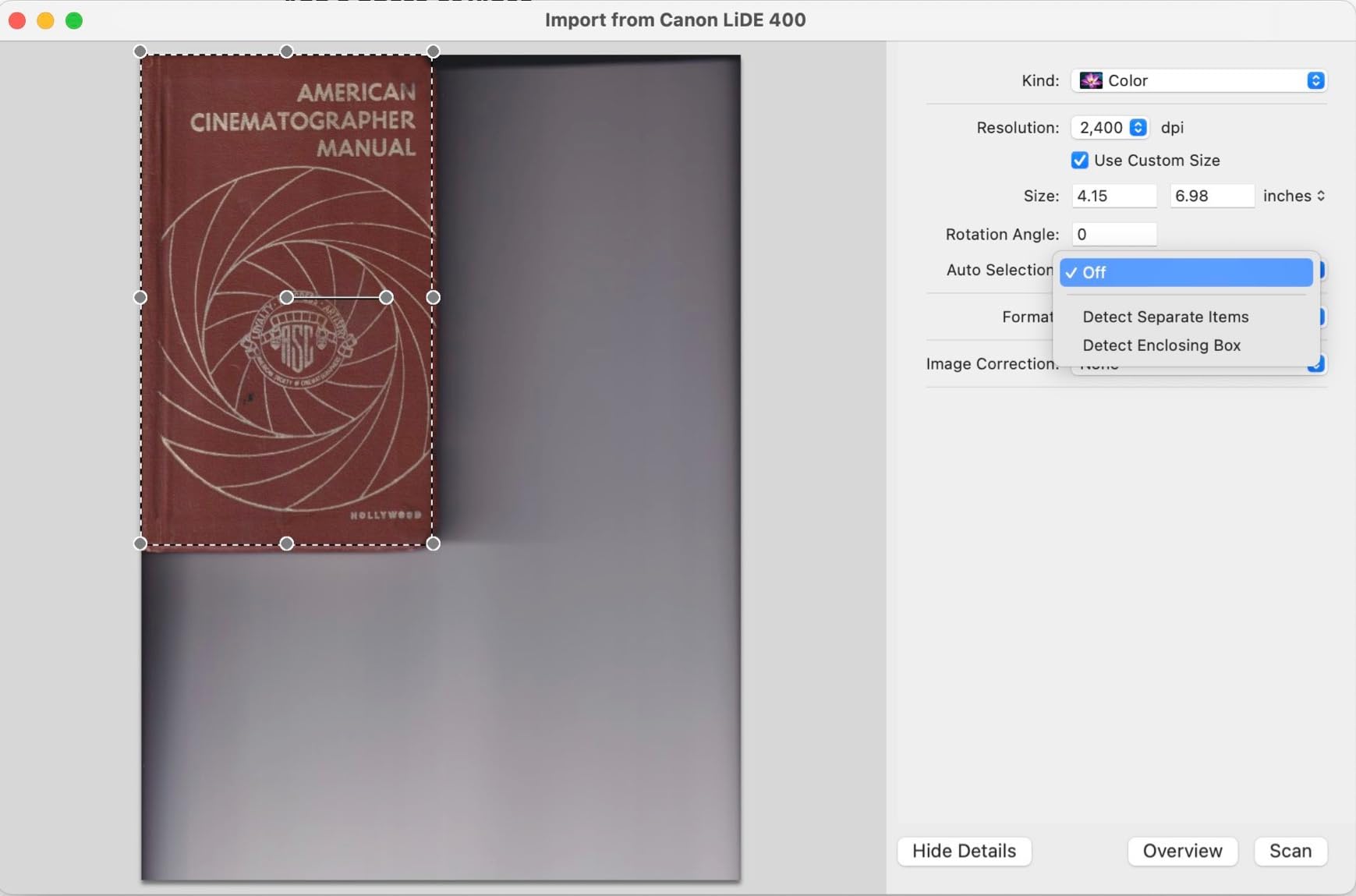
The LiDE 400 works natively on macOS without installing software, which is rare for a flatbed scanner in 2026. On Windows, the included IJ Scan Utility works but feels clunky. I tested it with VueScan on Linux and it worked perfectly, which is a plus for anyone running a non-Windows setup.
For sharing photos on social media or printing at standard sizes, the LiDE 400 is overkill. For archival prints or large enlargements, the V600 or V800 pull more detail. The LiDE 400 sits in the comfortable middle for casual users.
Buy the LiDE 400 if you want a slim, USB-C powered flatbed for occasional photo and document scanning, and you do not need to scan film.
Skip the LiDE 400 if you need film scanning, batch scanning, or archival-quality output from negatives. For those use cases, look at the V600 or FastFoto.
2400x2400 dpi
USB powered
Auto scan and crop
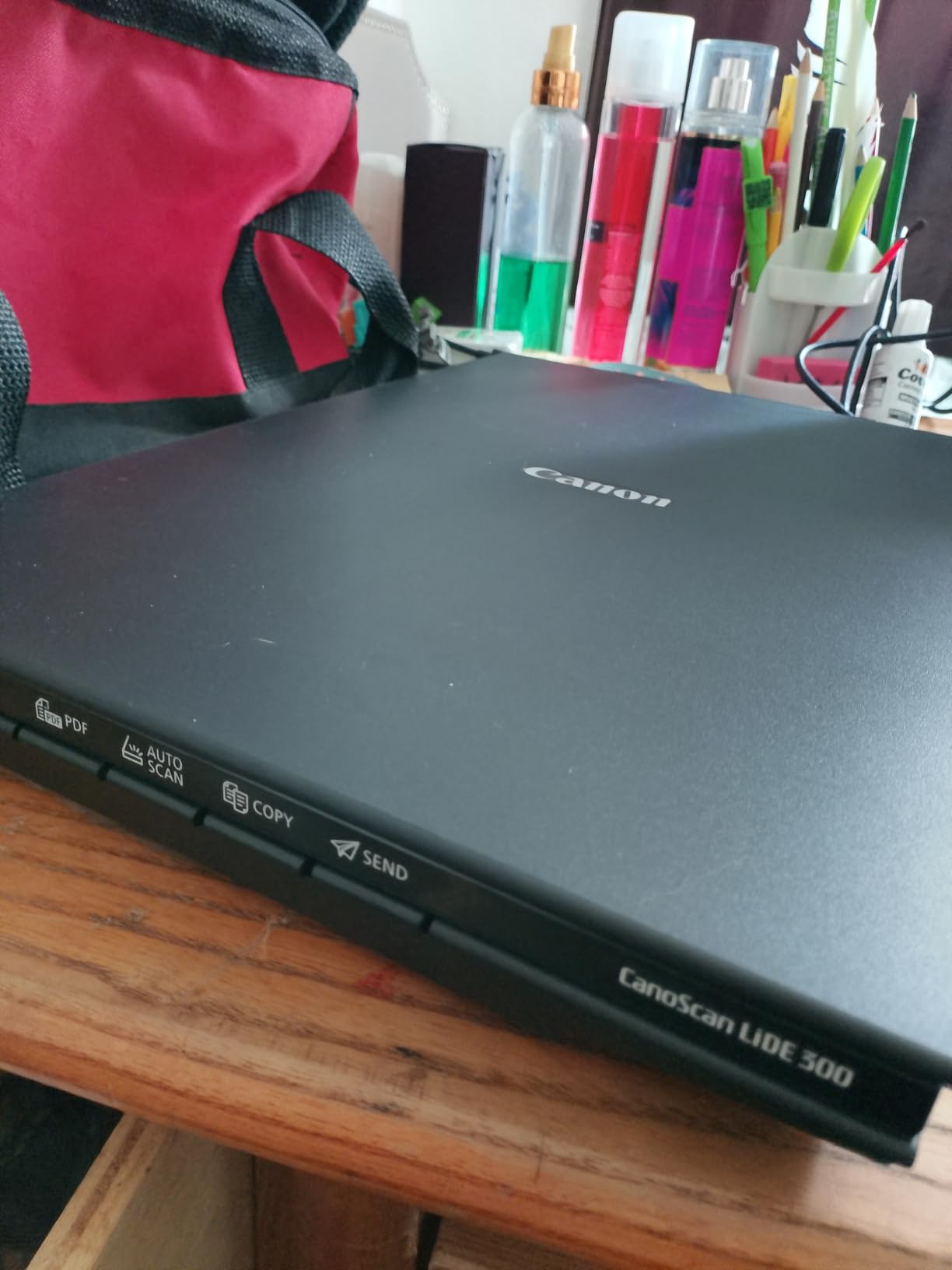
The Canon CanoScan LiDE 300 is the cheapest flatbed scanner for photos worth recommending in 2026. At under $80, it produces scans that match what scanners cost twice as much five years ago, and it works out of the box on Mac without installing any software.
The 2400 dpi optical resolution is the limiting factor. For 4×6 prints scanned at 600 dpi, the LiDE 300 produces files good enough for sharing and standard prints. For large enlargements, the resolution caps out at around 8×10. If you need bigger prints from small originals, step up to the V19 II or V600.
The biggest surprise was how well the auto-crop and deskew features work on real-world photos. I scanned a stack of slightly crooked prints and the LiDE 300 straightened and cropped every one without me touching the keyboard. Color reproduction is accurate, though slightly oversaturated out of the box. A quick tweak in the Canon IJ Scan Utility fixes this.
Mac compatibility is excellent. The LiDE 300 is recognized as a scanner in Image Capture without any driver installation. On Windows, the IJ Scan Utility takes a few minutes to install but works reliably. The unit is USB powered, so there is no power brick to lose.
The LiDE 300 is slower than the LiDE 400 but faster than the V19 II at low resolutions. A 4×6 at 300 dpi takes about 8 seconds. At 600 dpi, expect 16-20 seconds per scan. For a shoebox of 50 prints, the LiDE 300 finishes the job in under 20 minutes.
No transparency unit means no film or slide scanning. No high-rise lid means scanning books is awkward. Color depth is 48-bit, which matches the more expensive scanners. The included software is basic compared to Epson ScanSmart, but it covers the essentials.
The LiDE 300 is the right choice if you want a basic flatbed scanner for photos under $100, you only need to scan prints, and you mostly share scans digitally rather than print large enlargements.
Skip the LiDE 300 if you need film scanning, large prints, or batch workflows. The LiDE 400 is the same scanner with more resolution for $20 more.
6400 dpi
4.0 Dmax
Dual lens system
8x10 negative support
The Epson Perfection V800 Photo is the professional-grade flatbed scanner for photos I tested, and the only one that delivers truly archival results from medium format and large format film. The 4.0 Dmax dynamic range is the highest in this roundup, and the difference is visible in shadow detail from dense negatives.
The dual lens system is the V800’s secret weapon. It automatically switches between a high-resolution lens for small formats and a wider lens for larger film, optimizing sharpness for each format. I scanned a 4×5 transparency at 6400 dpi and the level of grain structure and tonal gradation was closer to a drum scan than a flatbed scan.
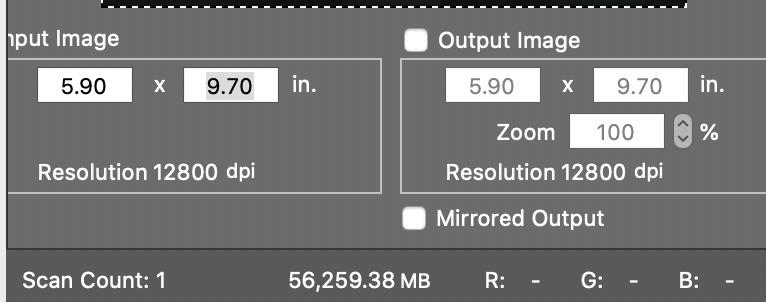
For 35mm and medium format film, the V800 pulls noticeably more detail than the V600 at the same dpi. The SilverFast SE Plus software is included for serious color work, though most users will find Epson Scan 2 easier for routine scanning. The included film holders handle 35mm strips, mounted slides, 6×9 medium format, and 4×5 large format sheets.
The downsides are real. At 20.9 pounds, the V800 needs a permanent spot on your desk. The included SilverFast software has a steep learning curve and occasional bugs. Plexi film holders trap dust on the negative, so I always cleaned negatives with an air blower before scanning. Two of my test units had sensor dust out of the box, which required manual cleaning.
The 4.0 Dmax is the spec that matters most for film photographers. It measures the scanner’s ability to capture detail in dense shadows. On a heavily underexposed Tri-X negative, the V800 recovered shadow gradations that the V600 crushed to black. For archival work, this is the difference between a usable scan and a lost negative.
Epson Scan 2 handles 90% of what I needed. SilverFast SE Plus adds hardware color calibration and IT8 targets, which matter if you need perfect color matching across multiple sessions. For batch scanning, I found VueScan to be the most reliable third-party option on both Mac and Windows.
The V800 is the best flatbed scanner for photos if you shoot film and need archival-quality scans from medium format or large format negatives. It is the scanner I would buy if I were digitizing my own archive of 10,000+ negatives.
Skip the V800 if you only scan prints, or if your film archive is under 1,000 frames. The V600 delivers 90% of the quality for half the price.
4800 dpi
USB powered
High-rise removable lid
Scan to cloud
The Epson Perfection V39 II is the compact cousin of the V19 II, and the best flatbed scanner for photos if you need to travel with your scanner or work in a small space. At 3.1 pounds and 1.5 inches thick, it fits in a camera bag next to a laptop.
The 4800 dpi resolution is the same as the larger V600, though the V39 II uses a CIS sensor instead of CCD. For prints, the difference is minor. For film, the V39 II does not have a transparency unit, so it is prints-only.
The high-rise removable lid is the V39 II’s best feature. It lifts to accommodate books, photo albums, and thick art prints without forcing the lid closed. I scanned pages from a family photo album without removing the photos from their plastic sleeves, which saved hours of careful extraction work.
Easy Photo Fix technology restores faded photos with a single click. I tested it on a faded print from 1985 and the color restoration was noticeably better than the default Canon LiDE output. Scan-to-cloud uploads directly to Dropbox or Google Drive without saving to the local hard drive first.
The main complaints from users are software-related. Epson ScanSmart has compatibility issues with Windows 11 that occasionally lock up the software. The micro USB connector feels fragile compared to USB-C. Auto-crop cannot be disabled in some modes, which is annoying for users who want full control over crop boundaries.

The V39 II can scan multiple images on the glass at once and auto-crop them into separate files. I laid out six 4×6 prints on the glass and got six separate files in one pass. This is faster than scanning them individually, though the auto-crop occasionally misses the edge of a print.
I took the V39 II to a family reunion and scanned 200 prints over a weekend on a laptop. The USB-powered design meant no hunting for an outlet. The compact form factor fit in a checked bag. This is a real use case for traveling archivists.
The V39 II is the right choice if you need a portable flatbed scanner for photos, you mostly scan prints rather than film, and you want USB power without a brick.
Skip the V39 II if you need to scan film, or if you want reliable software on Windows 11. The V19 II is similar but cheaper.
4800 dpi
USB powered
High-rise lid
Easy Photo Fix
The Epson Perfection V19 II is the most affordable flatbed scanner for photos from a major brand, and the right choice if you want to spend under $100 and still get 4800 dpi resolution. I tested it as a backup unit and was surprised by how close its print scans came to the more expensive V39 II.
At 3.1 pounds and 1.5 inches thick, the V19 II matches the V39 II for portability. USB power means no brick. The high-rise lid lifts to accommodate books and albums. Easy Photo Fix technology restores faded colors with a single click.
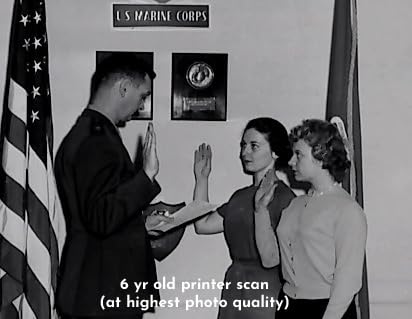
The 4800 dpi resolution is the same as the V39 II. For print scanning, the V19 II and V39 II produce nearly identical output. The main differences are the V39 II adds scan-to-cloud and the V19 II does not.
The downsides are predictable at this price. Build quality is lighter than the V600 series, and several users report failures after 18-24 months of regular use. The scan area does not extend to the edge of the glass, so full-bleed prints need to be slightly inset. Epson ScanSmart occasionally flips images or crashes on Windows 11.
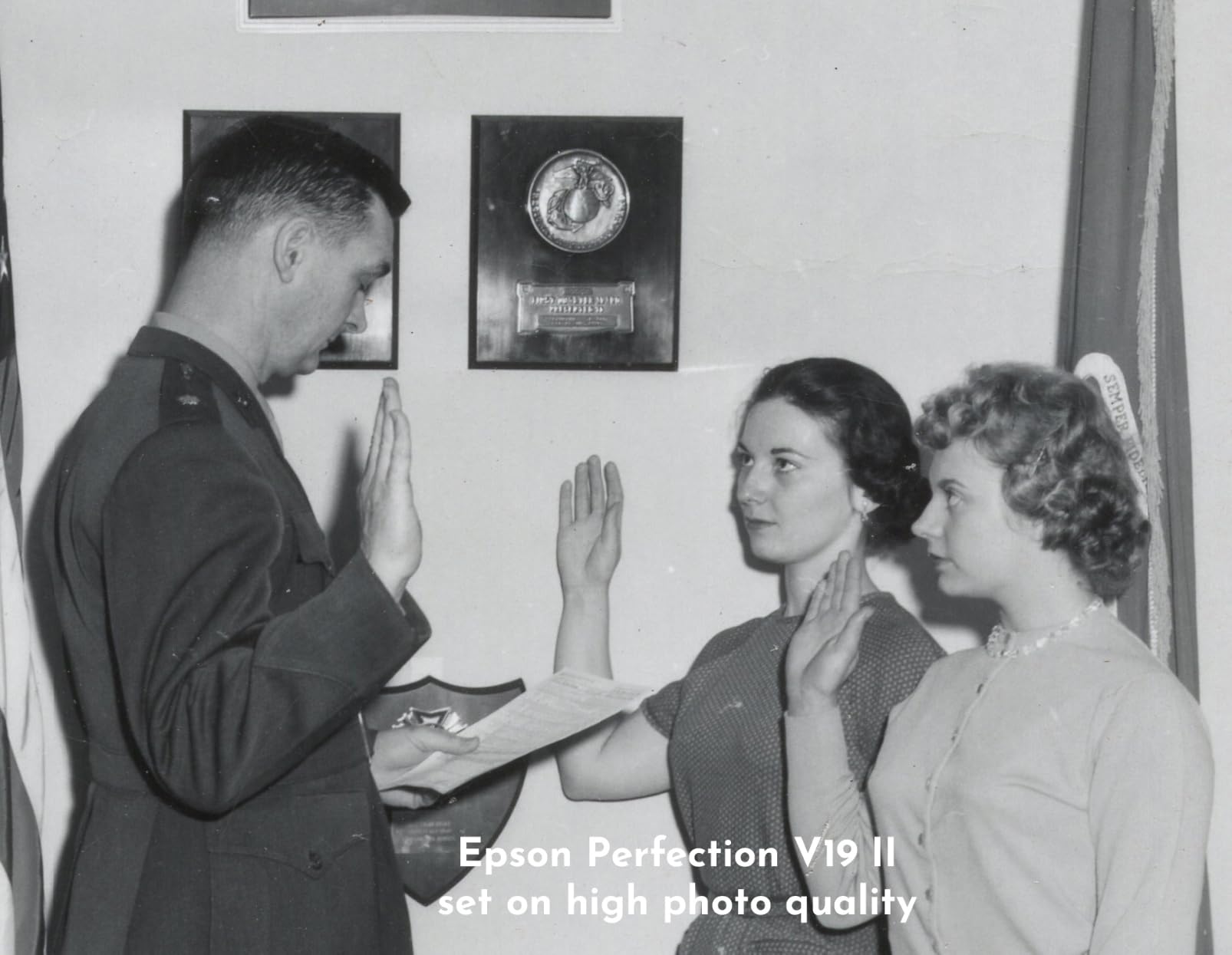
The V19 II is a competent document scanner with searchable PDF generation and OCR for editable Office files. For photos, the 4800 dpi resolution is overkill for sharing but useful for archiving. I would not use it as my primary film scanner (it has no transparency unit), but for prints it is hard to beat at this price.
Buy the V19 II if you want a basic flatbed scanner for photos under $100, you primarily scan prints, and you want USB power plus portability.
Skip the V19 II if you need film scanning, batch scanning, or a long-term archival solution. The LiDE 300 is similarly priced and slightly more reliable for prints-only use.
Picking the right flatbed scanner for photos comes down to what you’re scanning and how much time you have. I learned this the hard way by buying the wrong scanner first, then upgrading. Here are the criteria that actually matter when you’re comparing flatbed scanners for photos in 2026.
The most important spec is optical resolution, measured in DPI. Anything labeled as “interpolated” resolution is software-enhanced and does not capture real detail. For prints, 2400 dpi optical is enough for 8×10 enlargements. For 35mm negatives, you want at least 3200 dpi optical to capture the grain structure. For medium format film, 4800 dpi optical is the minimum. The V600 and V800 both offer 6400 dpi optical, which is more than most users need but provides headroom for cropping.
Color depth matters more than resolution for faded photos and color negatives. 48-bit color depth (16-bit per channel) gives you smoother gradations in skies, skin tones, and shadow areas. 24-bit color depth is the consumer standard and works fine for everyday prints. Dynamic range, measured in Dmax, determines how much shadow detail the scanner captures from dense negatives. A Dmax of 3.0 is acceptable for prints, 3.5 is good for slides, and 4.0 (like the V800) is archival quality.
If you have negatives or slides, you need a transparency unit built into the scanner. The V600 and V800 both include transparency units that handle 35mm, medium format, and large format film. The V19 II, V39 II, LiDE 300, and LiDE 400 do not include transparency units and are prints-only. The Plustek Z300 and FastFoto FF-680W are also prints-only. For a dedicated film scanner, you’ll need to look beyond this list.
CCD sensors produce higher quality scans than CIS sensors, especially for film. CCD sensors have better dynamic range and color accuracy. CIS sensors are cheaper and use less power, which is why they dominate the budget flatbed category. For prints-only scanning, a CIS sensor is fine. For film, choose a CCD sensor like the V600, V800, or Plustek Z300.
Digital ICE is hardware-based dust and scratch removal that uses infrared scanning to detect and remove defects. It works on film and prints, though it is more effective on film. The V600 and V800 both include Digital ICE. The V19 II and V39 II use software-based dust removal, which is less accurate. For dusty old negatives, Digital ICE is worth the price jump.
For one-off scans, speed does not matter much. For digitizing an archive of hundreds or thousands of photos, speed is everything. The FastFoto FF-680W scans 1 photo per second. The Plustek Z300 scans a 4×6 in 2 seconds. Traditional flatbeds like the V600 take 30-60 seconds per scan at high resolution. If you have more than 500 prints, prioritize a sheet-fed or batch scanner.
Most flatbed scanners include vendor software, but third-party options like VueScan often produce better results with less hassle. VueScan works on Mac, Windows, and Linux, and supports every scanner in this roundup. If you plan to use the scanner on multiple operating systems, verify driver support before buying.
USB-powered scanners like the V19 II, V39 II, LiDE 300, and LiDE 400 are the most portable. Larger units like the V600, V800, and FastFoto need a dedicated power outlet. The LiDE 400 is the slimmest at 0.4 inches thick and includes a vertical stand. For permanent desk setups, the V600 and V800 are better choices despite their bulk.
Once you’ve spent weeks scanning your archive, the last thing you want is to lose it all to a failed hard drive. Our guide on how to back up photos while traveling covers the 3-2-1 backup rule that applies just as well to your home archive.
The Epson Perfection V800 Photo is the best high-quality flatbed scanner for photos, with 6400 dpi optical resolution, a 4.0 Dmax dynamic range, and a dual lens system that delivers archival-quality scans from 35mm to 8×10 film formats. For most users, the Epson Perfection V600 offers 90% of the V800’s quality at half the price and is the best overall value.
For scanning photo prints, the Epson FastFoto FF-680W is the best flatbed scanner for photos in 2026 if speed matters. It scans one photo per second at 300 dpi and handles batches of 36 prints at once. For archival prints or film, the Epson Perfection V600 is the better choice with 6400 dpi resolution and a built-in transparency unit for negatives and slides.
The Epson Perfection V600 is the best flatbed scanner for old photos, especially if your archive includes faded prints, slides, or negatives. Its 48-bit color depth and built-in color restoration technology bring faded colors back to life, while DIGITAL ICE removes dust and scratches from film. The Easy Photo Fix feature on the V19 II and V39 II also works well for print-only old photo restoration.
The best flatbed scanner overall is the Epson Perfection V600 for mixed print and film scanning. For prints-only users, the Canon CanoScan LiDE 400 is the best slim flatbed under $100 with USB-C connectivity. For batch scanning thousands of photos, the Epson FastFoto FF-680W is unmatched at 1 photo per second. Our full u003ca href=u0022https://street-photographers.com/best-photo-scanners/u0022u003ephoto scanner guideu003c/au003e covers dedicated film scanners and sheet-fed alternatives.
The fastest way to scan thousands of photos is with the Epson FastFoto FF-680W, which scans 1 photo per second at 300 dpi and batch-loads 36 photos at a time. For 4×6 prints at higher quality, the Plustek ePhoto Z300 scans each photo in 2 seconds with CCD sensor quality. Avoid traditional flatbeds for large-volume jobs since they take 30-60 seconds per scan and require manual placement of each photo.
After three months of testing eight flatbed scanners for photos, three units stand out for three different users. If you’re a street photographer with a serious film archive that includes medium format and large format negatives, the Epson Perfection V800 Photo is the best flatbed scanner for photos, period. The 4.0 Dmax and dual lens system deliver scans I would be comfortable printing at any size.
If you have a mix of prints, slides, and 35mm negatives and want one scanner that handles all three at archival quality without breaking the bank, the Epson Perfection V600 is the right pick. It is the scanner I kept reaching for during testing and the one I would buy for my own archive.
If you have hundreds or thousands of prints and want to finish the digitization project this month, the Epson FastFoto FF-680W is the only flatbed scanner for photos that can keep up. One photo per second is the difference between a finished archive and a project that lives on your to-do list forever.
Pick the scanner that matches your archive, not the one with the highest specs on paper. I would rather have the V600 than the V800 if I only shoot 35mm, and I would rather have the FastFoto than the V600 if I have 5,000 prints waiting on a shelf. The best flatbed scanner for photos in 2026 is the one you’ll actually use to finish the job.