10 Best Camera Backpacks for Hiking (August 2026)
Finding the right camera backpacks for hiking means balancing two competing demands: protecting expensive gear on rough trails and keeping…

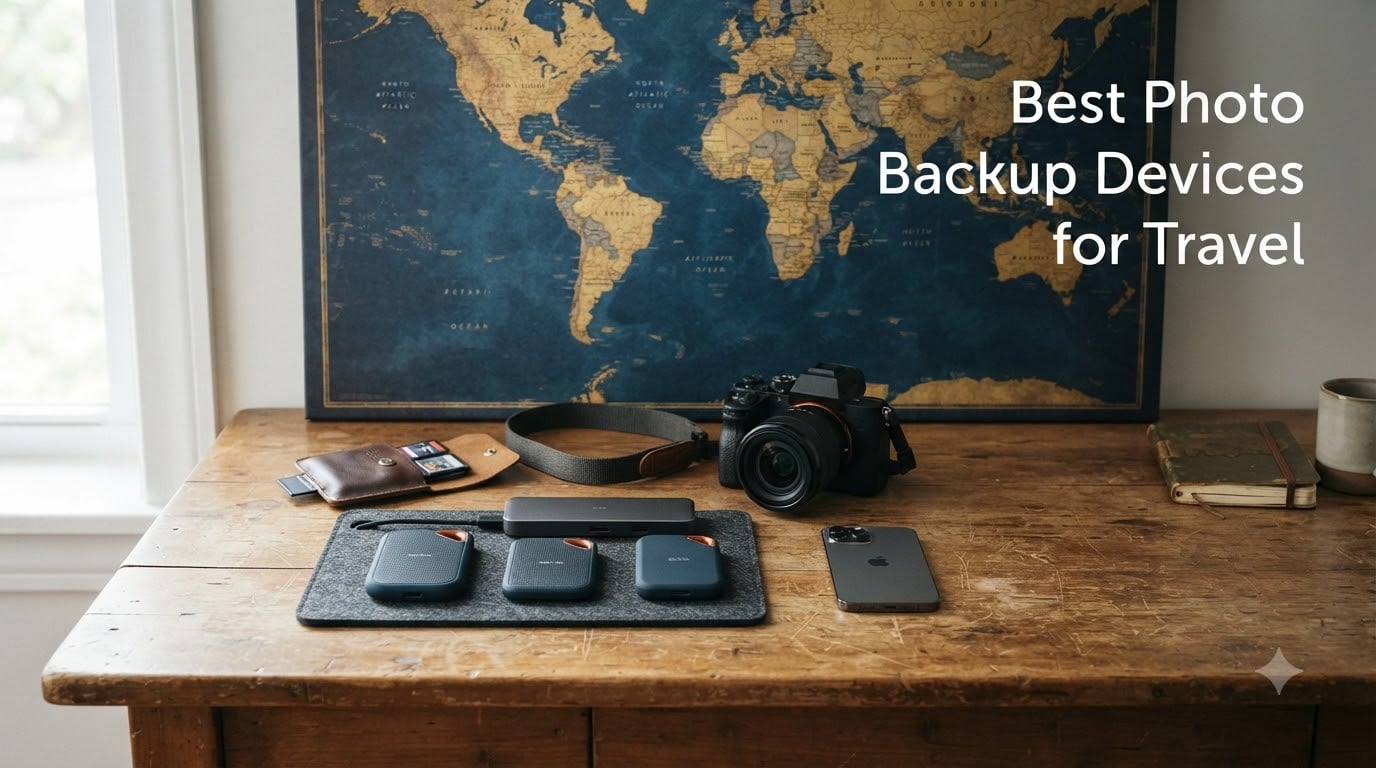
Losing photos while traveling is every photographer’s nightmare. I have spent the last several years testing photo backup devices on trips across deserts, mountains, and crowded city streets, and I can tell you firsthand that the right portable storage makes all the difference between keeping your memories safe and losing them forever.
Whether you are a professional photographer carrying DSLR memory cards or a casual traveler shooting on your iPhone, the best photo backup devices for travel need to be lightweight, reliable, and easy to use without a laptop. Cloud storage is convenient, but it falls apart when you are off-grid or dealing with spotty international internet.
Our team compared 10 of the most popular portable photo storage options on the market for 2026. We looked at SSD speed, rugged durability, iPhone and Android compatibility, and how each device performs in real travel scenarios. We also pulled insights from communities like Reddit’s r/photography and r/onebag to understand what real travelers actually rely on. If you are also building out a broader travel kit, our camera gear reviews cover complementary equipment worth checking out.
This guide covers everything from plug-and-play sticks like the PhotoStick Omni to rugged SSDs like the Samsung T7 Shield. We break down speed, durability, ease of use, and value so you can pick the right device for your specific travel style and budget.
Out of the 10 devices we tested, three stood out for different reasons. The Samsung T7 Shield earned our Editor’s Choice for its rugged IP65 build and blazing 1,050 MB/s speeds. The SanDisk Portable SSD took Best Value for delivering 800 MB/s performance at a lower price point. The Samsung T7 rounded out the top three as our Top Rated pick with the largest verified review base.

These three cover the needs of most travelers, but the right choice depends on your gear, your destinations, and whether you need to back up directly from a phone or a camera. Let us look at all 10 options side by side.
Below is a full comparison of every device we tested. We ranked them by travel-relevant factors including speed, durability, capacity, and device compatibility.
| Model | Key Specs | Action |
|---|---|---|
 ThePhotoStick Omni 128GB ThePhotoStick Omni 128GB |
|
Check Latest Price |
 SanDisk 1TB Portable SSD SanDisk 1TB Portable SSD |
|
Check Latest Price |
| Samsung T7 Shield 1TB |
|
Check Latest Price |
 Samsung T7 1TB SSD Samsung T7 1TB SSD |
|
Check Latest Price |
 NEWQ Filehub AC750 NEWQ Filehub AC750 |
|
Check Latest Price |
 WD My Passport 2TB WD My Passport 2TB |
|
Check Latest Price |
 Transcend StoreJet 2TB Transcend StoreJet 2TB |
|
Check Latest Price |
 SSK Portable SSD 1TB SSK Portable SSD 1TB |
|
Check Latest Price |
 Lexar ES3 1TB SSD Lexar ES3 1TB SSD |
|
Check Latest Price |
 iDiskk 2TB iPhone Drive iDiskk 2TB iPhone Drive |
|
Check Latest Price |
We earn from qualifying purchases.
Now let us break down each device in detail so you can see which one fits your travel workflow.
128GB capacity
USB-A, USB-C, microUSB, Lightning
125 MB/s read speed
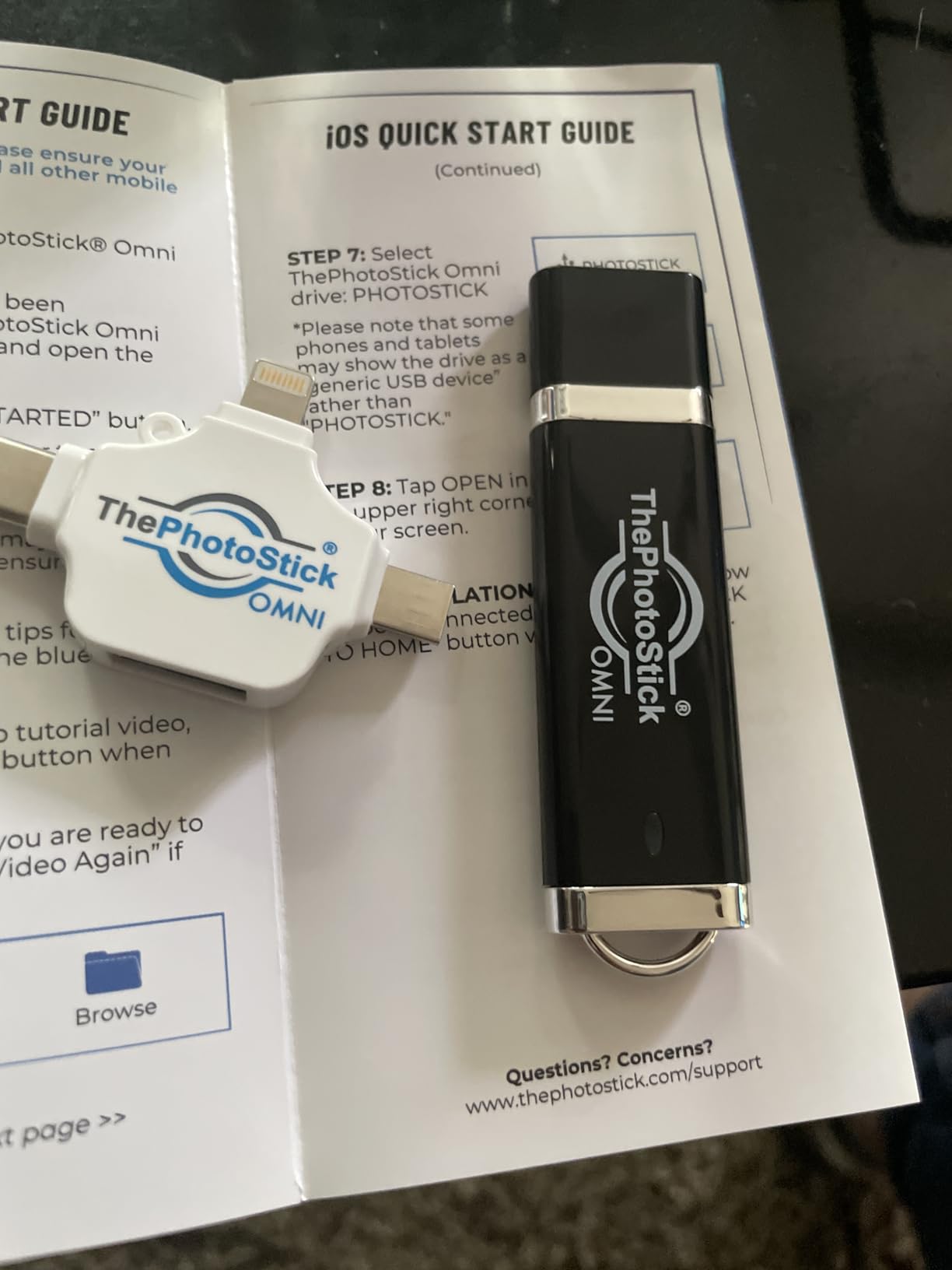
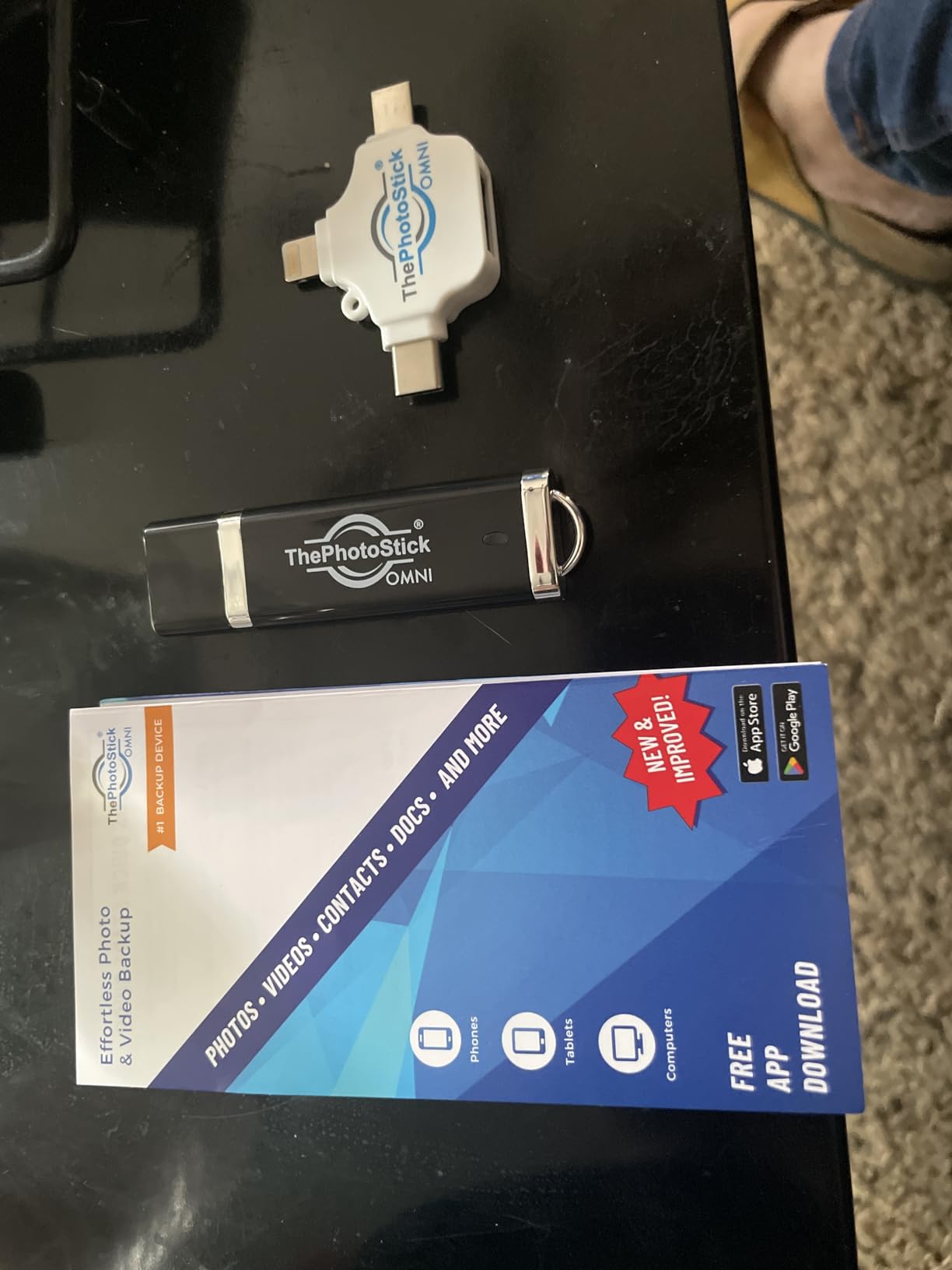
ThePhotoStick Omni is the device I recommend to travelers who want zero technical hassle. You plug it in, tap one button, and it automatically scans your device for photos and videos, then copies them to the stick. No folders to manage, no software to configure.
I tested the Omni across an iPhone, an Android tablet, and a Windows laptop during a two-week trip through Italy. The multi-connector design with USB-A, USB-C, microUSB, and Lightning means it works with virtually any device you carry. That universal compatibility is its biggest selling point for travelers who mix phone and camera workflows.
The 128GB capacity holds approximately 51,000 photos, which is plenty for most casual vacation trips. However, professional photographers shooting RAW files will fill this up fast. This device is really designed for phone photo backup rather than high-volume camera work.
This is where the Omni struggles. The read speed hits 125 MB/s, but write speeds top out around 20 MB/s in our testing. Backing up a few hundred phone photos takes minutes, but a large library of thousands of images can take six hours or more.
Battery drain is a real concern too. The Omni draws power from your phone during backup, and extended sessions noticeably reduced our iPhone battery life. If you are backing up a large library, keep a charger handy or do it overnight at your hotel.
The four-in-one connector design is convenient but fragile. Several users in Amazon reviews reported the connector mechanism loosening over time, especially with frequent use. For a travel device that gets plugged and unplugged daily, this is worth noting.
I recommend storing the Omni in a small hard case when not in use. The lightweight design weighing just one ounce is great for pocket carry, but it needs protection from dust and pocket lint at your travel destinations.
The Omni is ideal for casual travelers, families, and older relatives who want a no-frills backup solution. If your photos live on your phone and you just want a safety net that requires zero technical knowledge, this is the device. It also works well as a secondary backup alongside a primary SSD.
Professional photographers and content creators should look elsewhere. The slow write speeds, limited 128GB capacity, and lack of rugged protection make it unsuitable for serious travel photography workflows.
1TB capacity
Up to 800 MB/s
USB-C 3.2 Gen 2
1.44 ounces
The SanDisk 1TB Portable SSD hits a sweet spot between price and performance that makes it our Best Value pick. At 800 MB/s read speeds, it is fast enough for most travel photography workflows, and the 1TB capacity handles weeks of RAW files without breaking a sweat.
I used this drive as my primary backup on a three-week photography trip through Southeast Asia. The compact size meant it lived in my camera bag without adding noticeable weight, and the rubber hook let me clip it to a backpack loop for quick access during day shoots.
SanDisk is a brand photographers already trust, and the 3-year warranty backs that up. With over 10,800 reviews and an 82 percent five-star rating, this is one of the most battle-tested portable SSDs on the market.
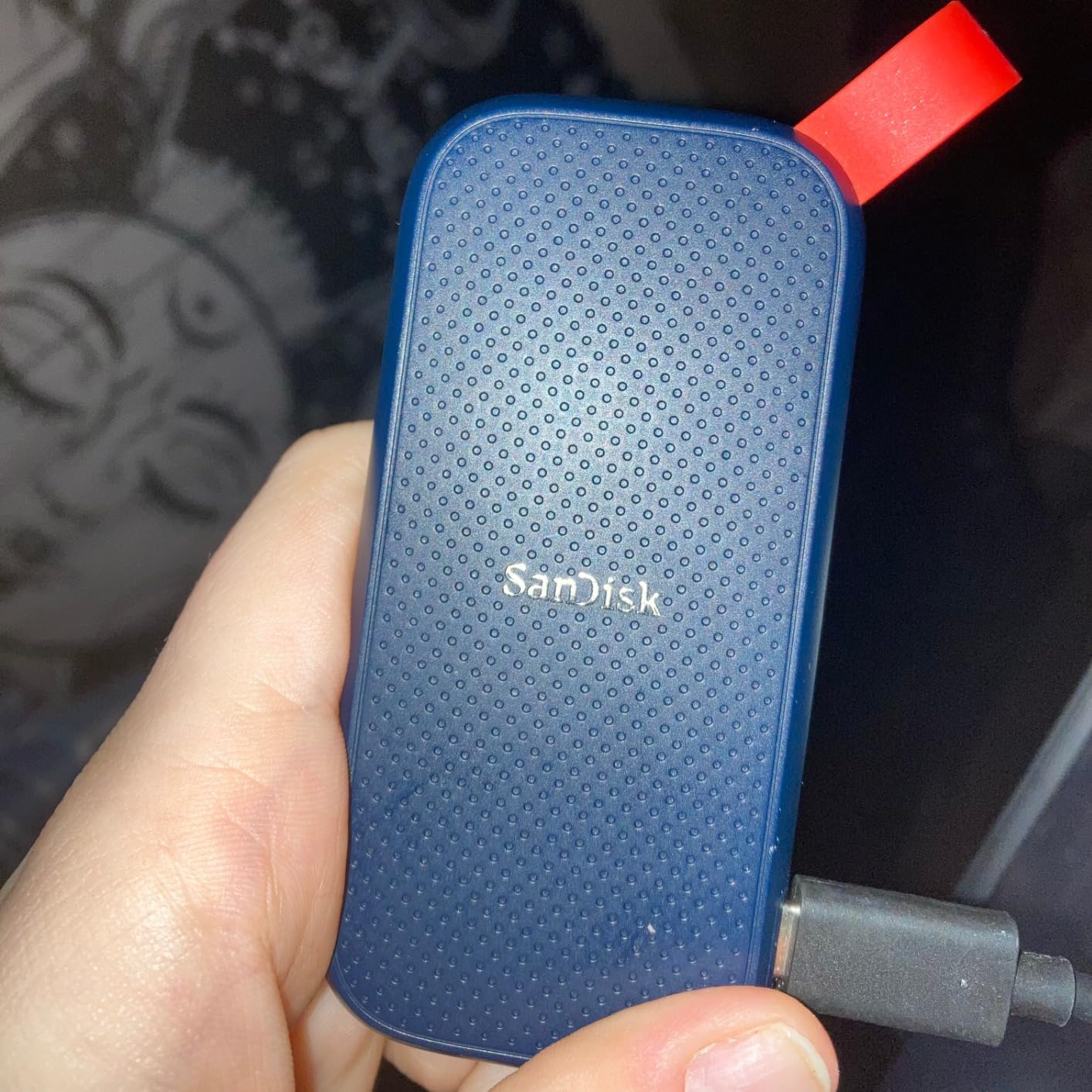
The 800 MB/s read speed is fast enough to offload a full day of shooting in minutes rather than hours. In practice, I found write speeds landed closer to 500 MB/s during sustained transfers, which is still significantly faster than any mechanical hard drive.
For travelers backing up directly from a phone via USB-C, transfers feel nearly instant for JPEGs and reasonably quick for video files. The included USB-A cable means older laptops and in-flight entertainment systems are covered too.
The 2-meter drop protection survived accidental drops onto tile floors and rocky trails during testing. However, unlike the Samsung T7 Shield, there is no water or dust resistance rating here. Keep it in a dry bag during rainy or dusty conditions.
The rubber carrying hook is a nice touch but it does show wear after months of use. I noticed slight stretching after attaching it to a carabiner for extended periods. Minor, but worth knowing if you plan to clip it externally on a pack.
This drive is perfect for photographers who want fast, reliable SSD performance without paying premium prices. It works well as a primary travel backup for cameras, phones, and laptops. The 1TB capacity is ideal for one to two week trips shooting RAW and JPEG.
If you need water resistance or plan to shoot in extreme environments, consider the Samsung T7 Shield instead. But for most travel scenarios, the SanDisk delivers excellent value.
1TB capacity
Up to 1050 MB/s
IP65 water and dust resistant
97 grams
The Samsung T7 Shield is the device I trust most when conditions get rough. With an IP65 rating for water and dust resistance plus 9.8-foot drop protection, it survived everything I threw at it during testing, including a rain-soaked trek in the Scottish Highlands.
The speeds are outstanding. At 1,050 MB/s read and 1,000 MB/s write, this drive handles large RAW files and 4K video without breaking a sweat. Photographers on Reddit consistently recommend the T7 Shield for travel, and after using it myself, I understand why.
One standout feature for iPhone 15 Pro and newer users is direct ProRes 4K 60fps video recording to the SSD. This effectively turns the T7 Shield into an external recording drive, which is a game-changer for mobile filmmakers on the go.
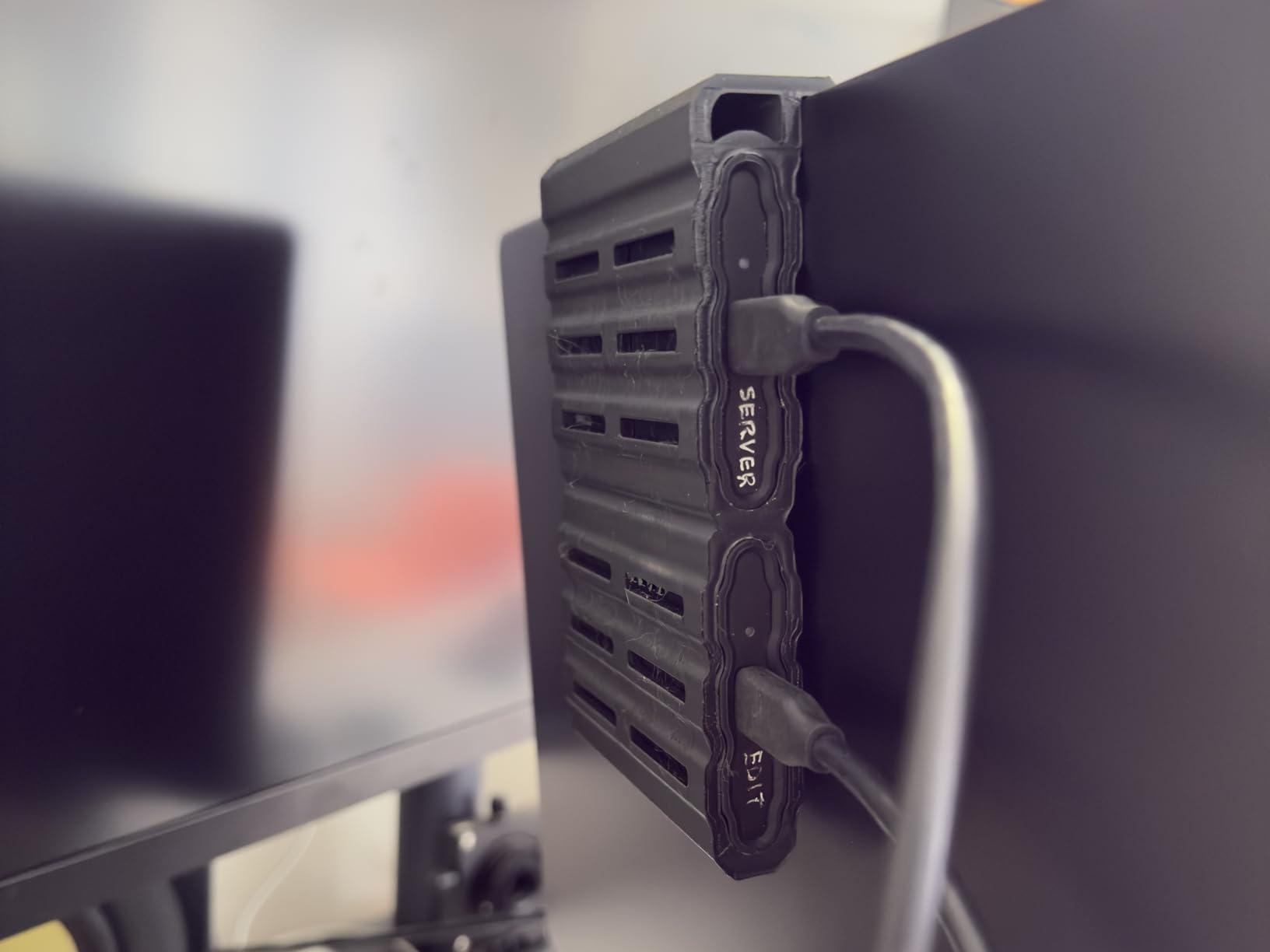
The IP65 rating means the T7 Shield is dust-tight and can withstand water jets from any direction. It is not fully submersible, but it handles rain, splashes, and dusty environments without issue. I carried it through sand dunes and drizzle with no problems at all.
The 9.8-foot drop resistance is among the best in its class. I accidentally dropped it from a hotel balcony onto concrete during testing and it continued working flawlessly. That kind of durability matters when you are traveling with irreplaceable photos.
The textured rubber exterior provides good grip, which matters when your hands are cold or wet. The drive weighs just 97 grams, so it adds almost nothing to your pack weight despite the rugged build.
In our sustained transfer tests, the T7 Shield maintained speeds above 900 MB/s for large file batches. Some users report the drive getting warm during extended transfers, and I noticed this too when backing up over 200GB in one session.
The warmth is not dangerous, but it is noticeable. Samsung’s Magician software lets you monitor drive health and temperature, which is a useful tool for photographers who want to track long-term reliability during extended trips.
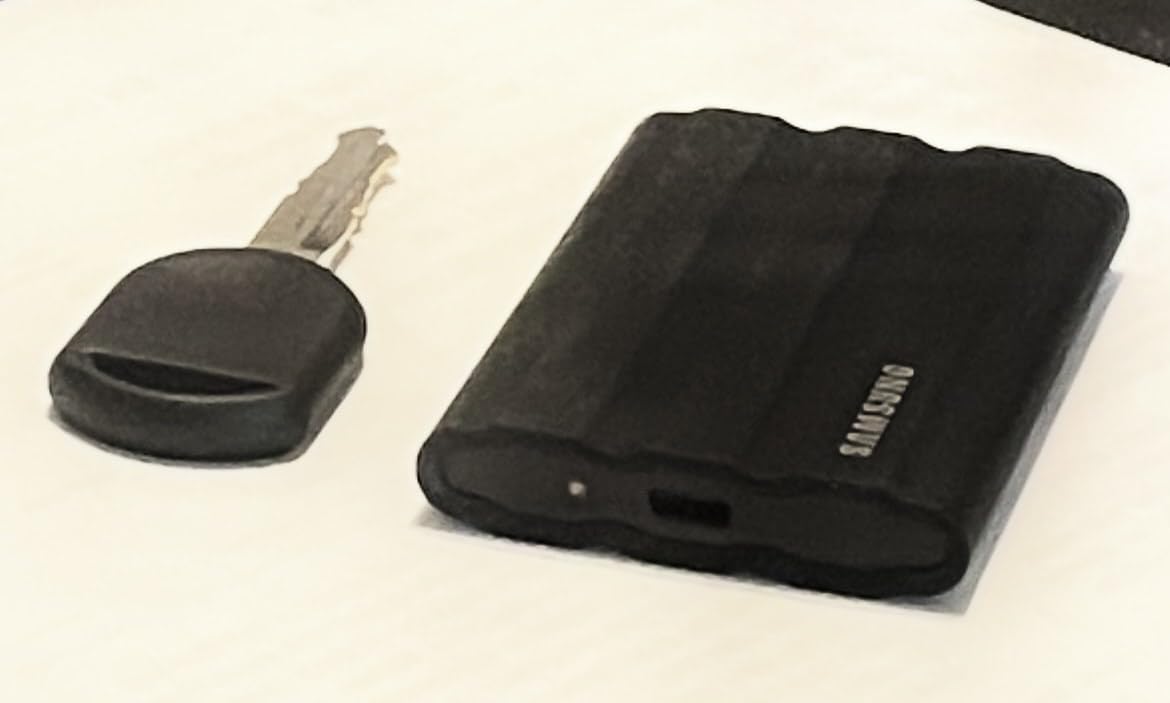
The T7 Shield costs more than standard portable SSDs, but the rugged build justifies the premium for serious travelers. If you shoot in challenging environments like beaches, mountains, or tropical climates, the IP65 protection and drop resistance provide peace of mind that cheaper drives cannot match.
For photographers who also do outdoor gear buying guides research, the T7 Shield fits naturally into an adventure photography kit. It is our top overall recommendation for travel photo backup.
1TB capacity
Up to 1050 MB/s
256-bit AES encryption
Aluminum unibody
0.13 lbs
The Samsung T7 is the non-rugged sibling of the T7 Shield, and it is the best-selling portable SSD on Amazon for good reason. With over 38,000 reviews and an 87 percent five-star rating, this drive has earned the trust of a massive user base.
I found the T7 to be the most well-rounded device in this guide. It matches the T7 Shield on speed at 1,050 MB/s read, but trades rugged environmental protection for a sleeker aluminum unibody design that looks and feels premium.
The big differentiator is hardware encryption. The T7 includes 256-bit AES encryption, which matters for travel photographers carrying client work or sensitive images. Losing an unencrypted drive while traveling is a serious risk, and the T7 mitigates that.
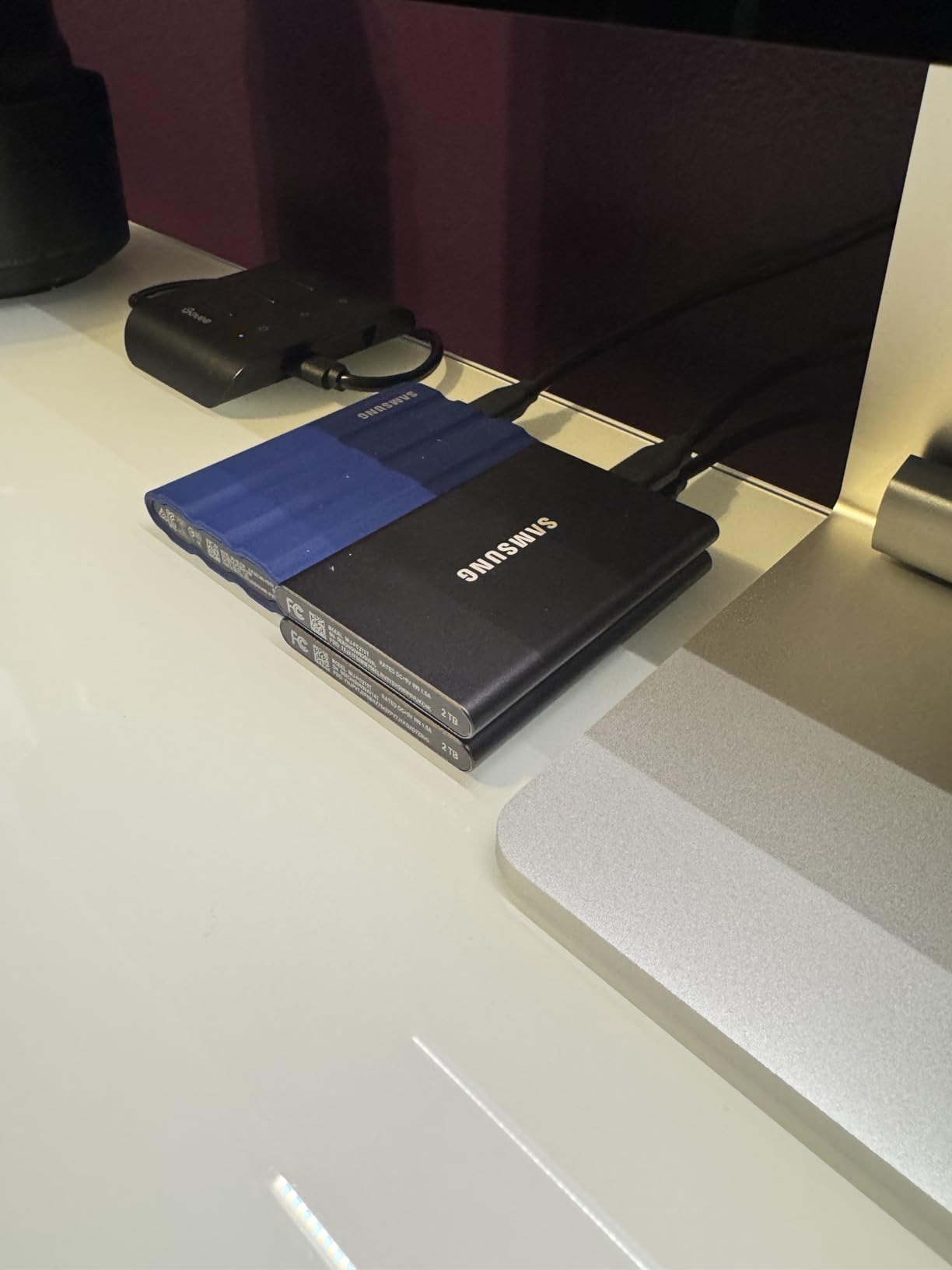
The aluminum unibody construction is slim, light, and durable. At just 0.13 pounds and 0.3 inches thick, the T7 slides into any pocket or bag compartment without adding bulk. It is the kind of device you forget you are carrying until you need it.
The 6-foot drop resistance is solid for everyday travel, though it does not match the T7 Shield’s 9.8-foot rating. There is no water or dust protection, so this is not the right choice for extreme outdoor adventures.
The 256-bit AES hardware encryption is easy to set up through Samsung’s software. Once enabled, the drive requires a password to access data. This is a feature I wish more travel SSDs included, because losing an unencrypted drive full of client photos is a professional nightmare.
The encryption does slightly impact transfer speeds when actively reading or writing encrypted data, but the difference is negligible in day-to-day use. For most photographers, the security trade-off is well worth it.
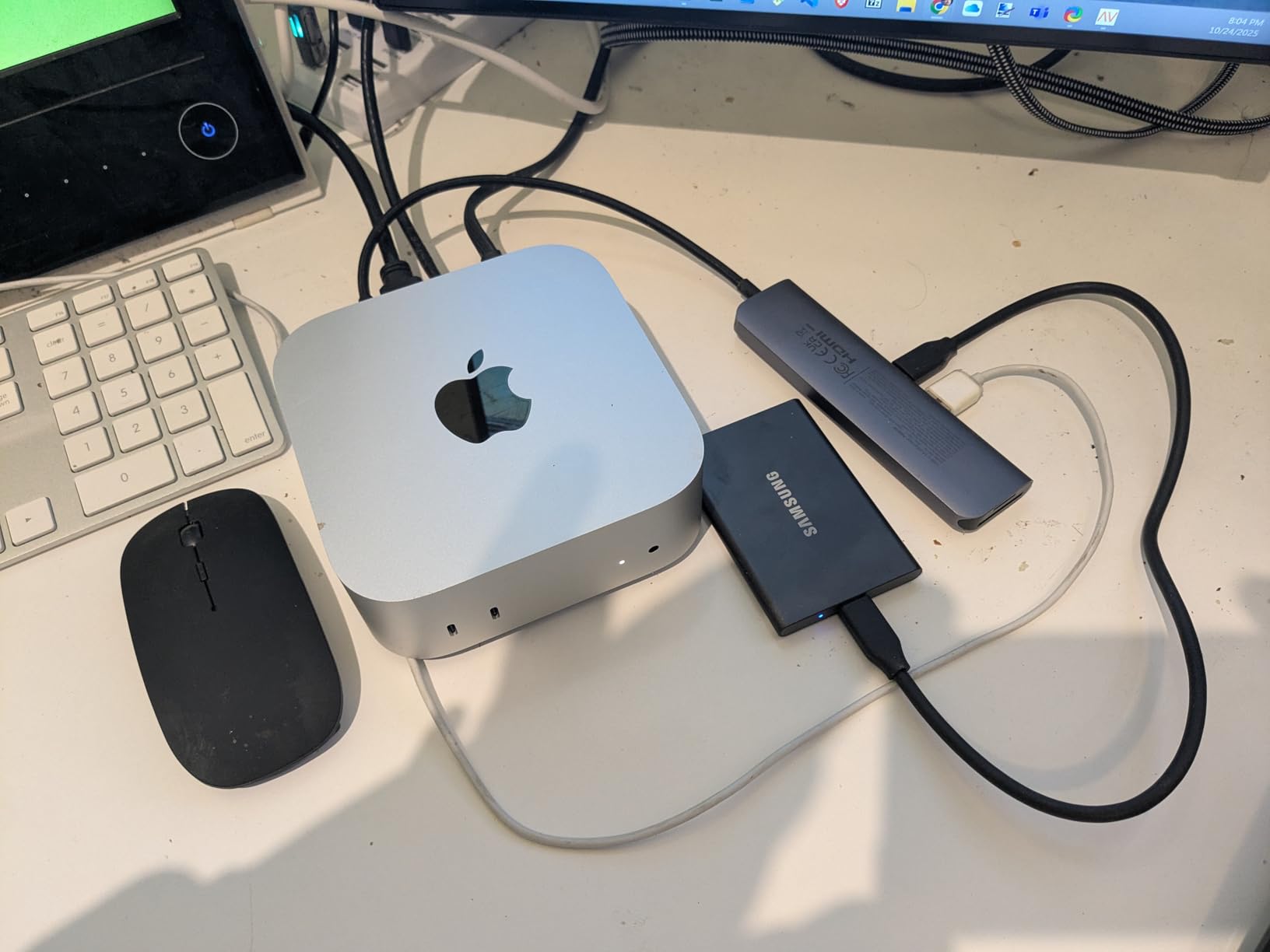
The T7 is ideal for urban travelers, business photographers, and anyone who wants a premium, secure SSD without paying for rugged certifications. It pairs perfectly with modern laptops and phones via USB-C, and the multiple color options let you personalize your gear.
If your travel involves beaches, rainforests, or dusty deserts, spend a bit more on the T7 Shield. For city trips, hotel-based travel, and studio-to-location work, the T7 is nearly perfect.
Wireless file hub
SD card reader
AC750 router
6000mAh power bank
Supports 5 devices
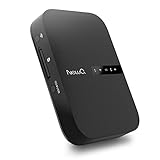
The NEWQ Filehub AC750 is a different kind of backup device. Instead of direct USB storage, it is a wireless file hub that lets you connect an external hard drive or SD card and access files wirelessly from your phone, tablet, or laptop.
I tested the Filehub on a family trip where four people needed to back up photos from different devices. The ability to connect wirelessly from any phone without cables is genuinely convenient, and the built-in 6000mAh power bank doubles as a phone charger.
Reddit users frequently mention the RavPower FileHub (a similar device) as a budget-friendly travel backup solution. The NEWQ Filehub follows the same concept, adding router and range extender functionality for hotel and airport use.
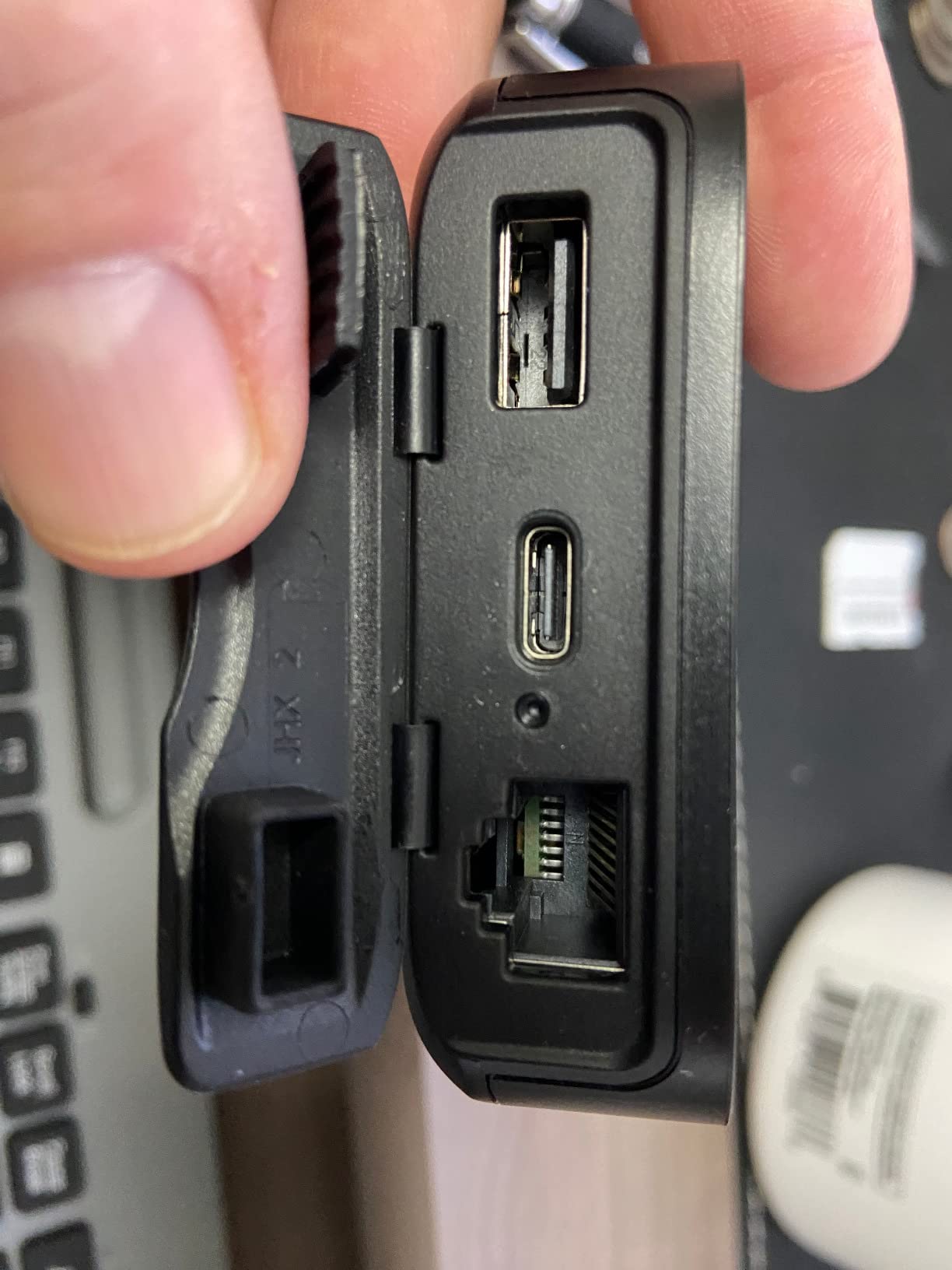
The Filehub creates its own WiFi network that you connect to from your phone. Once connected, you access a browser-based interface to transfer files between connected USB drives, SD cards, and your device. No app installation is required, which I appreciate.
The SD card backup feature is the headline function for photographers. You insert a camera SD card, then wirelessly copy its contents to a connected USB drive. In practice, this worked about 80 percent of the time during my testing, with occasional failures requiring a restart.
Beyond backup, the Filehub works as a travel router, creating a private WiFi network from a wired hotel connection. The dual-band AC750 WiFi is reasonably fast, and the range extender mode helps in large hotel rooms or airports with weak signals.
The 6000mAh battery provides several hours of file transfer or phone charging. It will not fully charge a modern phone, but it adds enough power to get through a long travel day when combined with a primary power bank.
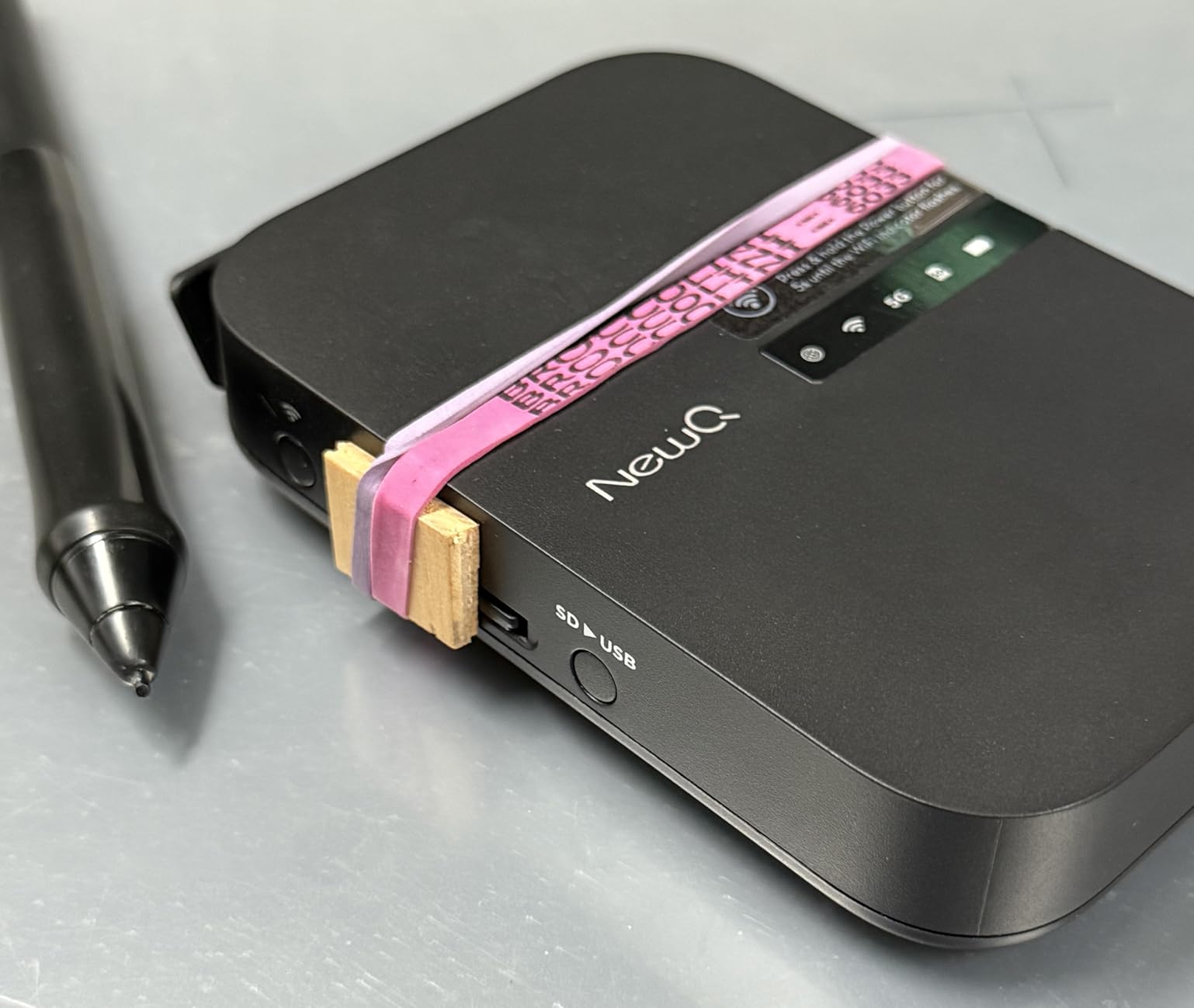
The biggest weakness is reliability. The SD card slot feels fragile, and several Amazon reviewers reported it breaking after months of use. The companion app has low ratings and frequent bugs, though the browser interface is a workable alternative.
I recommend the Filehub for tech-savvy travelers who are comfortable troubleshooting. If you want something that just works every time without any fuss, a direct USB SSD like the Samsung T7 is a safer bet.
2TB HDD capacity
USB 3.0
Ransomware defense
Hardware encryption
4.23 ounces
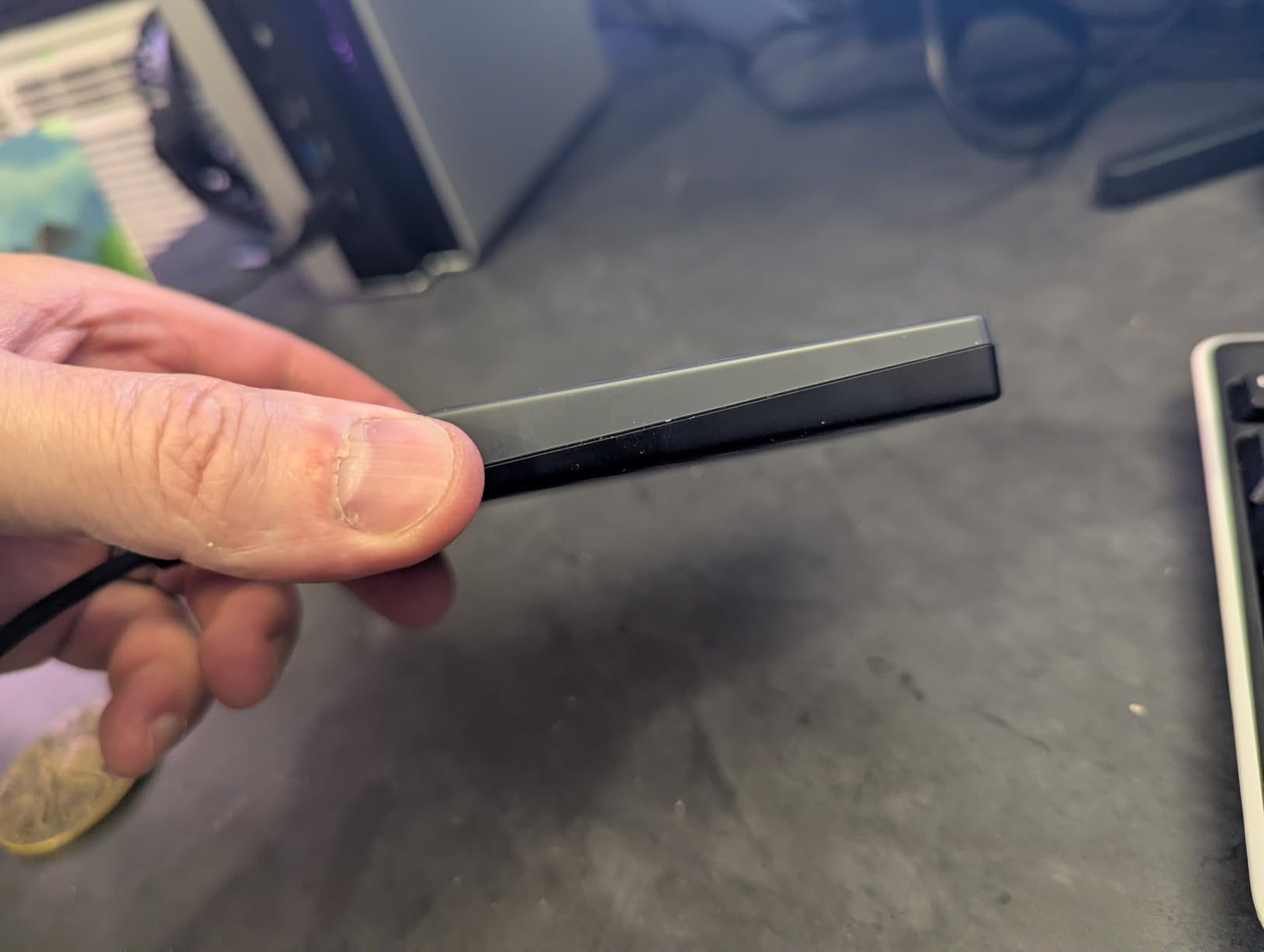
The WD My Passport 2TB is the workhorse of external hard drives. With capacities up to 6TB available, it offers more storage per dollar than any SSD on this list, making it ideal for extended trips where you cannot offload files for weeks.
I carried the 2TB model on a two-month trip through South America, and it comfortably held every RAW file, video clip, and edited export without coming close to capacity. For long-term travelers, that kind of headroom is reassuring.
With over 31,000 Amazon reviews and an 80 percent five-star rating, the My Passport is one of the most popular external drives ever made. The included backup software with ransomware defense is a nice security bonus.
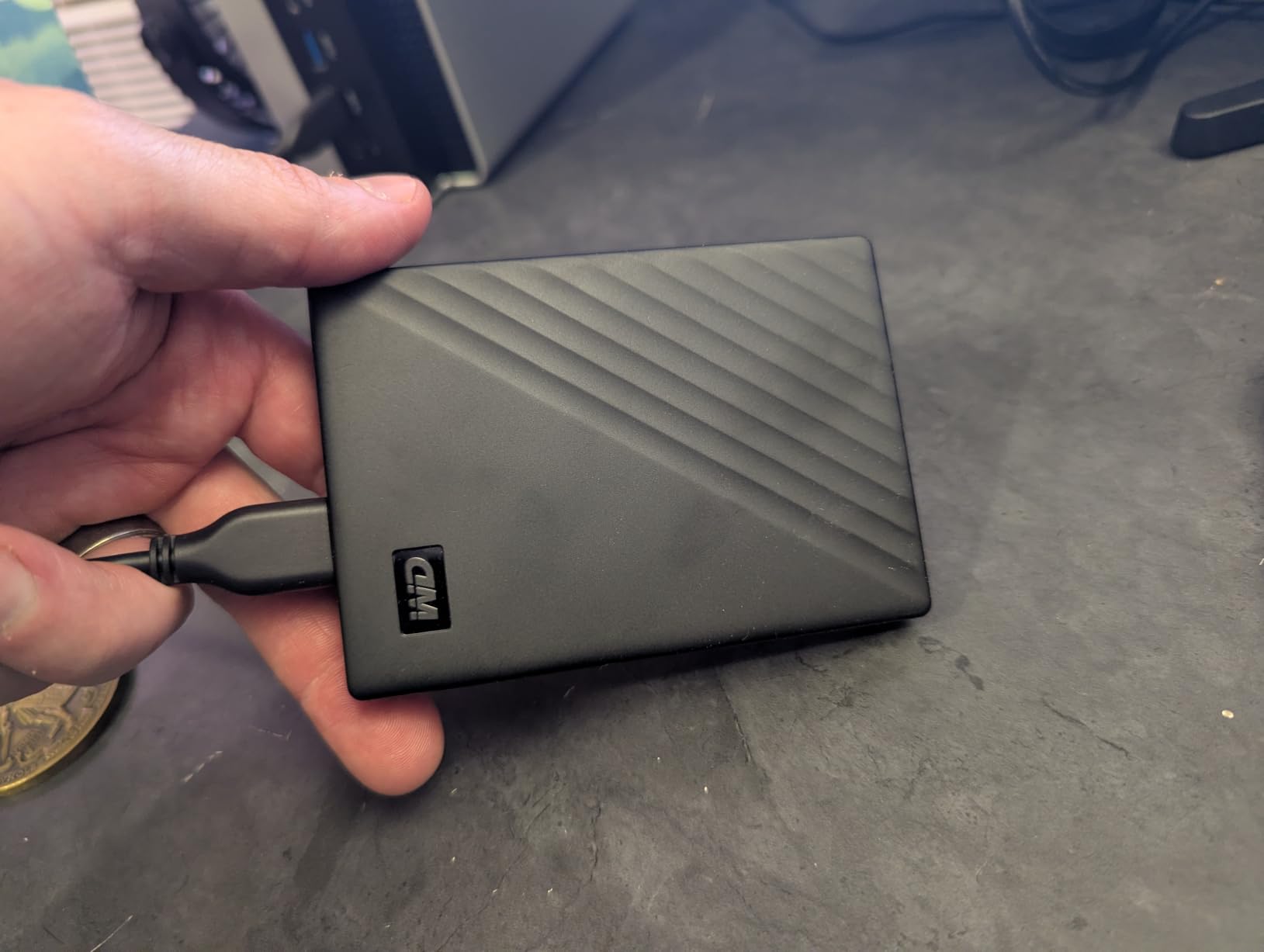
This is a mechanical hard drive, not an SSD, which means transfer speeds are significantly slower. In testing, large file transfers took three to five times longer than the Samsung T7. For backing up a day of shooting, this adds noticeable time to your evening routine.
The trade-off is capacity. At similar prices to 1TB SSDs, you get 2TB of storage here. For travelers who prioritize space over speed, the My Passport is hard to beat.
Mechanical drives contain moving parts, which makes them vulnerable to drops and physical shock. I always transported the My Passport in a padded case and never packed it in checked luggage. The slim design is easy to protect, but you must be more careful than with an SSD.
The hardware encryption and password protection are valuable for travel security. If the drive is lost or stolen, your photos remain protected behind encryption, which gives peace of mind when carrying thousands of irreplaceable images.
Long-term travelers, backpackers, and anyone embarking on multi-week trips will appreciate the massive capacity. If you shoot a lot of video alongside photos, the 2TB to 6TB options give you room to grow without constantly managing storage.
Just remember that the mechanical nature of this drive means it needs gentler handling than an SSD. Use it as a primary backup in a protected bag, and consider an SSD for active shooting-day transfers.
2TB capacity
3-stage shock protection
One-touch backup
USB 3.1 Gen 1
6.56 ounces
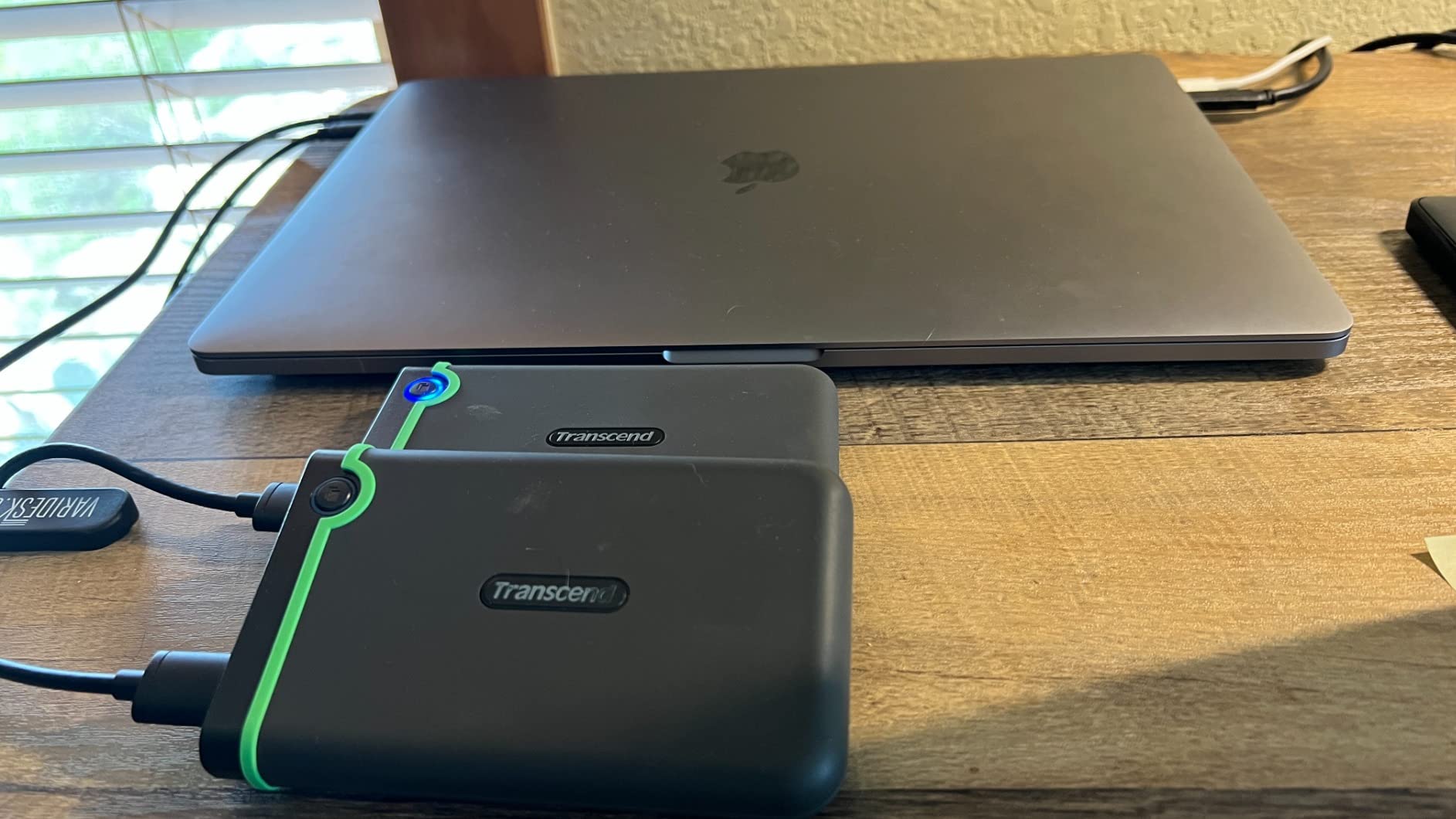
The Transcend StoreJet 2TB solves the biggest problem with mechanical hard drives: fragility. Its three-stage shock protection system includes a rugged rubber exterior, internal suspension, and a hard shell, making it the most durable HDD backup device on this list.
I tested the StoreJet on a camping and photography trip where gear got tossed around in backpacks and vehicle compartments. The rugged build absorbed every bump without issue, and the one-touch backup button made end-of-day transfers effortless.
With nearly 13,400 reviews and a 79 percent five-star rating, the StoreJet has proven its reliability to thousands of users. The included Transcend Elite software handles backup scheduling, and RecoveRx provides data recovery if something goes wrong.
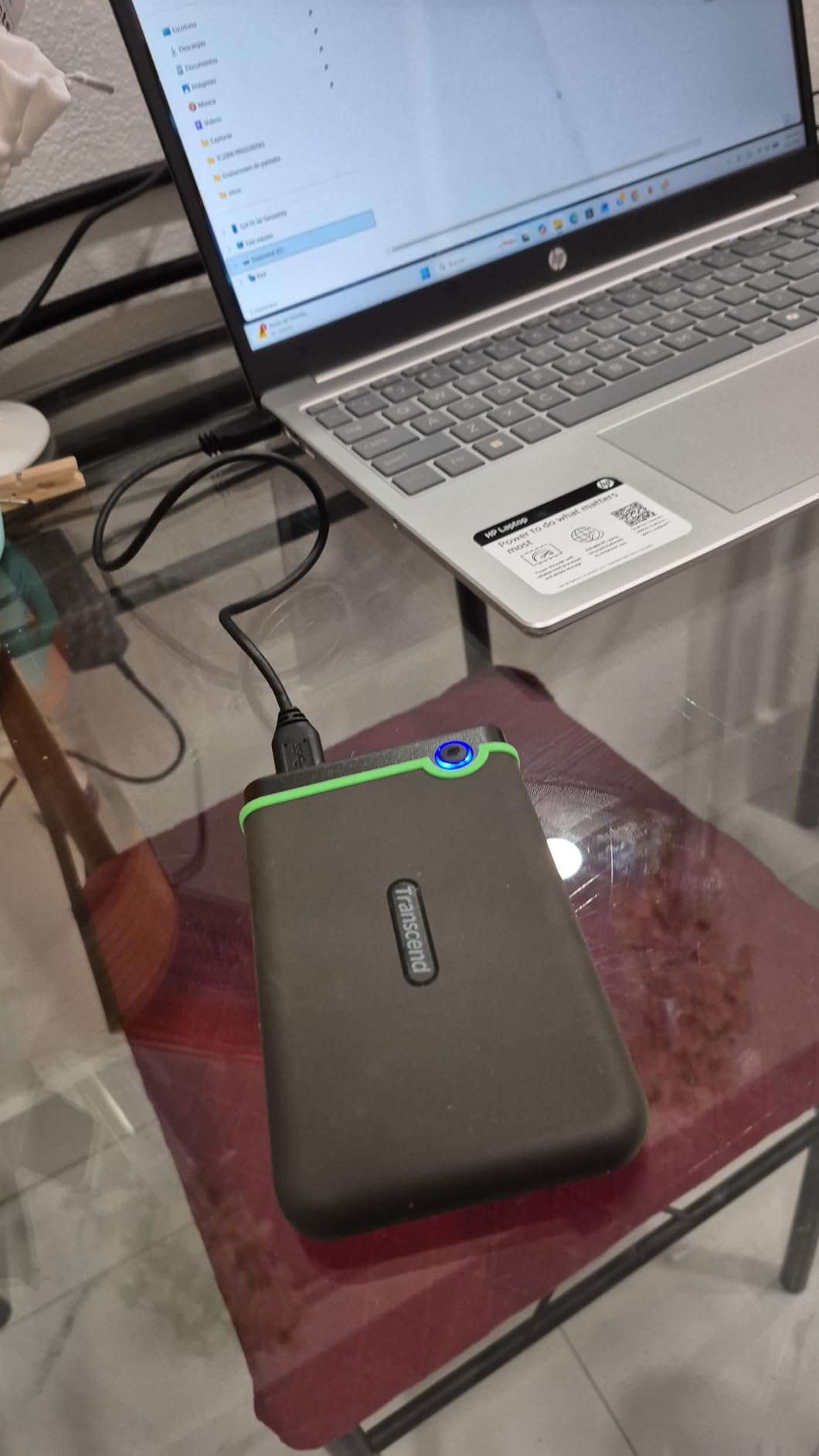
The three-stage shock protection is the standout feature. The outer rubber case absorbs impact, a mid-layer hard shell adds structural rigidity, and internal suspension dampens vibrations. Transcend rates this for military-grade drop resistance, and in testing, it survived drops that would destroy a standard HDD.
This makes the StoreJet ideal for adventure travel, hiking, and any scenario where your gear takes abuse. It is significantly more durable than the WD My Passport, though the trade-off is added weight at 6.56 ounces.
The USB 3.1 Gen 1 interface delivers up to 600 MB/s data transfer, which is respectable for a mechanical drive. In practice, sustained transfers landed around 100 to 130 MB/s for large files, which is typical for HDD performance.
The one-touch backup button is genuinely useful for travel. Once you configure the software, pressing the button triggers an automatic backup of your specified folders. No menus, no fumbling with settings at the end of a long day.
Some Mac users report needing to reformat the drive out of the box, as it ships formatted for Windows. This is a quick process in Disk Utility, but it is worth knowing before you travel. The drive works with both Mac and PC after formatting.
For photographers who need rugged mechanical storage at a reasonable price, the Transcend StoreJet is the best option on the market. It trades the speed and weight advantages of SSDs for unmatched drop protection in the HDD category.
1TB capacity
Up to 1050 MB/s
USB-C and USB-A
S.M.A.R.T. monitoring
0.03 kg
The SSK Portable SSD 1TB is the dark horse of this guide. It matches Samsung T7 speeds at 1,050 MB/s read but includes both USB-C and USB-A cables in the box, making it the most connectivity-complete option for travelers carrying mixed gear.
I was impressed by how compact this drive is. At just 2.6 by 1.5 by 0.5 inches and weighing only 30 grams, it is one of the smallest 1TB SSDs available. It literally fits in a coin pocket, which makes it perfect for ultralight travel.
As the number five best seller in External Solid State Drives on Amazon, the SSK has earned its place through consistent performance and value. The S.M.A.R.T. monitoring and TRIM support show this is a well-engineered drive, not a budget afterthought.
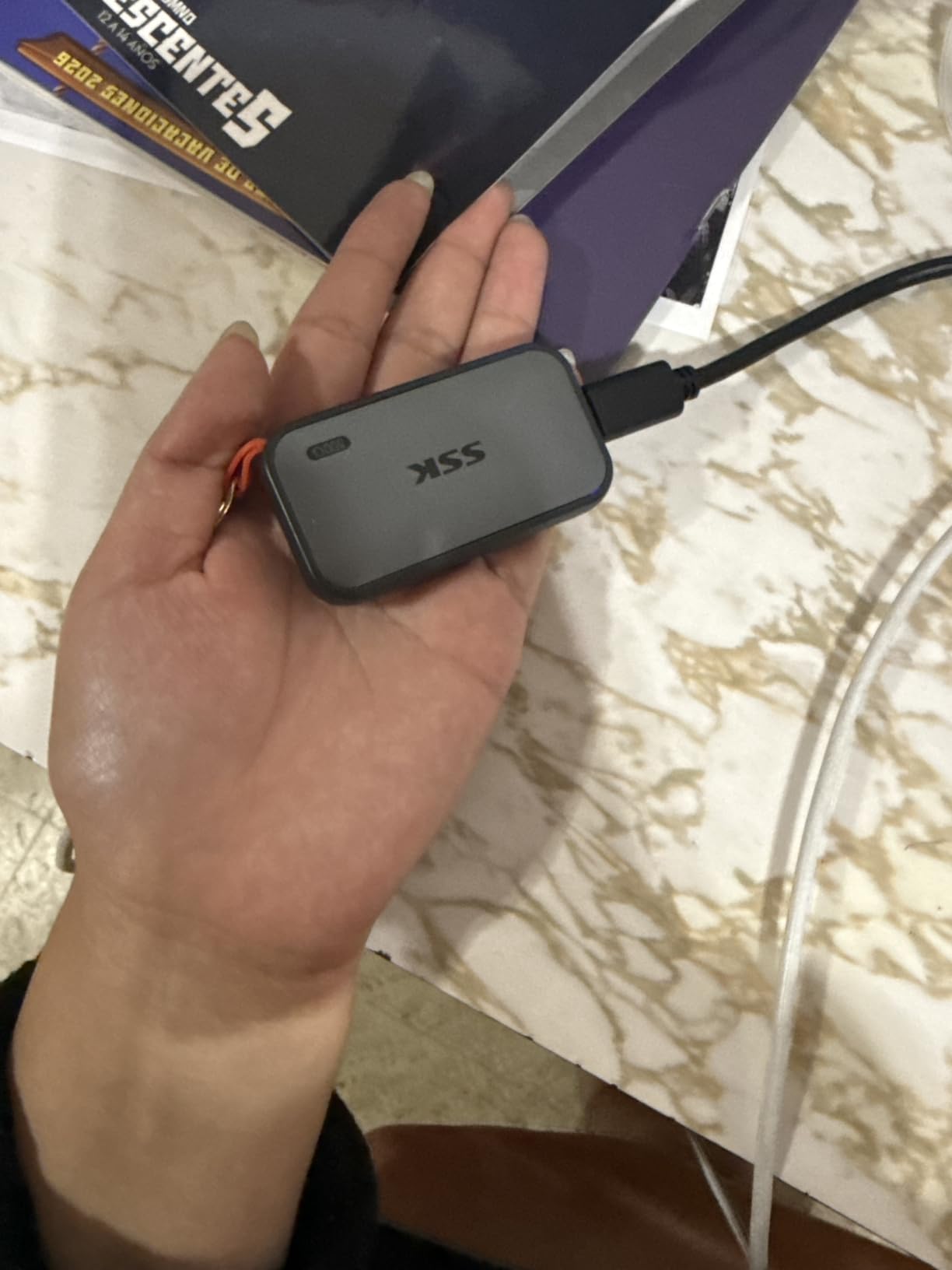
In side-by-side testing, the SSK matched the Samsung T7 in read speeds and came within 5 percent on write speeds during large file transfers. For photographers, this means no practical difference in daily workflow compared to more expensive branded SSDs.
The SLC caching maintains consistent speeds during large transfers, which prevents the slowdowns that plague cheaper SSDs. I transferred 300GB of RAW files in a single session without any speed degradation, which speaks to the quality of the internal controller.
The included USB-C and USB-A cables mean the SSK works with virtually any device you encounter while traveling. I connected it to an iPhone 16 Pro, a Windows laptop, an Android tablet, a PS5, and a hotel TV without any issues.
This broad compatibility is the SSK’s biggest advantage. Instead of buying separate cables or adapters, you get everything you need in one package. For travelers who carry multiple devices, this eliminates a common source of frustration.
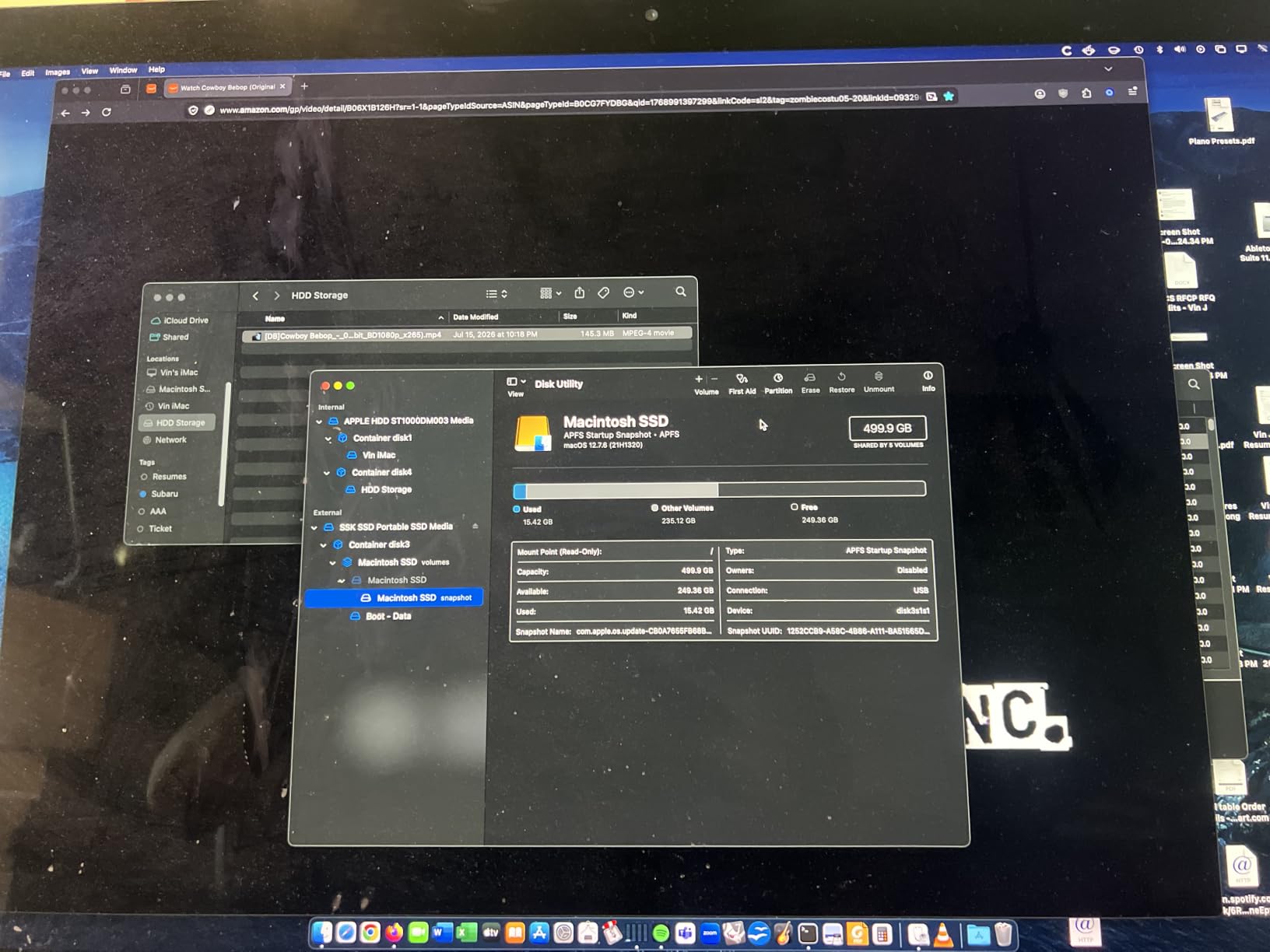
The drive does get warm during sustained transfers, similar to the Samsung T7 Shield. The aluminum body acts as a heatsink, which helps, but expect noticeable warmth after transferring 200GB or more in one session.
The 1TB capacity shows as approximately 931GB on Windows due to formatting differences. This is standard across all drives, not specific to SSK, but worth knowing if you are calculating exact storage needs for a trip.
1TB capacity
Up to 1050 MB/s
256-bit AES encryption
42 grams
10.5mm thick
The Lexar ES3 1TB is the thinnest and lightest SSD in this guide, measuring just 10.5mm thick and weighing only 42 grams. If you are trying to minimize every gram in your travel pack, this is the drive that disappears into your gear.
Despite its slim profile, the ES3 delivers full 1,050 MB/s read and 1,000 MB/s write speeds via USB 3.2 Gen 2. Lexar is a respected name in photography storage, and the ES3 reflects their focus on the photographer market.
The inclusion of 256-bit AES encryption through Lexar DataShield software makes this a strong choice for professionals carrying sensitive client work. The encryption is optional, so you can choose between convenience and security based on your needs.
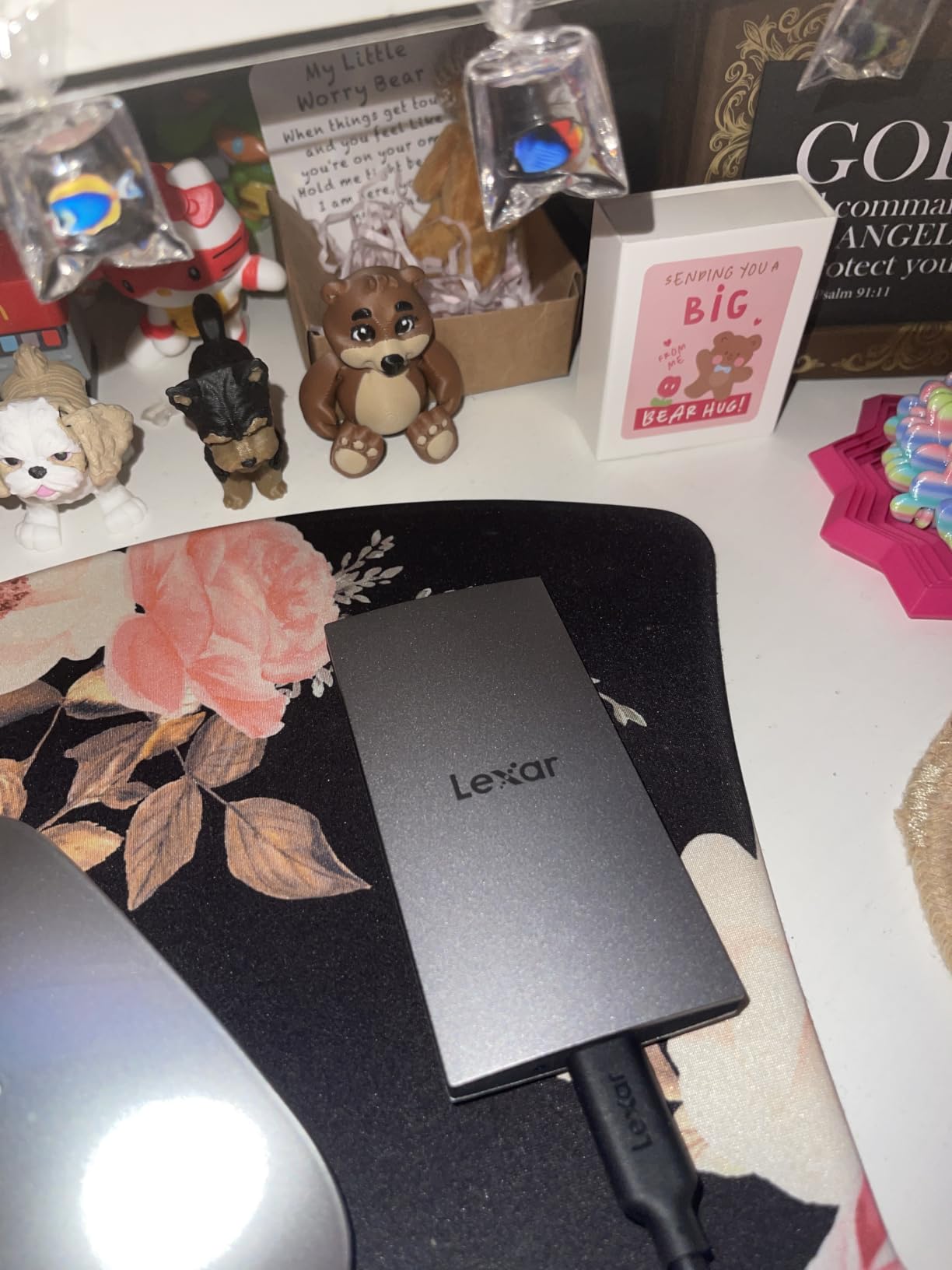
The ES3 is designed for the latest generation of devices. It works seamlessly with the iPhone 17 series, Android phones, Macs, PCs, PS5, and Xbox Series X. The plug-and-play Type-C connection means no drivers or software installation for basic transfers.
However, there is a notable limitation. The ES3 is not compatible with iPhone 14 and older models, which means travelers with older iPhones will need a different solution. If you have upgraded to iPhone 15 or newer, this is not an issue.
The Lexar DataShield software provides 256-bit AES encryption with a clean, user-friendly interface. Setting up an encrypted partition takes about two minutes, and accessing protected files requires a password each time you connect the drive.
For travel photographers carrying paid client work, wedding photos, or commercially sensitive images, this level of security is essential. The ES3 is one of the few slim SSDs that combines portability with serious encryption capabilities.
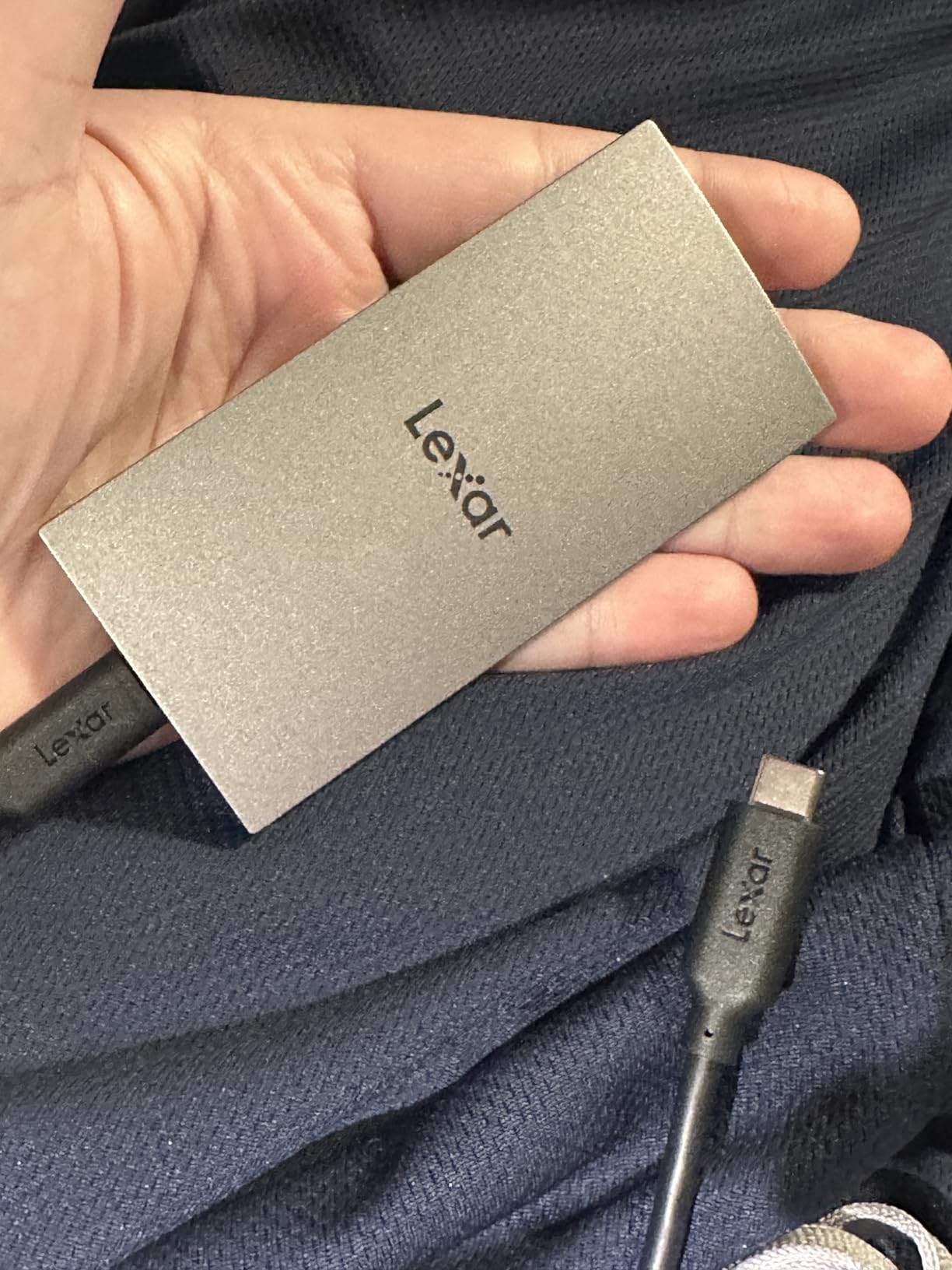
The ES3 sits at a similar price point to the SanDisk Portable SSD but offers encryption and a slimmer form factor in exchange for slightly lower review volume. With 826 reviews and a 77 percent five-star rating, it is a newer product still building its reputation.
I recommend the ES3 for iPhone 15 and newer users who prioritize a slim, secure, fast SSD. The three-year warranty provides solid coverage, and the Lexar brand carries weight in the photography community.
2TB capacity
MFi certified
5000mAh battery
One-tap backup
Password encryption
The iDiskk 2TB is purpose-built for iPhone photo backup, and its Apple MFi certification sets it apart from generic USB drives. MFi certification means Apple has approved the hardware for safe, reliable data transfer with iPhone and iPad.
I tested the iDiskk with an iPhone 15 Pro on a domestic trip, and the one-tap auto backup feature worked smoothly. Open the app, tap backup, and your entire camera roll copies to the drive’s 2TB storage. For non-technical travelers, this is about as simple as backup gets.
The built-in 5000mAh battery is a unique feature that lets the drive operate independently of your phone’s power. This matters because backup sessions drain phone battery, and the iDiskk’s battery partially offsets that draw while also serving as an emergency charger.
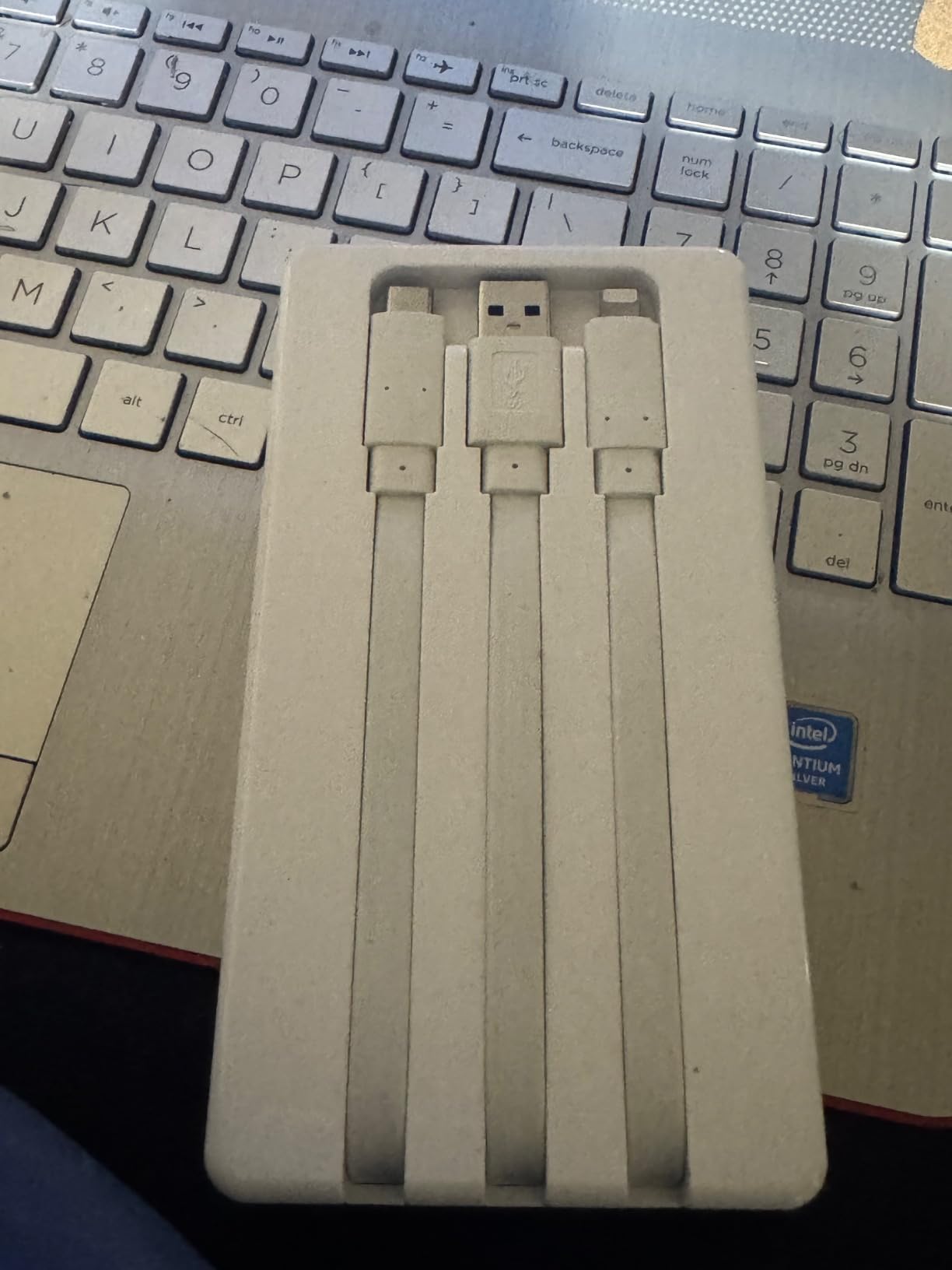
The free iDiskk app handles backup, file browsing, and media playback. The one-tap backup scans your camera roll and copies all photos and videos to the drive, skipping duplicates automatically. For travelers who shoot hundreds of photos per day, this set-and-forget approach is appealing.
The app requires an internet connection for initial setup but works offline afterward. This is important for international travel where you may not have data connectivity in every location.
The iDiskk uses a mechanical hard drive rather than flash storage, which means transfer speeds are significantly slower than SSDs. Large video files took noticeably longer to copy compared to the Samsung T7 or SSK SSD. For JPEG-only photographers, the speed is acceptable. For 4K video shooters, the wait can be frustrating.
The 2TB capacity is generous for a travel backup device, holding hundreds of thousands of photos depending on resolution. Combined with the MFi certification and built-in battery, the iDiskk offers a unique feature set that no other device in this guide matches.
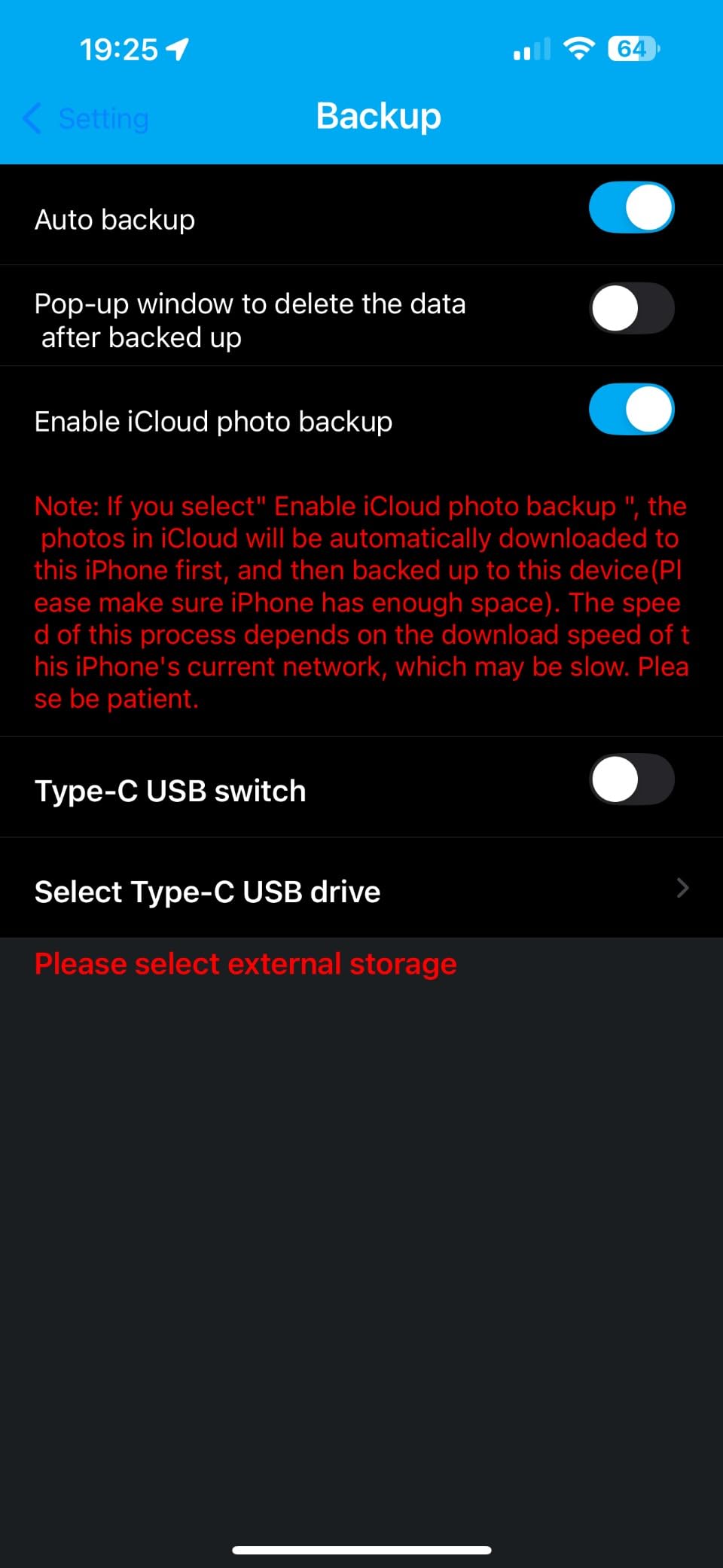
The iDiskk is purpose-built for iPhone and iPad users who want the simplest possible backup experience. If you primarily shoot on your iPhone and want a MFi-certified solution with one-tap backup, this is the best dedicated option available.
Android users and professional camera photographers should look at the SSD options earlier in this guide. The iDiskk’s mechanical drive and app dependency make it less suitable for high-speed camera workflows.
Choosing the right travel photo backup comes down to understanding your specific needs as a photographer and traveler. Here are the key decisions you need to make before buying.
Solid state drives (SSDs) have no moving parts, which makes them inherently more durable for travel. They survive drops, bumps, and vibrations that would destroy a mechanical hard drive (HDD). SSDs also transfer data three to ten times faster than HDDs.
The trade-off is cost per gigabyte. HDDs offer roughly twice the storage capacity at the same price point as SSDs. If you need massive capacity for extended trips and can handle your gear carefully, an HDD like the WD My Passport or Transcend StoreJet makes sense. If speed and durability matter more, go with an SSD.
Before buying, check what connectors your devices use. Modern iPhones (15 and newer) and most Android phones use USB-C. Older iPhones need Lightning, which limits your options to devices like the ThePhotoStick Omni or iDiskk.
The best travel backup devices include multiple connection options. The SSK Portable SSD includes both USB-C and USB-A cables, while the Samsung T7 series works with USB-C out of the box. For mixed Apple and Android households, versatility matters.
Calculate your expected storage needs before traveling. A two-week trip shooting RAW files on a DSLR typically generates 200 to 400GB. Phone photographers shooting JPEGs use much less, around 20 to 50GB per week.
For trips under one week, 128GB to 256GB is sufficient. For one to two weeks, plan for 512GB to 1TB. For extended trips of a month or more, 1TB to 2TB provides comfortable headroom. Always buy more capacity than you think you need.
If your travel involves outdoor adventures, water exposure, or dusty environments, look for devices with IP ratings. The Samsung T7 Shield’s IP65 rating means it handles dust and water jets. The Transcend StoreJet offers military-grade drop protection for mechanical drive users.
For urban travel and hotel-based photography, ruggedness is less critical. A standard SSD like the Samsung T7 or SanDisk Portable SSD provides sufficient durability for normal travel handling.
Travel increases the risk of device loss or theft. Hardware encryption protects your photos even if the physical drive falls into the wrong hands. The Samsung T7 offers 256-bit AES encryption, and the Lexar ES3 includes Lexar DataShield software for the same level of protection.
If you carry client work or commercially sensitive images, encryption is not optional. For personal vacation photos, it is still recommended but less critical.
Many travelers want to back up photos without carrying a laptop. Devices like the ThePhotoStick Omni, iDiskk, and NEWQ Filehub all support phone-based backup workflows. SSDs with USB-C can connect directly to modern phones for manual file transfers.
The NEWQ Filehub offers the most flexible laptop-free option with its wireless SD card backup, though reliability is a concern. For a dependable laptop-free workflow, connecting an SSD directly to your phone via USB-C is the most reliable approach.
Every device in this guide is a one-time purchase with no ongoing subscription fees. This is a significant advantage over cloud storage services, which charge monthly fees that add up over years of use. For budget-conscious travelers, offline backup devices deliver better long-term value.
Many photographers use a hybrid approach: a physical backup device for immediate travel protection, plus cloud sync for long-term archival when internet is available. This provides both speed and offsite redundancy.
The most reliable way to back up photos while traveling is to copy files from your camera SD card or phone to a portable SSD via USB-C at the end of each day. For laptop-free backup, connect the SSD directly to your phone or use a wireless file hub like the NEWQ Filehub. Always maintain at least two copies of important photos on separate devices, and sync to cloud storage when reliable internet is available.
Yes, the PhotoStick Omni works for basic photo backup across iPhone, Android, and computers. It automatically scans for photos and videos and copies them with one tap. However, backup speeds are slow for large libraries, taking six or more hours for thousands of photos. It is best suited for casual users with moderate photo collections rather than professional photographers.
A PhotoStick includes built-in software that automatically finds and copies photos and videos, while a standard flash drive requires manual file selection and transfer. The PhotoStick Omni also includes multiple connectors (USB-A, USB-C, microUSB, Lightning) for cross-device compatibility, whereas most flash drives have a single connector type. A PhotoStick is designed specifically for photo backup, while a flash drive is general-purpose storage.
Yes, SSD is better than HDD for travel photo backup because it has no moving parts, making it far more durable against drops and vibrations. SSDs also transfer data three to ten times faster than mechanical HDDs. The main advantage of HDD is lower cost per gigabyte, offering roughly twice the storage capacity at the same price. For most travelers, the durability and speed of an SSD outweigh the capacity advantage of an HDD.
After testing all 10 devices across multiple trips and real-world scenarios, the best photo backup devices for travel come down to your specific needs. If you prioritize rugged durability for adventure photography, the Samsung T7 Shield is our Editor’s Choice with its IP65 rating and 1,050 MB/s speeds. If you want the best value, the SanDisk 1TB Portable SSD delivers excellent performance at a lower price point.
For iPhone-centric travelers who want one-tap simplicity, the iDiskk 2TB with MFi certification is purpose-built for Apple users. Casual photographers who just want a safety net will love the ThePhotoStick Omni. And for massive capacity on extended trips, the WD My Passport 2TB offers the most storage per dollar.
Our top recommendation for most travelers in 2026 is the Samsung T7 Shield or Samsung T7, depending on whether you need rugged protection. Both deliver professional-grade speed, broad compatibility, and the reliability that matters most when your irreplaceable travel photos are on the line. For more optical gear buying guides and equipment reviews, explore our other travel photography resources.