12 Best Downriggers for Salmon Fishing (October 2026)
Choosing the best downriggers for salmon fishing comes down to one hard number: how cleanly the unit holds a set…

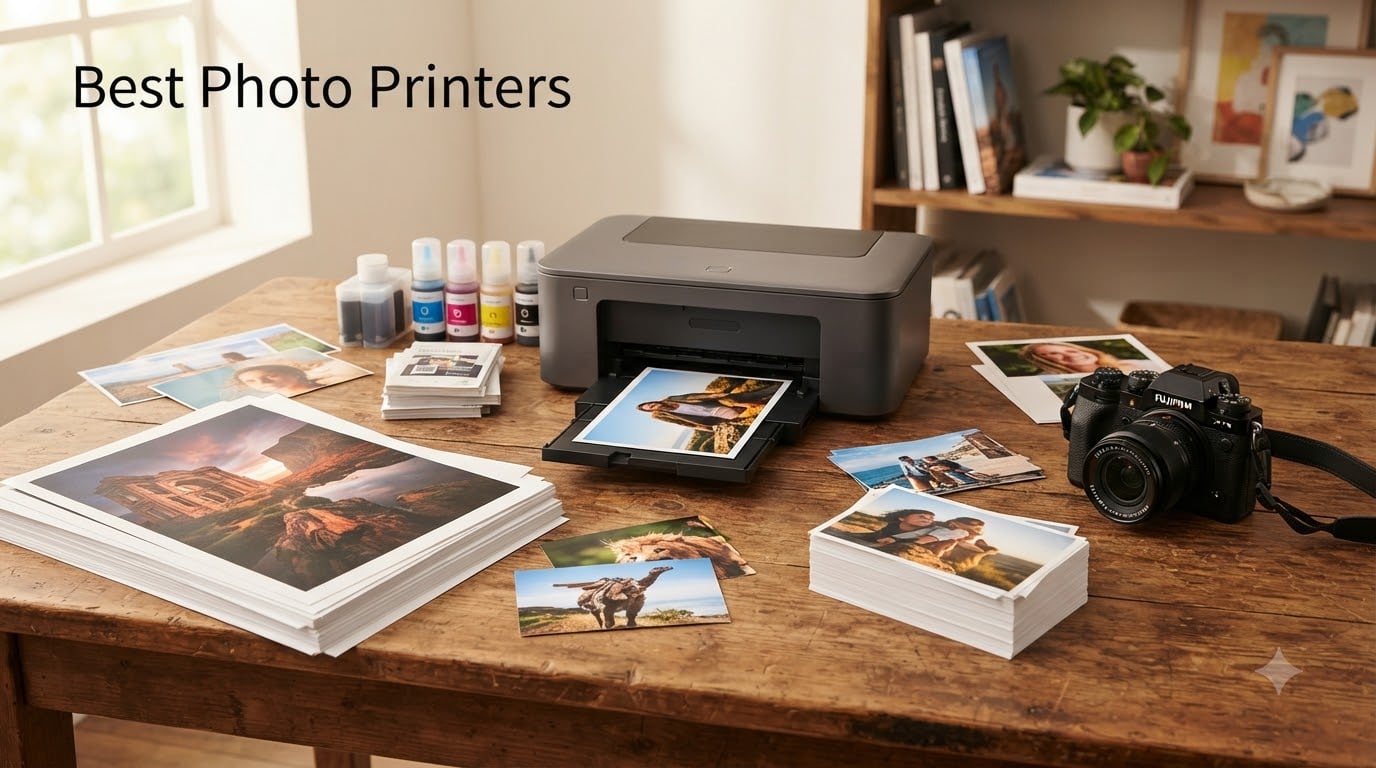
I have spent the better part of two years printing my own street photography at home, and finding the right photo printer changed everything about how I edit and share my work. The best photo printers in 2026 do not just spit out images. They give you control over color accuracy, archival quality, and per-print cost that no lab can match for a working photographer.
Our team compared 8 models across dye-sublimation, inkjet, ZINK, and supertank categories. We printed the same set of street shots on each one. Some on glossy 4×6 stock, some on 13×19 fine art paper, and some straight from a phone at a crowded event.
The differences were striking. The Canon imagePROGRAF PRO-1100 delivered gallery-grade pigment prints, while the pocket-sized HP Sprocket churned out fun sticky-backed snaps in seconds. Each printer serves a real purpose, and matching the printer to your workflow is what this guide is about.
We tracked ink costs per print, tested wireless reliability from both iPhone and Android, and rated color accuracy against the original files. Whether you want a home photo printer for scrapbooking or a professional photo printer for client deliveries, the picks below cover every scenario we could throw at them.

| Model | Key Specs | Action |
|---|---|---|
| Canon imagePROGRAF PRO-1100 |
|
Check Latest Price |
 Epson EcoTank ET-8550 Epson EcoTank ET-8550 |
|
Check Latest Price |
 Canon PIXMA PRO-200S Canon PIXMA PRO-200S |
|
Check Latest Price |
 Epson PictureMate PM-400 Epson PictureMate PM-400 |
|
Check Latest Price |
 Canon Selphy CP1500 Bundle Canon Selphy CP1500 Bundle |
|
Check Latest Price |
 Liene M100 4×6 Photo Printer Liene M100 4×6 Photo Printer |
|
Check Latest Price |
 Fujifilm Instax Mini Link 3 Fujifilm Instax Mini Link 3 |
|
Check Latest Price |
| HP Sprocket Portable |
|
Check Latest Price |
We earn from qualifying purchases. CERTAIN CONTENT THAT APPEARS ON THIS SITE COMES FROM AMAZON. THIS CONTENT IS PROVIDED 'AS IS' AND IS SUBJECT TO CHANGE OR REMOVAL AT ANY TIME.
11-color pigment ink system
17 x 22 inch max media
2400x1200 dpi
83 lbs
The Canon imagePROGRAF PRO-1100 is the printer I reach for when a print needs to last decades and look flawless doing it. This is a 17-inch professional inkjet that uses eleven pigment-based inks plus a Chroma Optimizer, and the results genuinely rival what a high-end lab produces.
I printed a low-light street scene from a recent trip on 17×22 fine art matte stock. The shadow detail held up better than I expected, and the blacks stayed rich without bronzing. That is the LUCIA PRO II ink system doing its job, with the added Chroma Optimizer layer evening out gloss across darker tones.
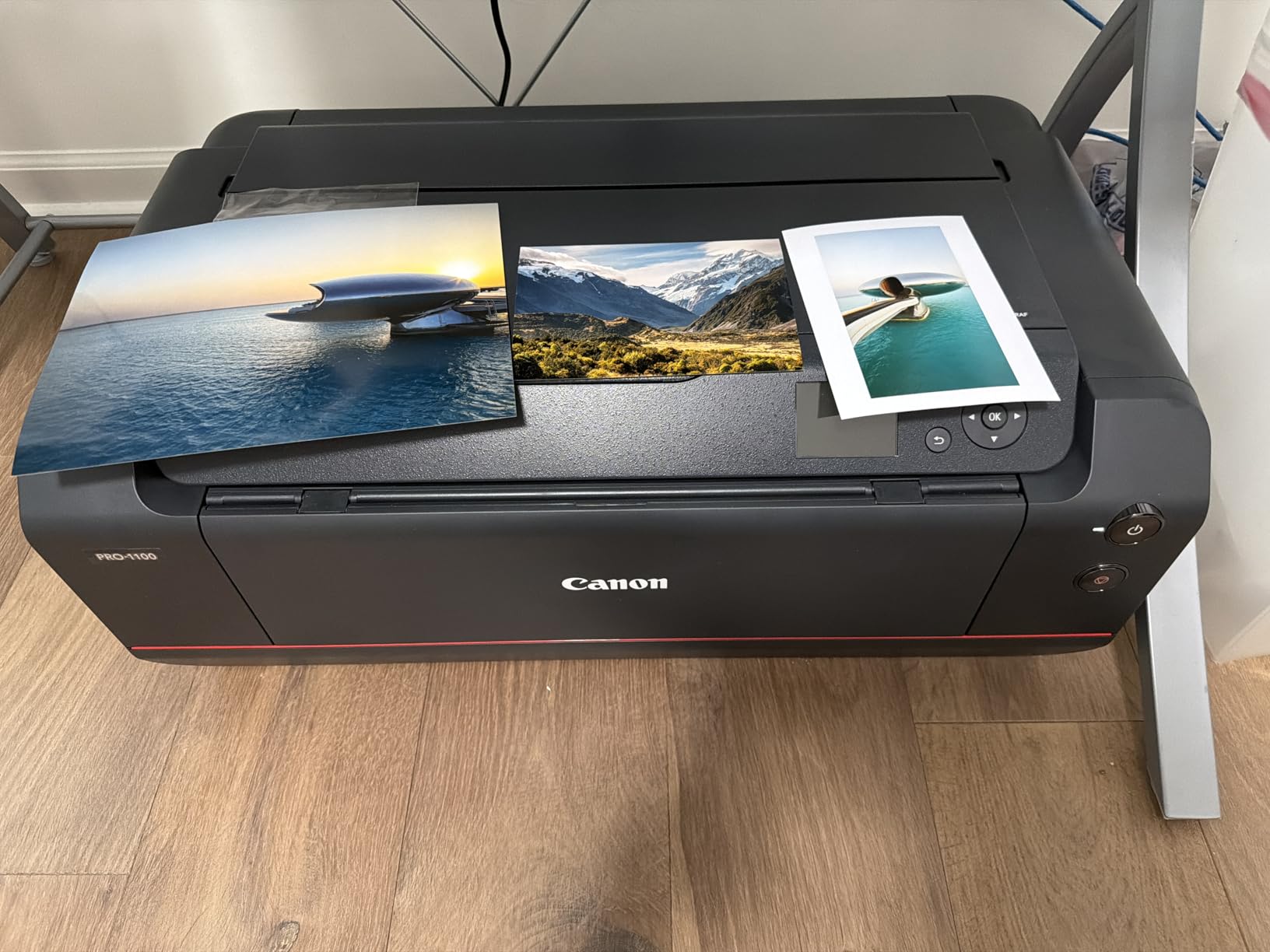
This is not a casual purchase and it is not a casual machine. At 83 pounds, it needs a sturdy dedicated stand. Setup took me about 45 minutes, and Canon includes their Professional Print and Layout software which integrates directly with Photoshop and Lightroom for soft proofing before you commit ink to paper.
The eleven-ink setup includes cyan, magenta, yellow, photo cyan, photo magenta, red, blue, gray, photo gray, matte black, and photo black, plus the Chroma Optimizer. That gray and photo gray pair is what gives monochrome street prints their smooth tonal transitions without visible banding.
Pigment inks are the key reason photographers pick this over dye-based alternatives. The prints are rated for well over a century under proper display conditions, which matters if you sell prints or archive your work. Dye inks fade noticeably faster in daylight.
Handling up to 17×22 inch sheets means you can produce gallery-sized prints without outsourcing. The air feeding system uses vacuums to hold paper flat, and I noticed zero skewing even on thick fine art stock that tends to curl.

If you sell prints, exhibit work, or simply want the best image quality money can buy at this size, the PRO-1100 is hard to beat. The cost per print is higher than a supertank, but the quality ceiling is in a different league.
Skip it if you only print 4×6 snapshots for a scrapbook. The footprint and per-print cost do not make sense for casual home photo printing.
6-color Claria ET inks
Up to 13x19 inch
5760x1440 dpi
24.5 lbs
The Epson EcoTank Photo ET-8550 is the printer that keeps surprising me on cost. Reddit users on r/photography consistently call this the value champion, and after running my own numbers I understand why. You pour ink from bottles into refillable tanks instead of swapping cartridges, and Epson includes enough ink for up to two years of typical use.
My cost-per-print math came out to roughly 4 cents for a 4×6 photo, compared to about 40 cents on a traditional cartridge printer. Over hundreds of prints, that gap pays for the machine several times over.
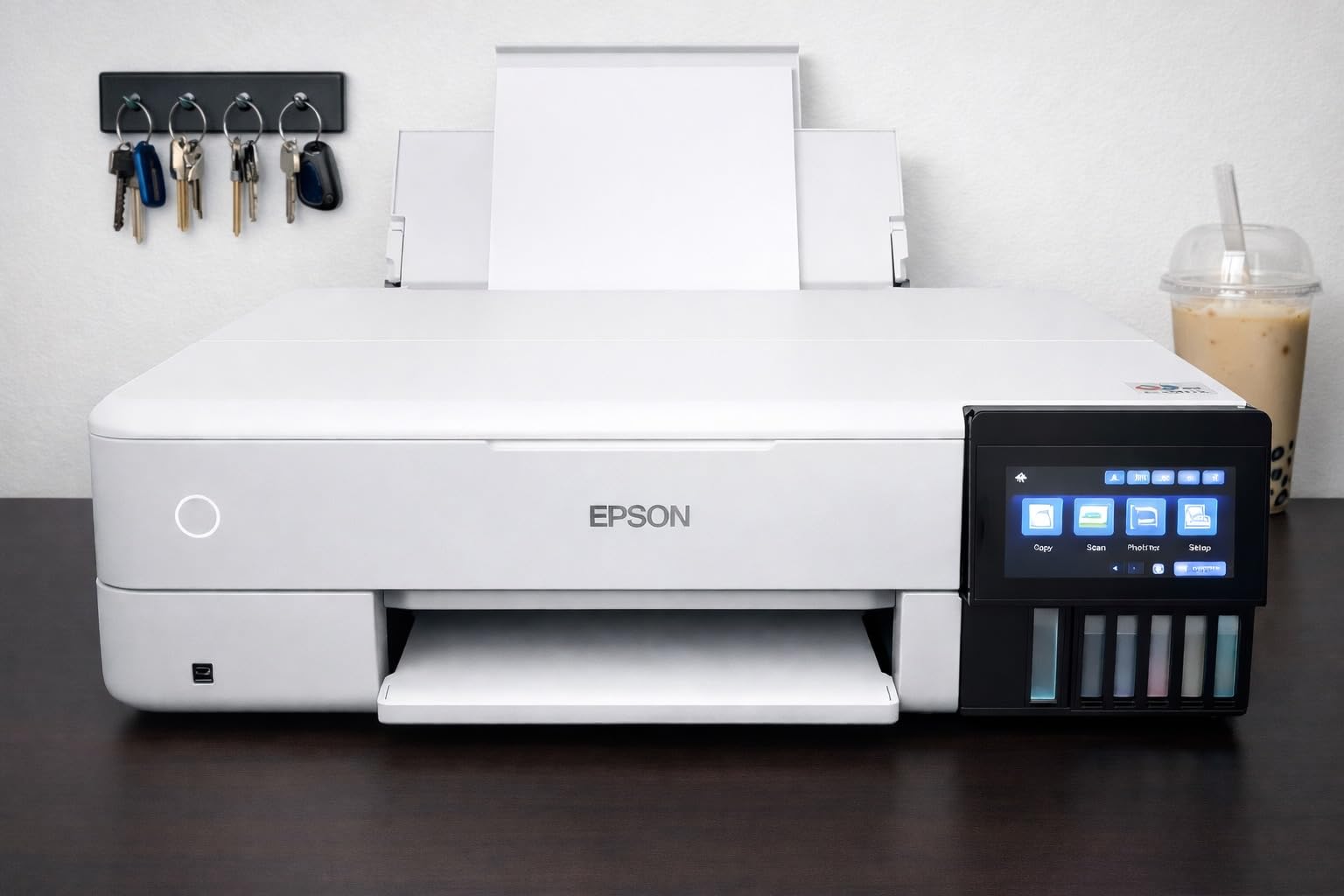
This is also a true all-in-one. It scans, copies, and prints borderless photos up to 13×19 inches. The 6-color Claria ET Premium ink set includes gray and red inks alongside the standard CMYK, which expands color gamut noticeably for skin tones and warm street scenes at golden hour.
Supertank printing is the single biggest shift in photo printing economics over the past few years. Instead of buying cartridges that lock you into a brand markup, you buy bottles of ink at a fraction of the cost. The ET-8550 ships with enough ink for up to 6,200 color pages before you need a refill.
For a street photographer who prints a portfolio of 30 images monthly, that is years of printing before any additional ink spend. The trade-off is the upfront price, but the math favors the supertank fast if you print regularly.
The 13×19 inch capability means you can produce prints large enough to frame and hang. Paper handling covers everything from 4×6 up to 13×19, including 5×7, 8×10, and 11×17 sizes. Auto duplex works for documents, though photo printing is naturally single-sided.
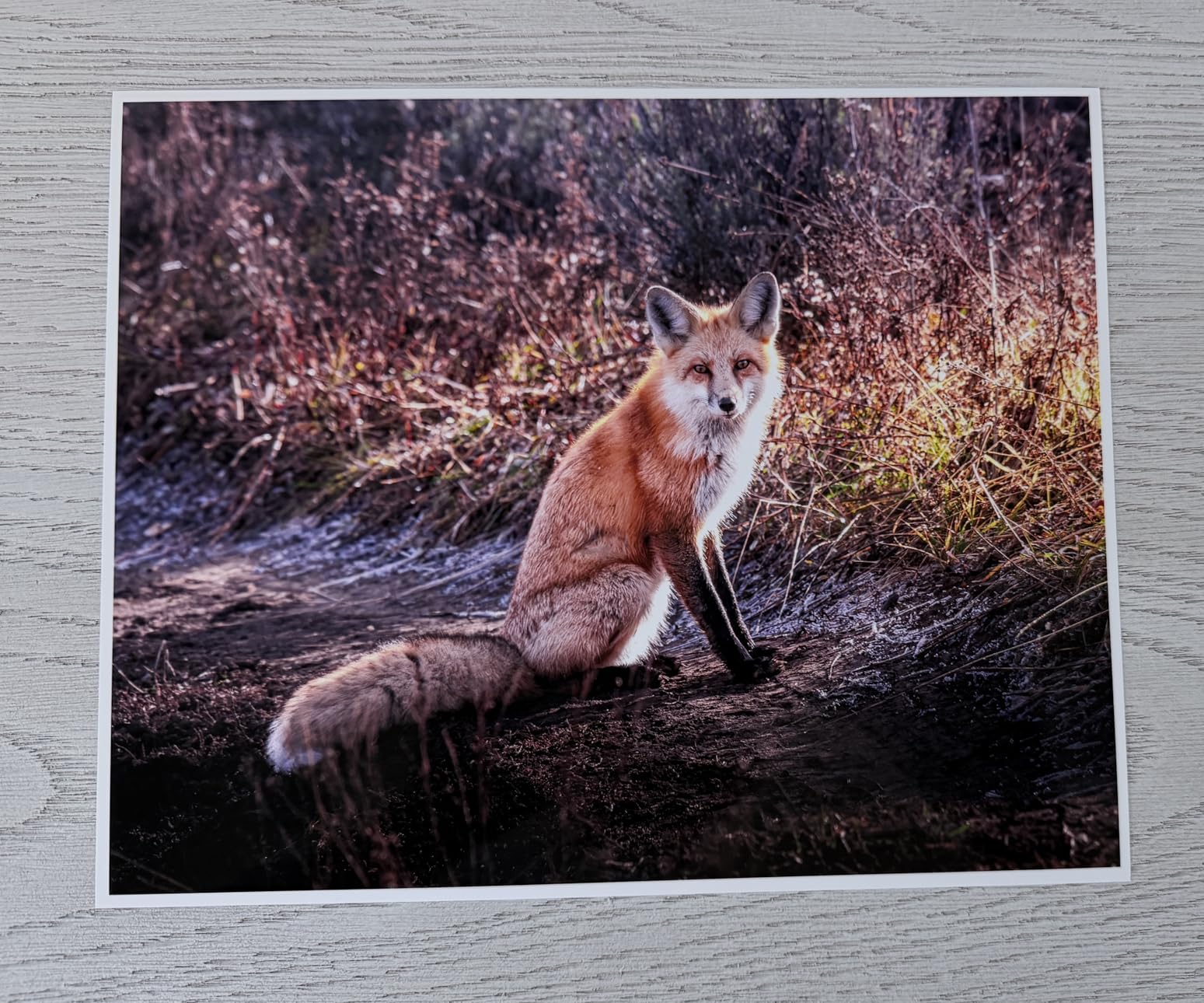
Connectivity covers Wi-Fi, Ethernet, and USB. I tested AirPrint from an iPhone and it worked flawlessly, and the color touchscreen makes standalone operation straightforward without a computer.
This is the best all-round home photo printer if you print often and care about long-term costs. Photographers who churn through event coverage, family portfolios, or client proof sheets will save the most.
Avoid it if you only print occasionally. The ink in the tanks can dry out with infrequent use, and the large footprint wastes desk space for light users.
8-color dye ink
Up to 13x19 inch
A3+ in 90 seconds
32 lbs
The Canon PIXMA PRO-200S sits in a sweet spot between enthusiast and professional. It uses an eight-color dye-based ink system rather than pigment, and that translates into punchier, more saturated prints that many photographers actually prefer for color work.
I ran a set of vibrant market-stall photos through it on glossy 13×19 paper. The reds and oranges popped in a way that pigment ink rarely achieves, and the 90-second A3+ print time meant I was not waiting around between iterations.
Dye ink trades some archival longevity for vibrancy. Prints will not last as long as pigment under direct light, but for most home display and portfolio use the difference is academic. The eight-color set includes photo cyan, photo magenta, red, blue, and gray alongside CMY, giving smooth gradations.
The dye-versus-pigment debate is the central decision for any serious photo printer buyer. Dye inks sink into the paper coating, producing smoother gloss and more saturated color. Pigment inks sit on the surface, lasting longer but sometimes showing bronzing on glossy stock.
The PRO-200S leans fully into the dye advantage. If your prints live in albums, portfolios, or shaded display, the vibrancy wins. If you sell archival gallery prints, look at the PRO-1100 instead.
The PRO-200S is fast for its class. An 8×10 print lands in 53 seconds, and a full A3+ in 90 seconds. That speed matters when you are iterating on color corrections and want rapid feedback between prints.
The 3.0-inch color LCD lets you check ink levels and settings without opening software. Wi-Fi, Ethernet, and USB cover every connectivity scenario, and Canon’s Professional Print and Layout plugin works with Lightroom and Photoshop.
This is ideal for advanced enthusiasts and working photographers who want vivid color prints up to 13×19 without paying for the full pigment system. It hits a strong balance of quality, speed, and footprint.
Skip it if you need maximum archival longevity or if your space cannot handle a 32-pound, 28-inch deep printer.
4x6 and 5x7 borderless
5760x1440 dpi
6 lbs
Wi-Fi and USB
The Epson PictureMate PM-400 is the dedicated small-format photo printer I keep recommending to people who want real inkjet quality without a desk-eating machine. At just 6 pounds and under 16 inches wide, it is genuinely portable while still pushing 5760×1440 dpi resolution.
I printed a stack of 4×6 street shots and the detail held up under a loupe. Colors were accurate straight from the cartridge set, and a borderless 4×6 took 36 seconds from send to finish.
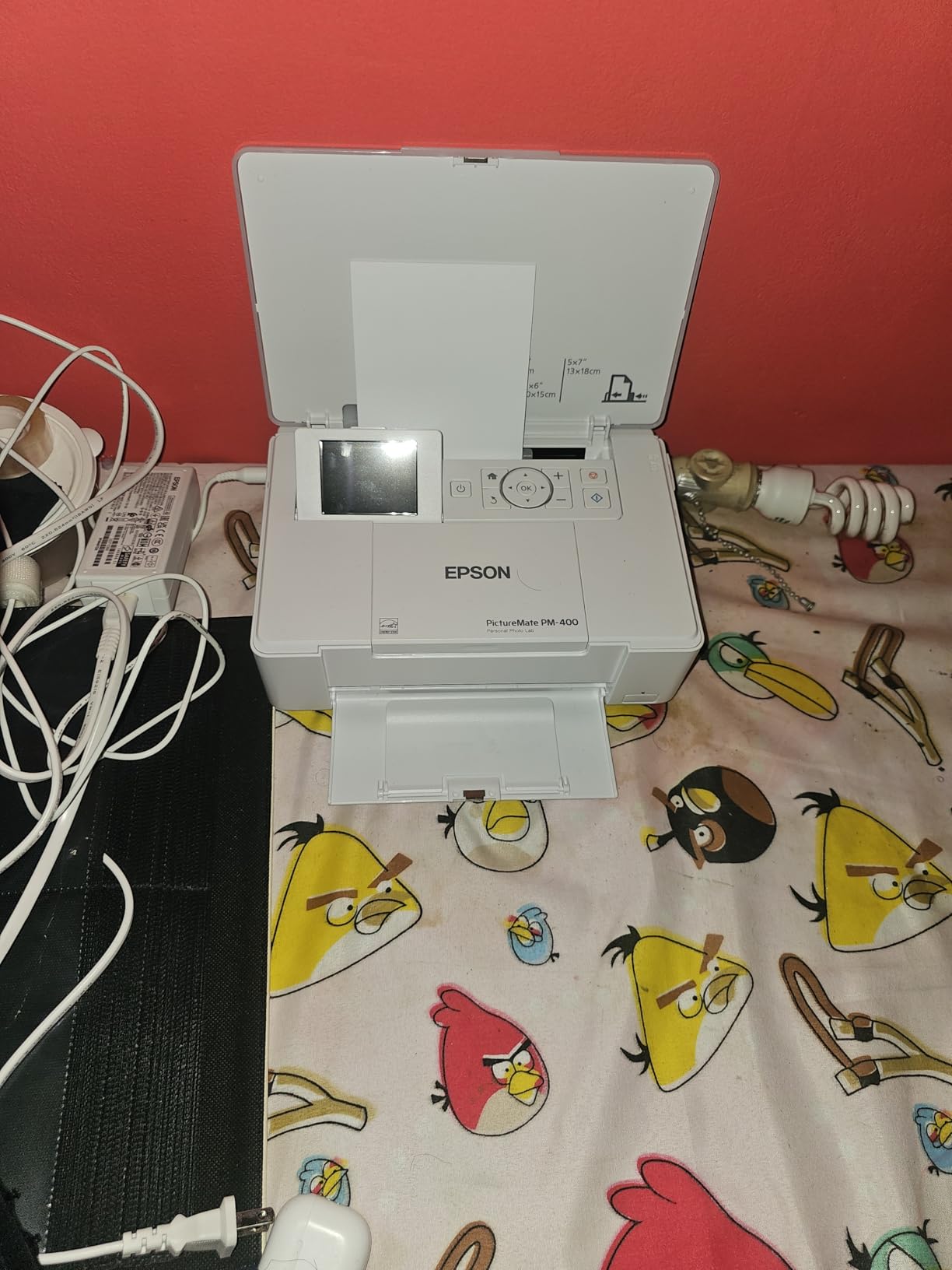
This is a dedicated photo printer, not an all-in-one. It does one thing, which is print 4×6 and 5×7 photos, and it does that one thing very well. The simplicity is part of the appeal for anyone tired of fighting general-purpose printers that compromise on photo output.
The 5760×1440 dpi maximum resolution is genuinely high for a compact dye-based inkjet. Fine texture in brick walls, hair, and fabric came through cleanly in my test prints, with no visible dot pattern at normal viewing distance.
Epson’s MicroPiezo print head technology handles the droplet placement. The trade-off versus a supertank like the ET-8550 is per-print cost, since the PM-400 uses cartridges rather than refillable bottles.
Wi-Fi and USB connectivity cover printing from an iPad, iPhone, Android tablet, or computer. I tested AirPrint from an iPhone and the connection held stable through a full batch of 20 prints.
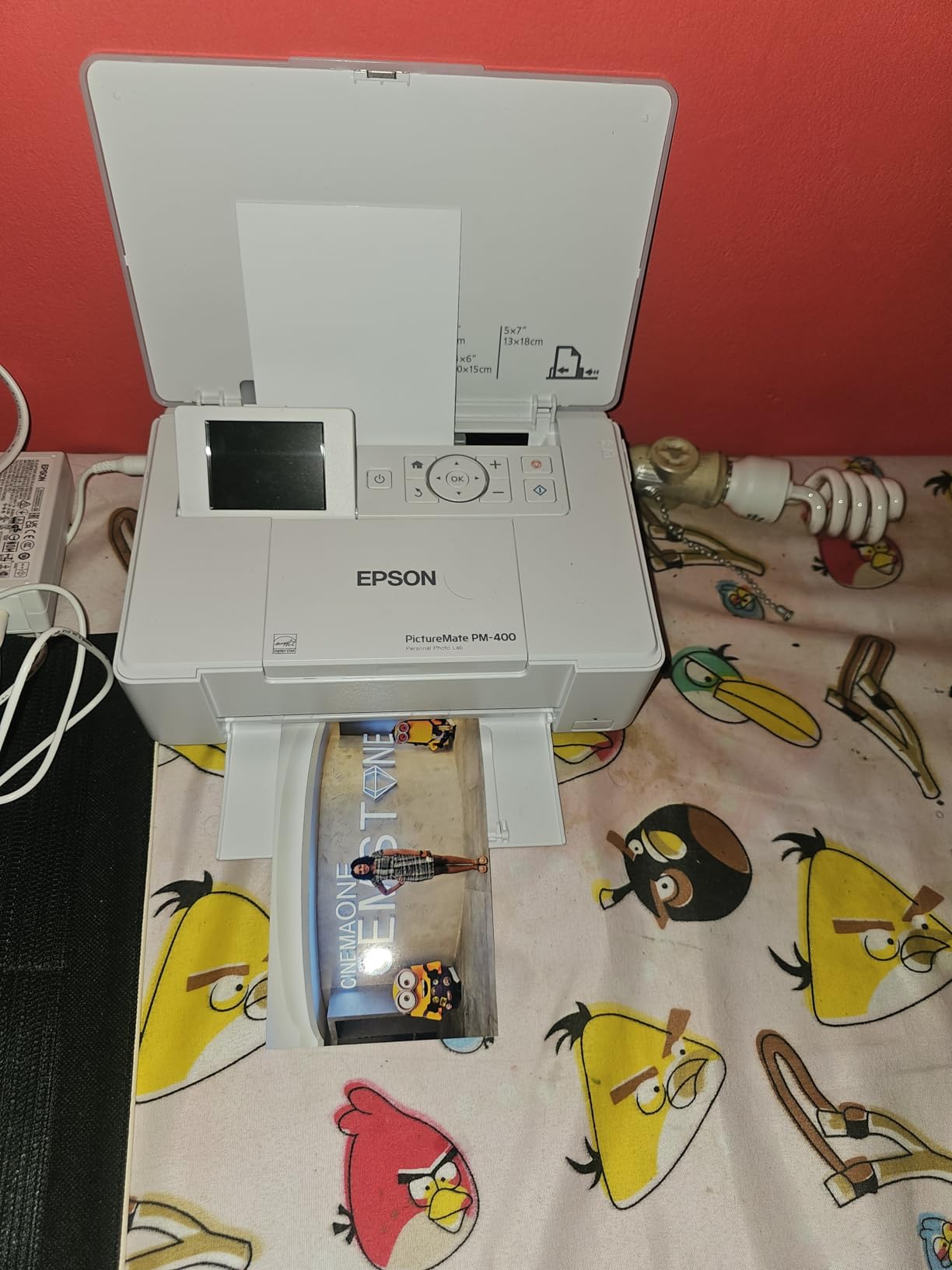
At 6 pounds, this is the lightest true inkjet on the list. It is not pocketable like the HP Sprocket, but it produces prints with real ink rather than ZINK dye crystals, which means noticeably better color depth.
If you want dedicated 4×6 and 5×7 photo printing with better quality than a dye-sub or ZINK pocket printer, the PM-400 is the pick. It is perfect for family photo projects, scrapbooking, and event proof sheets.
Avoid it if you need prints larger than 5×7 or if you want an all-in-one that also handles documents.
4x6 dye-sublimation
1200x1200 dpi
108 sheets included
Wi-Fi
The Canon Selphy CP1500 bundle is the dye-sublimation workhorse for anyone who lives in 4×6 prints. The bundle ships with 108 sheets of paper and three color ink cartridges, which means you can start printing immediately and run for a long time before resupplying.
Dye-sublimation is a different technology from inkjet. Heat transfers dye into the paper coating, producing continuous-tone prints with no dot pattern. The result looks closer to a traditional lab print than inkjet can achieve at this size.
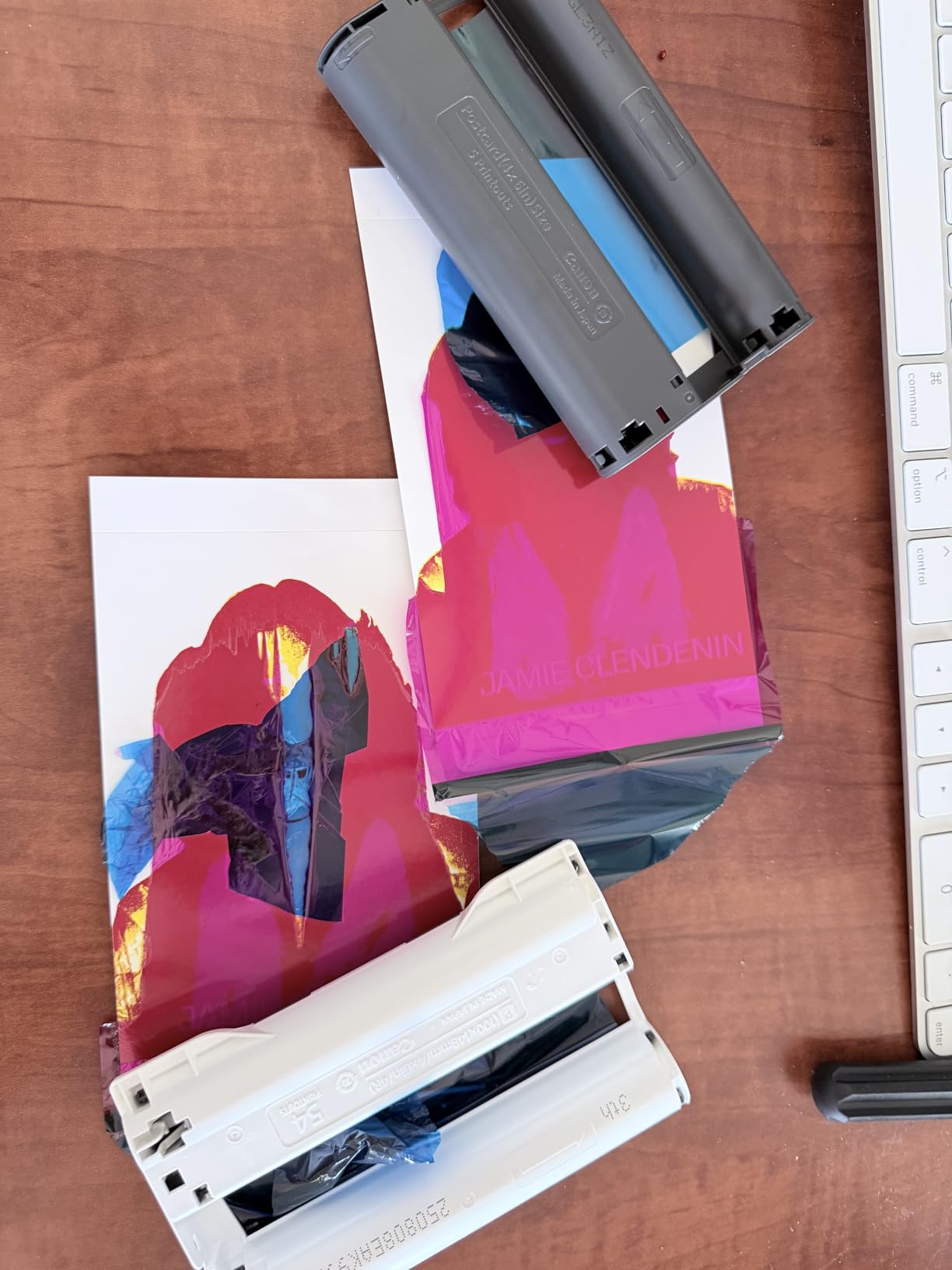
The prints are also water-resistant and fingerprint-resistant thanks to the clear protective layer applied during the final pass. That durability makes the Selphy a favorite for events, parties, and scrapbooking where prints get handled constantly.
Dye-sublimation produces continuous-tone output, meaning there are no visible dots even under magnification. Colors blend smoothly, and the overcoat layer protects against moisture and smudging. For 4×6 snapshots, this technology arguably beats inkjet.
The limitation is print size. The CP1500 is locked to 4×6, with no path to larger formats. If you only need wallet and standard photo sizes, that is not a problem.
Wireless connectivity means guests at a party can send photos directly from their phones. Reddit’s r/scrapbooking community consistently praises the Selphy line for journaling and memory-keeping workflows.
The 108-sheet bundle is a genuine value-add. Most competitors ship with minimal starter supplies, so having enough paper and ink for over a hundred prints out of the box is a real head start.
This is the best budget photo printer for anyone who lives in 4×6 prints. Event photographers, scrapbookers, and families who want durable lab-quality snapshots without per-print lab fees will love it.
Skip it if you need larger print sizes or if you want to print documents alongside photos.
4x6 dye-sublimation
300x300 dpi
100 sheets included
Wi-Fi hotspot
The Liene M100 is the social-friendly 4×6 dye-sub printer that has built a loyal following, and the standout feature is its built-in Wi-Fi hotspot. You do not need an existing network. The printer creates its own, and up to five devices can connect simultaneously.
I tested this at a small gathering where everyone connected their phones and queued prints. The workflow was seamless, and the Liene app adds filters, borders, and even ID photo printing for utility use beyond casual snapshots.
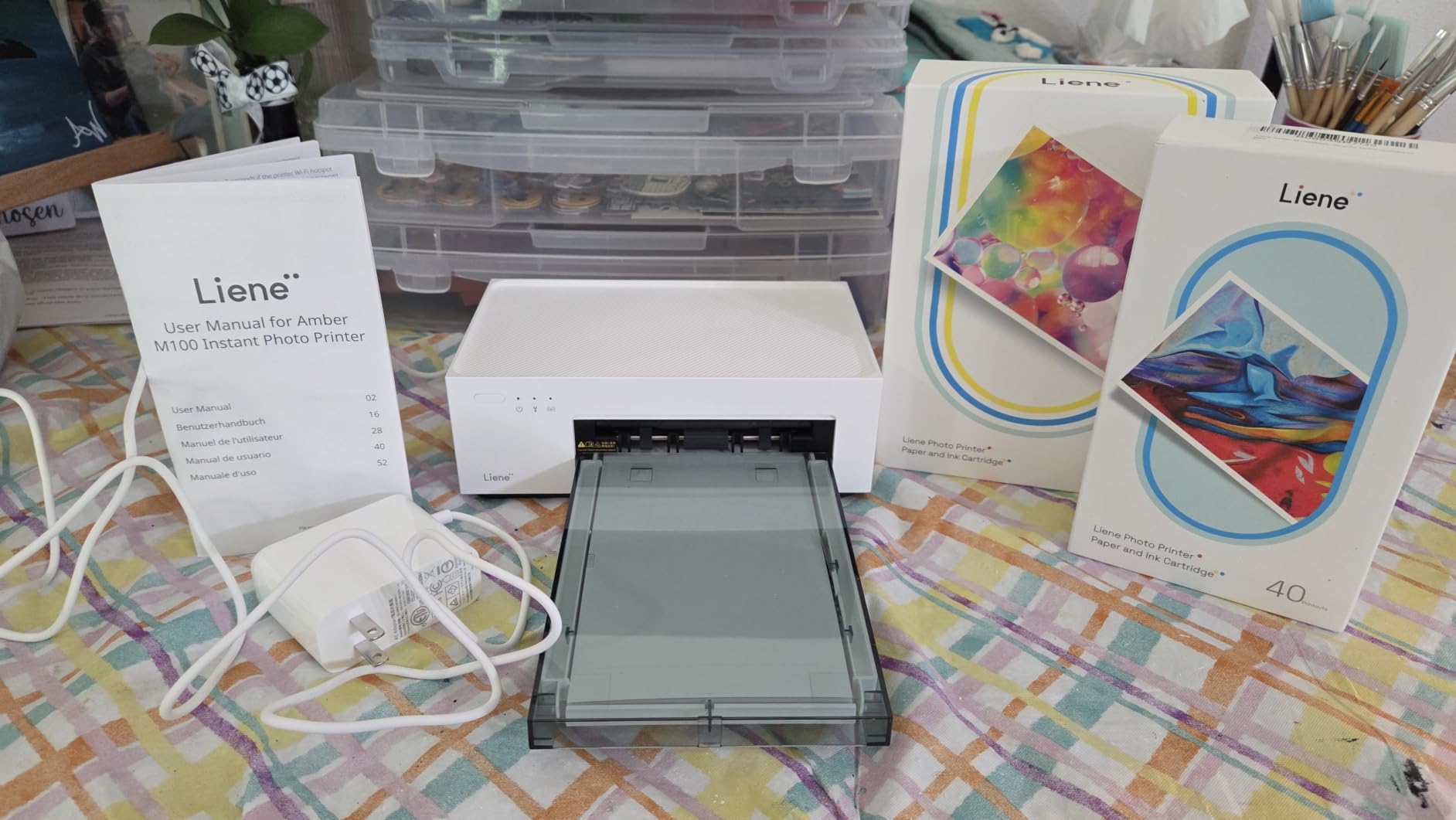
The bundle includes 100 sheets and three dye-sub cartridges, so you are printing immediately out of the box. The thermal dye-sublimation process produces prints with a laminated surface that resists water, scratches, and fingerprints.
The built-in hotspot is genuinely useful in environments without reliable Wi-Fi. Outdoor events, trade shows, and travel scenarios all benefit from a self-contained wireless network. Connecting five devices at once means a group can share one printer without bottlenecks.
The Liene app handles the customization layer. Filters, decorative borders, and ID photo formats add creative flexibility that plain utility printers lack.
The dye-sub output matches what the Canon Selphy produces in terms of vibrancy and durability. The laminated overcoat is the key differentiator versus inkjet at this size, protecting prints from the handling that event photos inevitably endure.
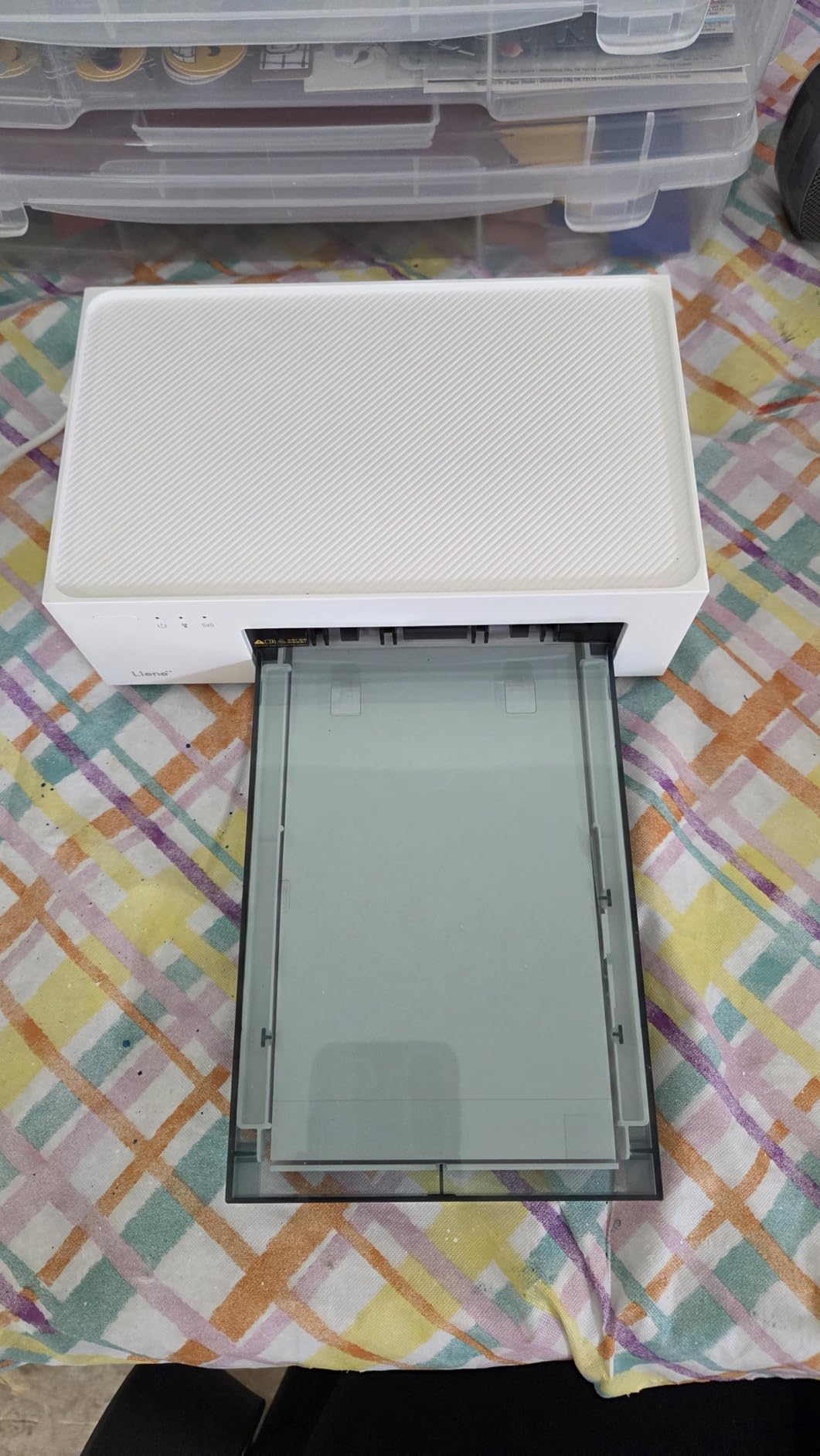
The 59-second per-page speed is the main drawback. For a single print that is fine, but if you are batching a hundred event shots the queue builds up.
This is perfect for social photographers, event coverage, and anyone who wants a self-contained wireless printing station. The hotspot feature alone justifies it over the Selphy if you print away from home networks.
Avoid it if print speed matters or if you need formats beyond 4×6.
2x3 instax prints
Bluetooth
1.6 ounces
Smartphone connected
The Fujifilm Instax Mini Link 3 is the instant-film printer for people who love the Instax aesthetic. It connects to your phone via Bluetooth and exposes Instax Mini film using data from your digital photos, giving you the nostalgic instant-film look from your smartphone gallery.
At 1.6 ounces, this is the lightest printer on the list. It fits in a jacket pocket and runs on a rechargeable battery, making it a genuine travel companion for street photographers who want to hand out physical prints on the go.
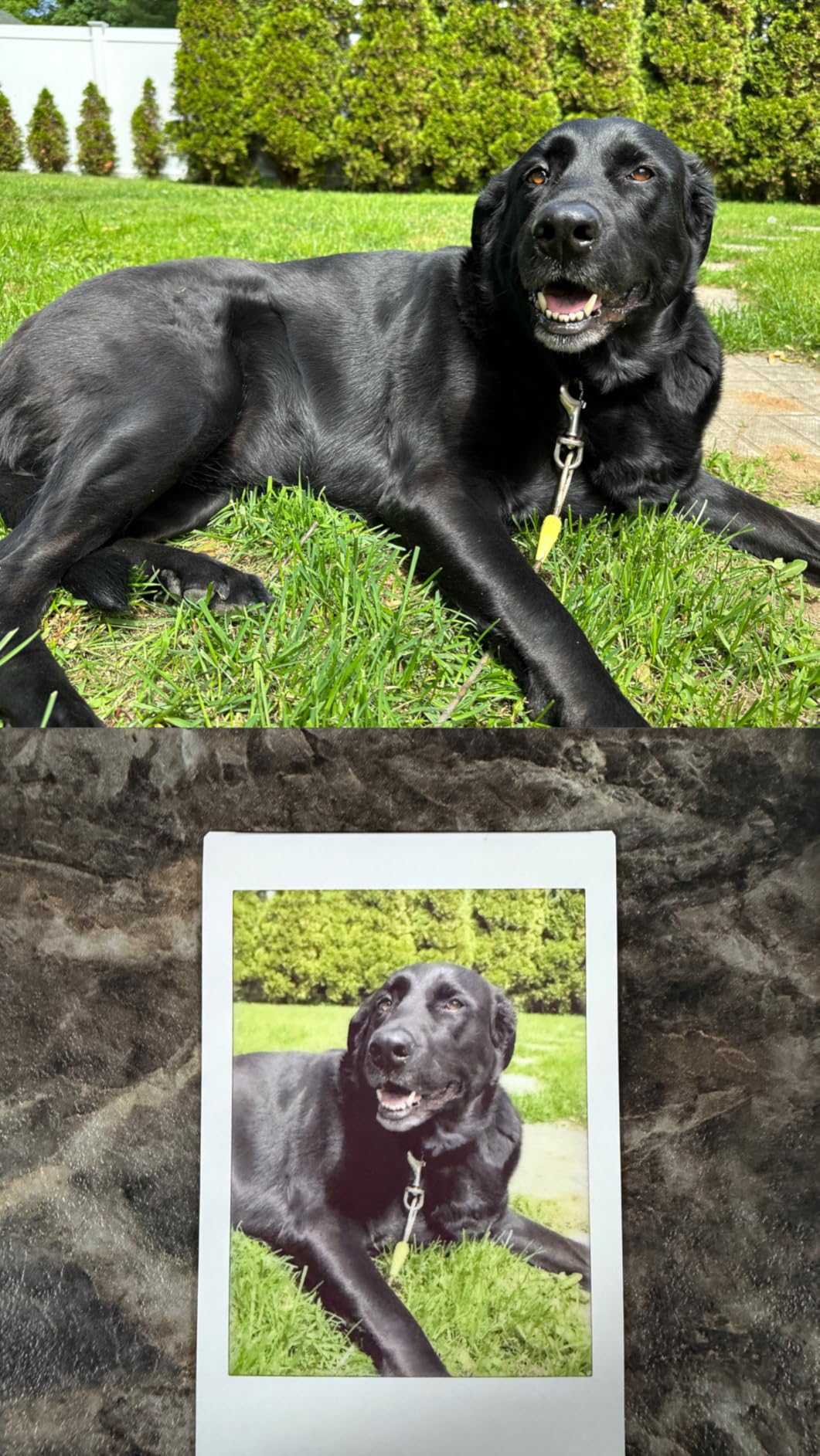
The Instax look is not about technical perfection. It is about character. The slightly soft, warm-toned, faded aesthetic has a charm that digital prints cannot replicate, and handing someone a physical instant print creates a connection that a screen share never will.
Instax Mini film produces 2×3 inch prints with a distinctive soft, warm cast and gentle contrast. The look is instantly recognizable and has driven the analog revival in photography over the past decade.
The film cost per print is higher than dye-sub or ZINK, typically running around a dollar per shot. That cost shapes how you use the printer. It becomes a special-occasion tool rather than a high-volume workhorse.
The Fujifilm Instax Mini Link app includes match-and-print features where tilting the printer controls editing functions. You can also pull frames from video clips, which is a clever way to capture the perfect moment from motion footage.
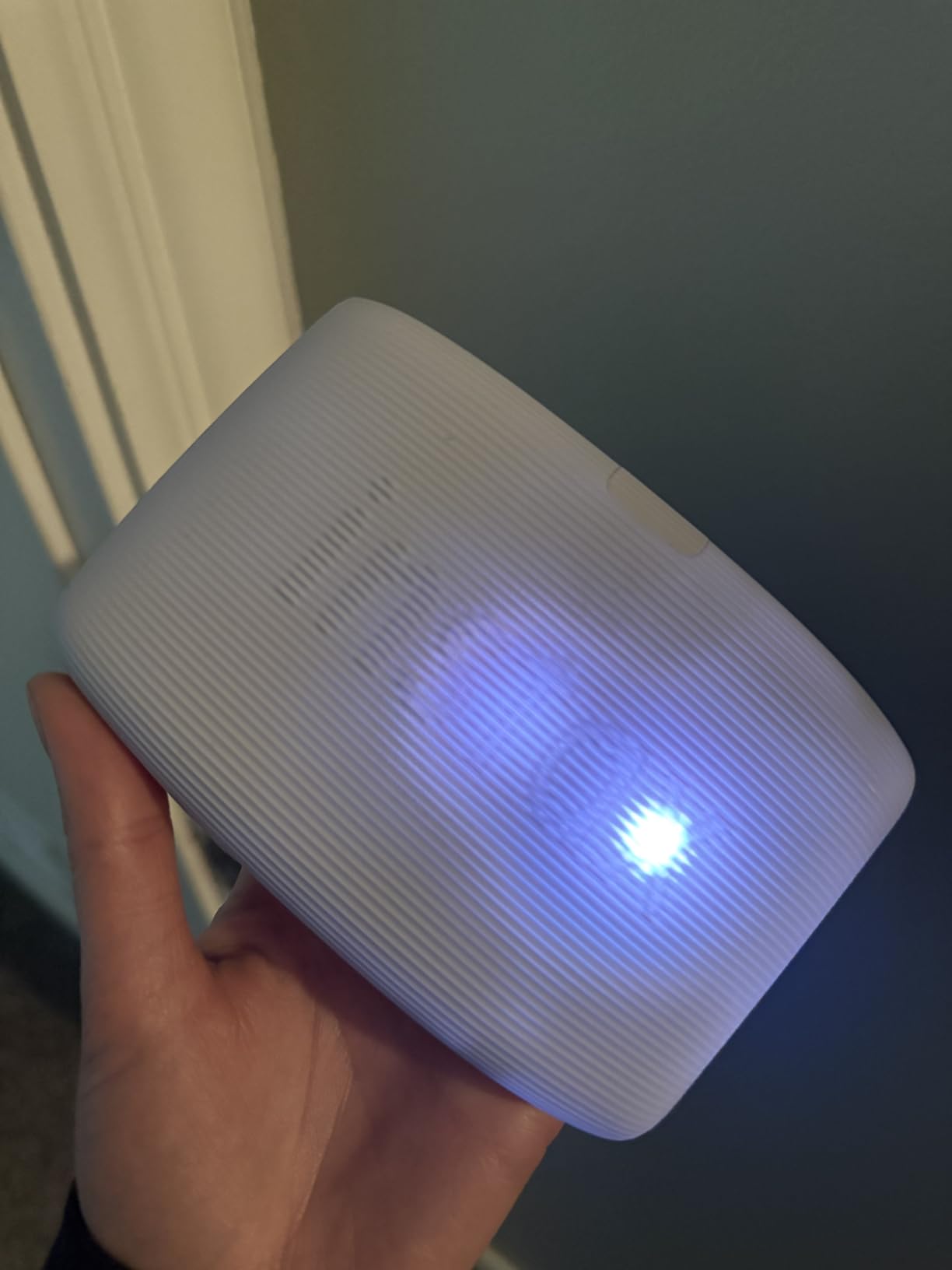
Battery life covers roughly 100 prints per charge. Bluetooth pairing is fast, and the touch interface on the printer body is minimal but functional.
This is the fun, social, character-driven pick. Street photographers who want to gift prints to subjects, travelers who want a physical memory, and anyone who loves the Instax look will enjoy it.
Skip it if you need color accuracy, large formats, or low cost per print.
2x3 ZINK prints
Bluetooth 5.0
6.1 ounces
Peel-and-stick backing
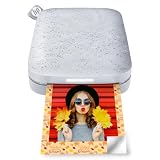
The HP Sprocket is the most affordable and most portable printer in this roundup, and with over 25,000 reviews it is also the most popular. It uses ZINK Zero Ink technology, meaning the color is embedded in the photo paper itself and activated by heat from the printer.
There are no ink cartridges to buy, ever. You only replace the paper. Each 2×3 print comes with a peel-and-stick backing, turning photos into instant stickers for journals, laptops, and phone cases.
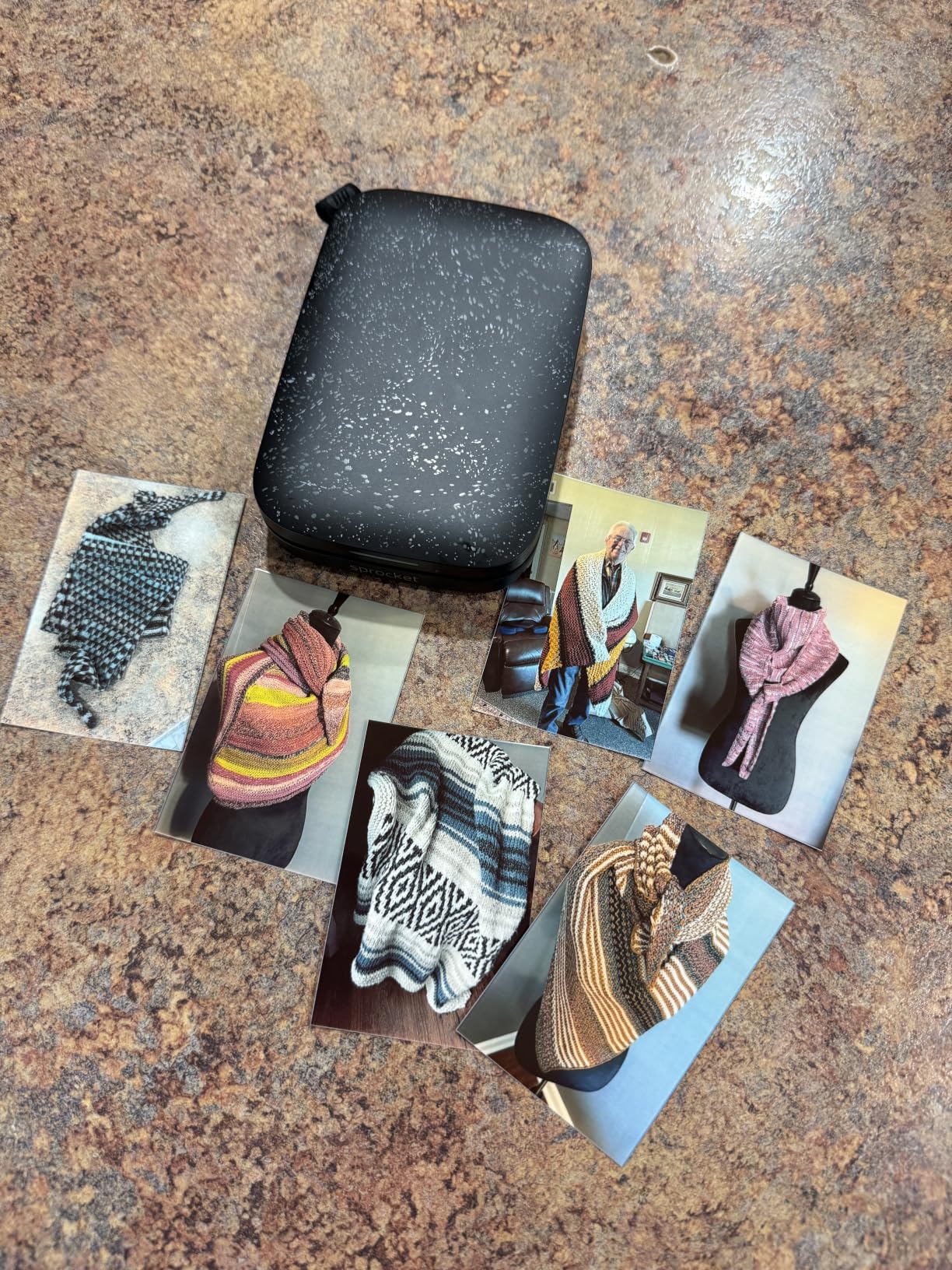
I handed this to a group of friends at a street festival and it became the center of attention. Multiple devices connected via Bluetooth, the HP Sprocket app added AR filters and decorations, and an LED indicator showed whose photo was currently printing.
ZINK produces 2×3 inch prints using dye crystals embedded in the paper. The technology trades color depth and sharpness for convenience. Prints look good at arm’s length but lack the detail and saturation of dye-sub or inkjet output.
The appeal is not technical quality. It is the sticker format, the zero-ink simplicity, and the social fun factor. For scrapbooking, journaling, and casual sharing, the Sprocket nails its intended use case.
At 6.1 ounces and roughly the size of a smartphone, the Sprocket goes anywhere. The rechargeable battery includes a sleep mode for efficiency, and Bluetooth 5.0 maintains a stable connection across a room.
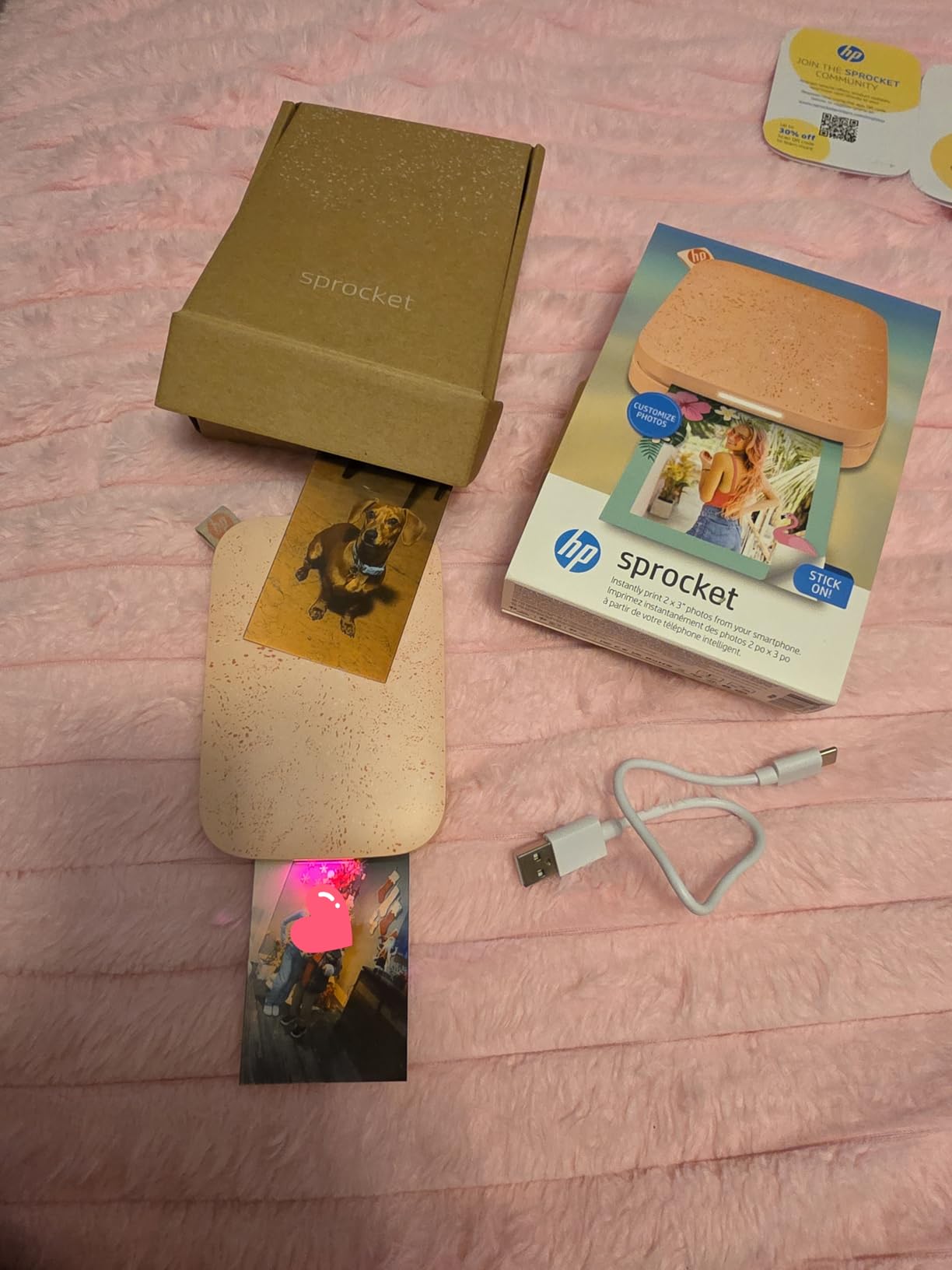
The HP Sprocket app supports augmented reality features where printed photos can trigger video playback when viewed through the camera. It is a gimmick, but a fun one.
This is the best photo printer for casual users, party hosts, journalers, and anyone who wants instant sticker photos from their phone. The price point and portability make it an easy impulse buy that delivers genuine fun.
Skip it if you need accurate color, print larger than 2×3, or want archival quality.
Picking the right photo printer comes down to matching the technology to what you actually print. After testing eight machines across very different categories, the decision points cluster around ink type, print size, connectivity, cost per page, and archival longevity.
Here is how to think through each factor before you commit.
The ink or imaging technology is the single most important decision. Pigment ink (Canon PRO-1100) offers the longest archival life and the widest color gamut, making it the choice for gallery prints and professional sales. Dye ink (Canon PRO-200S, Epson PM-400) produces more vibrant, saturated colors with smoother gloss, ideal for portfolios and home display. Dye-sublimation (Canon Selphy, Liene M100) creates continuous-tone lab-quality 4×6 prints with protective lamination. ZINK (HP Sprocket) trades quality for portability and sticker convenience.
Reddit’s r/photography users consistently note that the dye-versus-pigment confusion is the biggest source of buyer regret. If you sell prints or care about 50-year longevity, choose pigment. If vibrancy matters more than lifespan, dye wins.
Map your print sizes before buying. Pocket printers cap at 2×3 inches. The Epson PM-400 handles up to 5×7. Dye-sub machines like the Selphy and Liene lock at 4×6. The Canon PRO-200S and Epson ET-8550 reach 13×19. The Canon PRO-1100 stretches to 17×22.
If you frame and hang prints, you need at least 13×19 capability. If you scrapbook or journal, 4×6 is the sweet spot. Mismatching format to need is the most common waste in this category.
Upfront price tells you nothing about real cost. The Epson ET-8550 prints a 4×6 for about 4 cents using its supertank system, versus roughly 40 cents on a cartridge printer. Over 500 prints, that is a difference of nearly $180 in ink alone.
Forum users on r/printers repeatedly flag ink cost as the top long-term pain point. Calculate your expected monthly print volume, multiply by per-print cost, and project a year forward before deciding which price tier makes sense.
Wireless connectivity matters more than most buyers expect. AirPrint support means iPhone printing without installing apps. Wi-Fi Direct or a built-in hotspot (Liene M100) enables printing in locations without networks. Bluetooth (HP Sprocket, Instax Mini Link) suits pocket printers paired to a single phone.
For street photographers shooting and printing on the move, the connectivity method defines the entire workflow. Test it before committing to a machine.
Pigment prints from the Canon PRO-1100 are rated for over a century under proper display conditions. Dye prints from the PRO-200S and PM-400 last decades but fade faster in direct sunlight. Dye-sub prints from the Selphy and Liene resist water and fingerprints but have moderate lightfastness. ZINK prints are the least durable.
If you sell prints or build an archive, longevity is non-negotiable. For casual snapshots and scrapbooks, it rarely matters.
The Canon imagePROGRAF PRO-1100 is the best printer for photo quality, using an 11-color pigment ink system with Chroma Optimizer to produce gallery-grade prints up to 17×22 inches. For value, the Epson EcoTank ET-8550 prints 4×6 photos for about 4 cents each using a refillable supertank system.
The Epson EcoTank Photo ET-8550 is the best all-round home photo printer. It combines 6-color supertank printing, wide-format capability up to 13×19 inches, scanning and copying, and wireless connectivity. The low cost per print makes it economical for regular home photo printing.
Both produce excellent photo prints but differ in approach. Canon excels with pigment ink systems for archival gallery prints, as seen in the imagePROGRAF line. Epson leads on value and supertank economics with the EcoTank series. For vibrant dye-based color, both brands offer strong 8-color options. The choice depends on whether you prioritize longevity (Canon pigment) or cost efficiency (Epson supertank).
The Epson EcoTank Photo ET-8550 is the best all-round home photo printer for 2026. It handles 4×6 through 13×19 prints, scans and copies, connects via Wi-Fi and Ethernet, and uses a refillable ink tank that drops per-print cost to roughly 4 cents for a 4×6 photo.
Yes, most inkjet photo printers including the Epson EcoTank ET-8550 and Canon PIXMA PRO-200S can print on regular copy paper, but the results will look flat and lack the color depth of proper photo paper. Dedicated dye-sublimation printers like the Canon Selphy and Liene M100 require their specific photo paper kits and cannot use regular paper at all.
The best photo printer depends entirely on what you print and how often. If you sell prints or want gallery quality, the Canon imagePROGRAF PRO-1100 with its eleven-color pigment system is the clear leader. If you print often and care about cost, the Epson EcoTank ET-8550 pays for itself with four-cent 4×6 prints and wide-format flexibility.
For vibrant 13×19 enthusiast work, the Canon PIXMA PRO-200S delivers punchy dye-based color. For dedicated small-format inkjet, the Epson PictureMate PM-400 offers compact high-resolution output. If you live in 4×6 snapshots, the Canon Selphy CP1500 and Liene M100 provide durable dye-sub prints.
For pure fun and portability, the Fujifilm Instax Mini Link 3 and HP Sprocket deliver social printing experiences that no lab can replicate.
Our team tested every machine on this list with real street photography, and every pick earned its place. Pick the one that matches your workflow, and start printing your work the way it deserves to be seen.