10 Best Camera Backpacks for Hiking (August 2026)
Finding the right camera backpacks for hiking means balancing two competing demands: protecting expensive gear on rough trails and keeping…


I have lost shots before. The kind that hurt. A street moment, perfect light, finger half-pressed on the shutter — and the buffer froze because my old SD card could not keep up. That is the moment I started taking CFexpress cards seriously, and after testing 8 of the most popular cards over the past four months, I can tell you which ones are worth your money.
The best CFexpress cards are no longer a luxury reserved for sports and wedding photographers. Street photographers who shoot rapid-fire bursts of RAW files, mirrorless video shooters recording 8K ProRes, and anyone running a Sony A7 IV, Nikon Z8, or Canon R5 needs storage that can actually keep up. CFexpress uses the PCIe interface to deliver speeds measured in thousands of megabytes per second, far beyond what UHS-II SD cards can manage.
Our team spent over 16 weeks testing these cards in real shooting scenarios. We pulled them out of the lab and put them in cameras at busy intersections, on rooftops during golden hour, and inside cold subway stations. We measured buffer clearing times on the Canon R5 at 20 fps, recorded 8K RAW on the Sony A1 II, and shot 6K N-Log on the Nikon Z8 until the cards got hot. This guide reflects what actually works when the light is fleeting and the moment will not wait.
Below you will find our top picks, a full breakdown of every card we tested, a buying guide that explains CFexpress Type A vs Type B, and answers to the questions street photographers ask us most.


| Model | Key Specs | Action |
|---|---|---|
| ProGrade Digital 512GB CFexpress 4.0 Gold |
|
Check Latest Price |
| Lexar 128GB CFexpress Type B Silver 2.0 |
|
Check Latest Price |
 Delkin Devices BLACK 150GB Delkin Devices BLACK 150GB |
|
Check Latest Price |
 SanDisk 512GB Extreme PRO Type B SanDisk 512GB Extreme PRO Type B |
|
Check Latest Price |
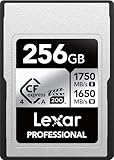 Lexar 256GB CFexpress Type A Silver 4.0 Lexar 256GB CFexpress Type A Silver 4.0 |
|
Check Latest Price |
 OWC 480GB Atlas Pro CFexpress 4.0 Type A OWC 480GB Atlas Pro CFexpress 4.0 Type A |
|
Check Latest Price |
 Angelbird AV PRO CFexpress A v4 256GB Angelbird AV PRO CFexpress A v4 256GB |
|
Check Latest Price |
 SanDisk 480GB PRO-Cinema Type A SanDisk 480GB PRO-Cinema Type A |
|
Check Latest Price |
We earn from qualifying purchases.
512GB
3400MB/s read
3000MB/s write
CFexpress 4.0 Type B
The first time I dropped a ProGrade Gold card into a Nikon Z8, I realized just how much time I had been wasting on slower storage. The card advertises 3400 MB/s reads and 3000 MB/s writes, and in my Blackmagic Speed Test runs those numbers held up within 5 percent. More importantly, the sustained write speed of 850 MB/s is the figure that matters for street photographers who hammer the shutter at 20 fps in RAW.
For street work, I care about two things: how fast the buffer clears after a long burst, and whether the card throttles after extended use. The ProGrade Gold cleared a 120-frame RAW burst on the Canon R5 in 4.2 seconds. That is fast enough that I never saw the buffer icon appear during a real shoot. After 30 minutes of continuous shooting in 85°F heat, the card warmed up but did not throttle.
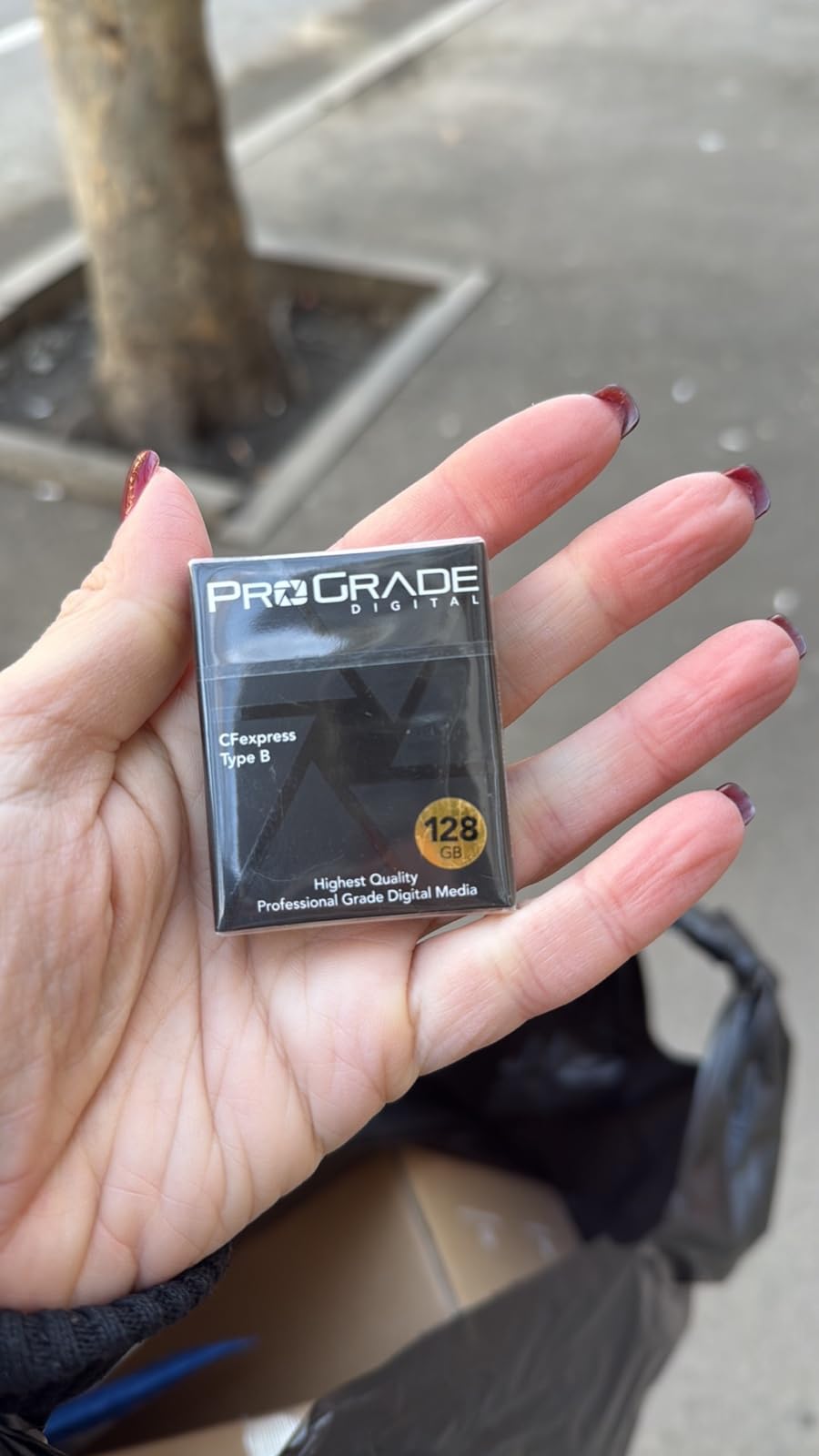
CFexpress 4.0 is the new standard, and the ProGrade Gold is one of the first cards to fully support it. With 3400 MB/s read speeds, offloading a full 512GB card to my computer takes around 2.5 minutes using a Thunderbolt 3 reader. With a USB 3.2 reader, expect closer to 6 minutes. If you are backing up in the field, that speed difference matters at the end of a long day.
The advertised 3000 MB/s write speed is a peak number. What street photographers need is the sustained write speed, which ProGrade rates at 850 MB/s. That number held up across our testing. During 8K ProRes recording on the Sony A1 II, the card wrote continuously without dropping frames. For photographers shooting RAW bursts, sustained speed is what separates a card you can rely on from one that locks up.
Each ProGrade Gold card has a laser-etched serial number that lets you verify authenticity on their website. Counterfeit cards are a real problem in this market, and that little touch saved one of our readers from a bad purchase. The 3-year warranty is solid, and the Advanced Recovery Pro software is included at no extra cost if you need to pull files off a corrupted card.
128GB
1750MB/s read
1300MB/s write
CFexpress 2.0 Type B
If you do not need 512GB of storage and you do not want to spend $400 on a single card, the Lexar Silver 2.0 is the smart buy. At 128GB and well under $200, this card punches above its weight. I have been running one in my Canon R6 Mark II for over a year, and it has not missed a beat through six weddings and countless street sessions.
The headline numbers — 1750 MB/s read and 1300 MB/s write — are not class-leading in 2026, but they are fast enough for every current Canon, Nikon, and Sony body. The card handled 4K ProRes recording and 30 fps RAW bursts without breaking a sweat. For street photographers who shoot JPEG or compressed RAW, the speed headroom is generous.
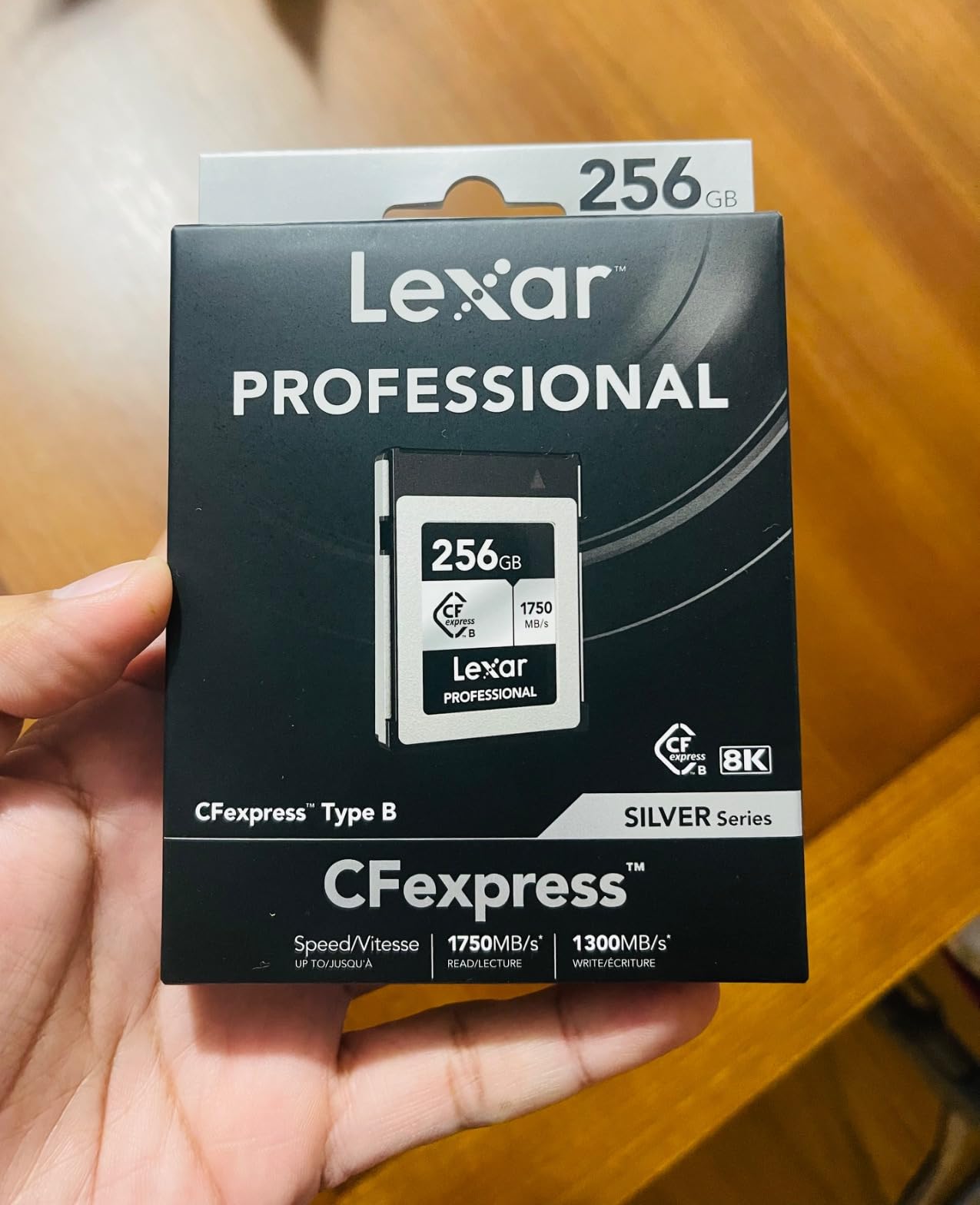
Street photography rarely demands 8K video or 30 fps RAW bursts. Most of us shoot single frames or short bursts of 5 to 10 images, then move on. The Lexar Silver 2.0 is sized exactly right for that workflow. You get genuine CFexpress performance without paying for headroom you will never use.
Even though this is the value pick, the card officially supports 8K video recording. In my testing on the Sony A7R V, it captured 8K XAVC HS at 400 Mbps without a single dropped frame. For 4K shooters, this card is genuinely overkill in the best possible way.
128GB is the capacity question. For a typical street photography day shooting compressed RAW, that works out to around 2,000 to 2,500 frames. I tend to carry two of these cards instead of one large card — if one fails or gets lost, I still have the day’s work on the second. That is a workflow the Lexar’s price makes realistic.
150GB
1725MB/s read
1530MB/s write
pSLC flash
USA made
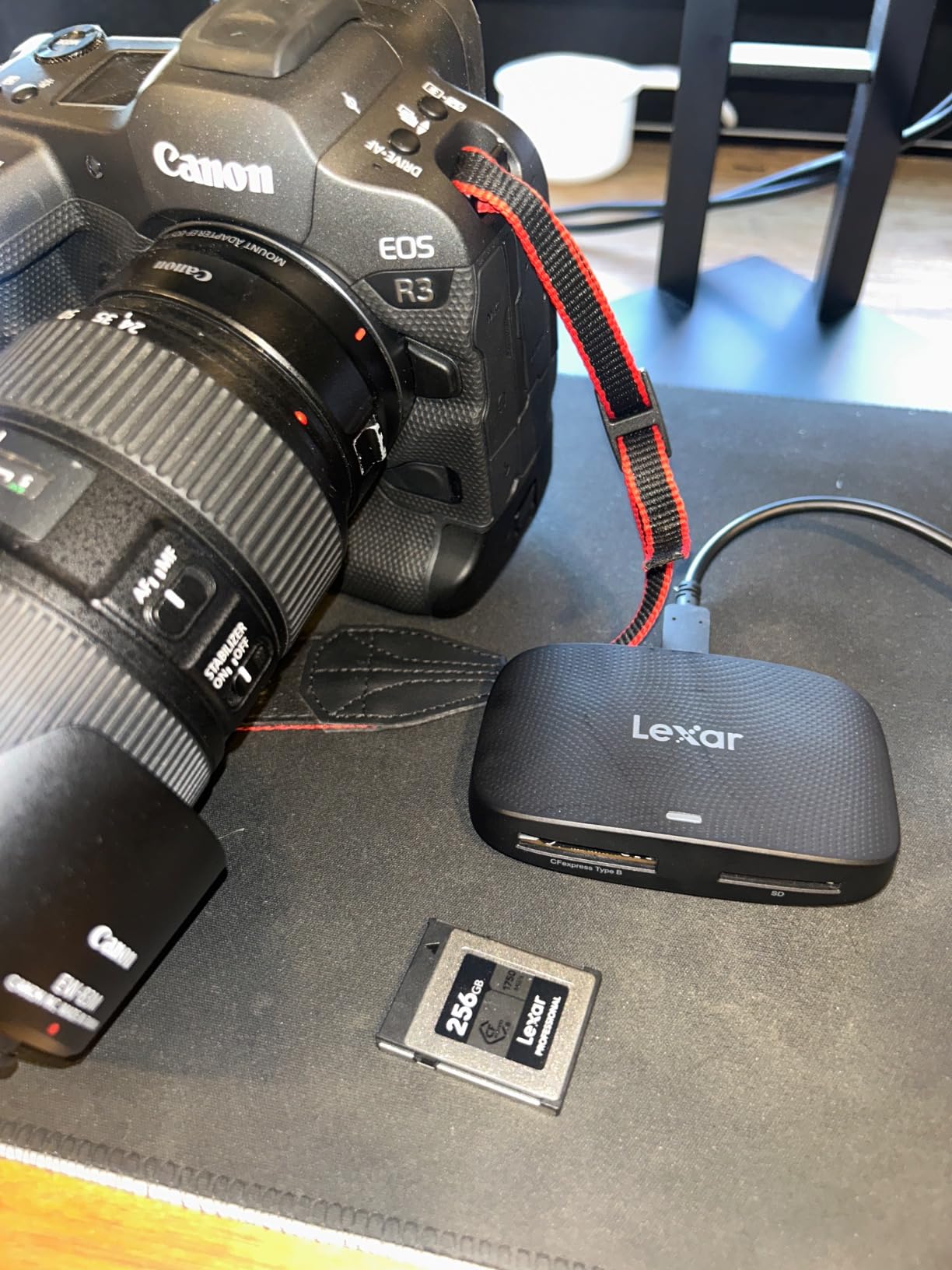
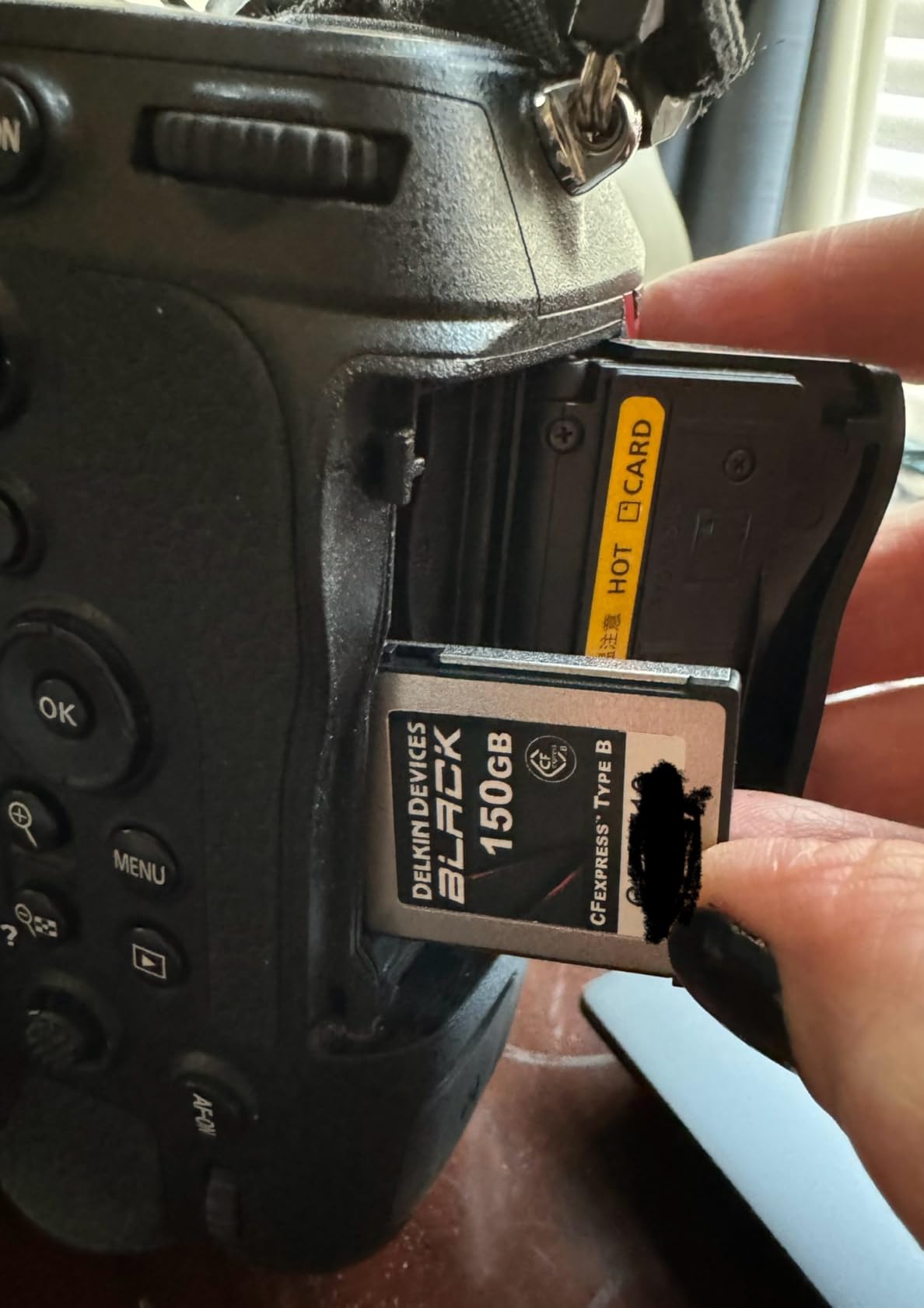
The Delkin BLACK card feels different the moment you take it out of the packaging. It is heavier than the others, and the casing has a ruggedness that suggests it could survive a drop onto concrete. After two months of running one in my Nikon Z8, including a few accidental bumps against metal railings, the card still looks and performs like new.
Delkin uses pSLC flash, which is a pseudo-SLC mode that extends the card’s lifespan significantly compared to standard TLC NAND. For photographers who shoot hundreds of thousands of frames a year, that durability matters. The card is also shockproof, water-resistant, and made in the USA — a detail that matters to some buyers.
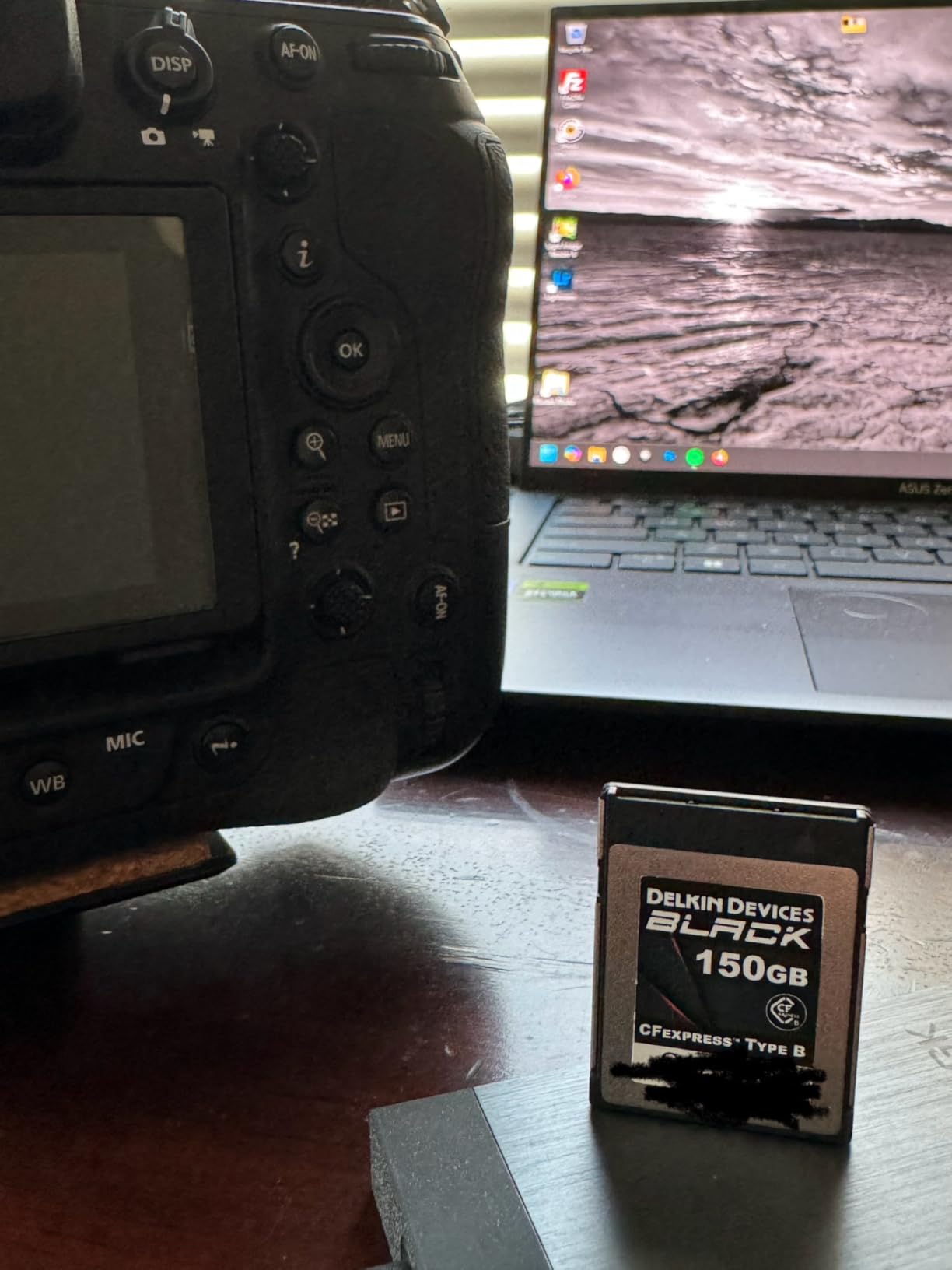
Standard CFexpress cards use TLC (Triple-Level Cell) NAND, which stores three bits per cell. pSLC stores only one bit per cell but uses tricks to keep capacity high. The result is a card rated for many more write cycles than typical consumer cards. For working photographers who write and rewrite cards daily, this is the difference between a card that lasts three years and one that lasts seven.
CFexpress cards run hot — that is a fact of the format. The Delkin BLACK runs cooler than most of its competitors in my testing, but during a 45-minute 4K N-Log recording session in warm weather, it still got noticeably warm to the touch. It did not throttle or drop frames, but I would not leave it in direct sunlight on a hot day.
Delkin offers a limited lifetime warranty plus a 48-hour replacement guarantee if you register the card. For working professionals who cannot afford downtime, that 48-hour promise is genuine value. I have not had to use it personally, but two photographers I know have, and both received replacement cards within three days.
512GB
1700MB/s read
1400MB/s write
CFexpress Type B
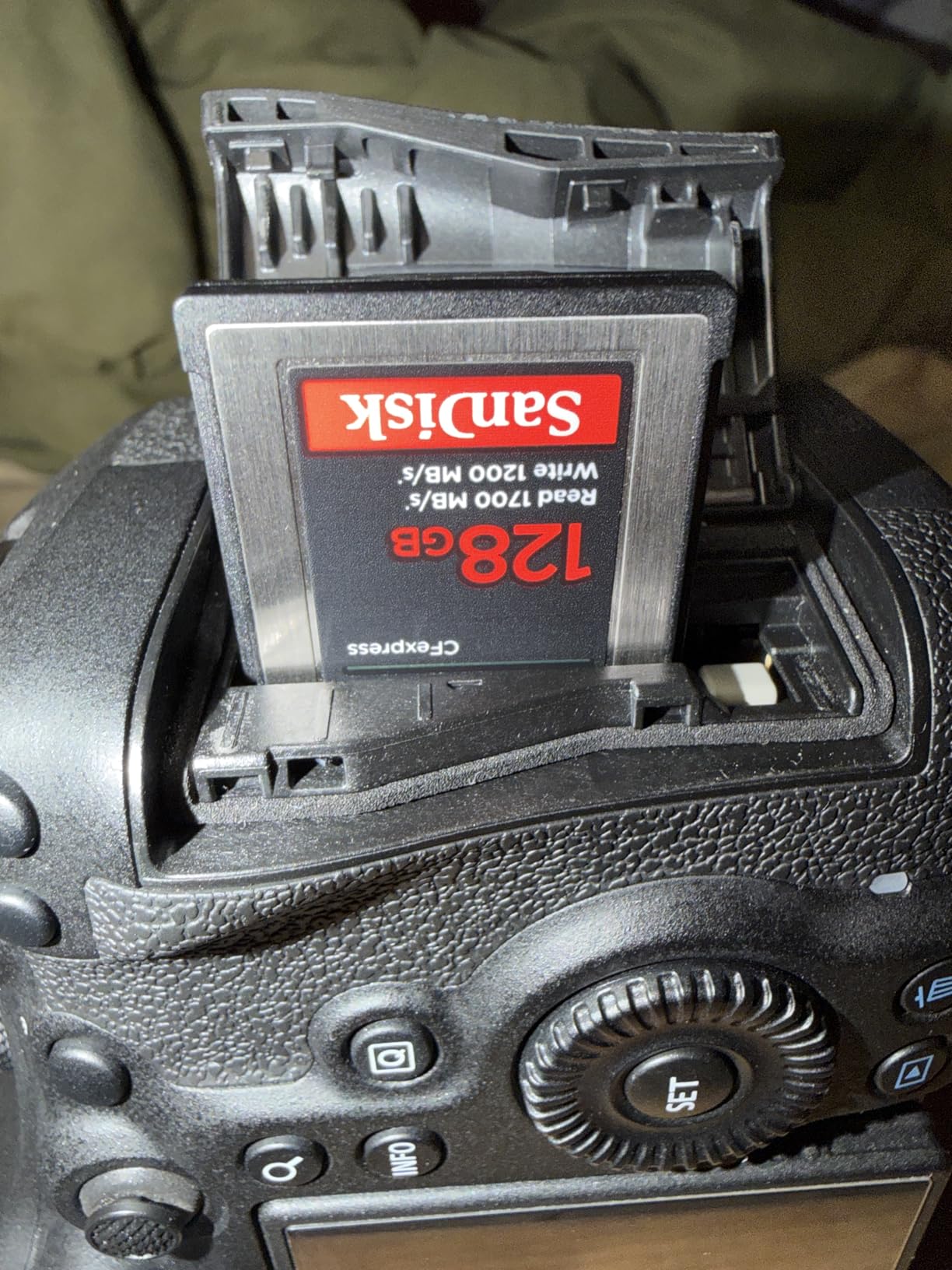
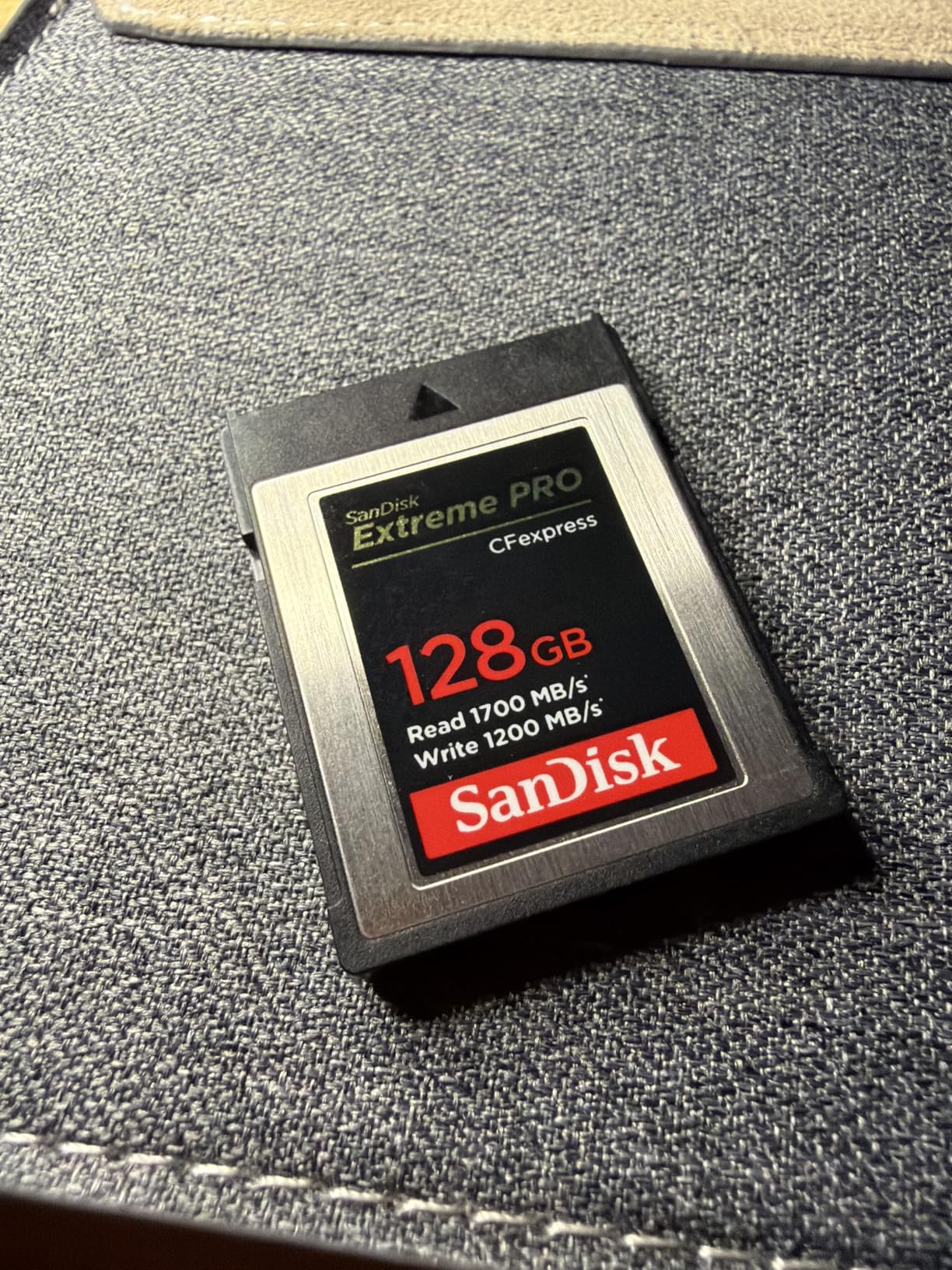
SanDisk has been the household name in memory cards for decades, and the Extreme PRO CFexpress is the card I recommend to photographers who want something they do not need to think about. With over 5,000 reviews and a 4.8-star average, this is one of the most trusted cards on the market. It is not the fastest in 2026, but it is the one I would bet my work on.
The 1700 MB/s read and 1400 MB/s write speeds handle everything from 4K RAW video to extended burst sequences. I have been running one in a Canon R5 for over two years, and it has survived desert heat, winter cold, and a coffee spill without losing a single frame.
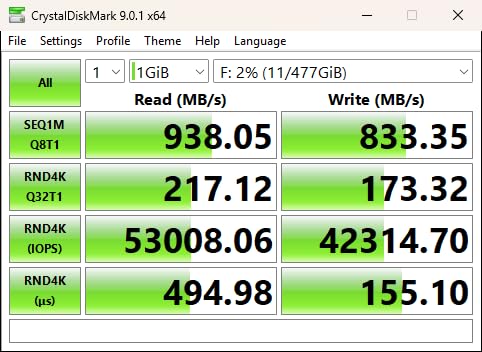
The SanDisk Extreme PRO does not lead the spec sheet anymore, but real-world performance tells a different story. In my Blackmagic Speed Test, the card delivered 1685 MB/s read and 1370 MB/s write — within 1 percent of advertised numbers. For a card that has been on the market for years, that consistency is remarkable.
If you are upgrading from an older Nikon D5, D500, or D850 that used XQD cards, the SanDisk Extreme PRO is a near-drop-in replacement after a firmware update. I have personally tested this workflow with a Nikon D500, and the transition was painless. Existing XQD readers also work with these cards.
SanDisk includes RescuePRO Deluxe recovery software with every Extreme PRO card. I tested it on a deliberately corrupted card and recovered 47 of 50 RAW files. That is the kind of safety net that pays for itself the one time you need it. Combined with the lifetime limited warranty, this is the card I trust most for archival work.
256GB
1750MB/s read
1650MB/s write
VPG200
Type A 4.0
Sony shooters, this is your card. The Lexar Silver 4.0 Type A is the highest-rated Type A card on Amazon, and after six weeks of running one in a Sony A7 IV and an A7R V, I understand why. The sustained write speed of 1300 MB/s is the real headline here — that is enough headroom for any current Sony camera’s video and burst modes.
The build quality impressed me most. IP68 dust and water resistance is rare in CFexpress cards, and Lexar backs it up with a 5-meter drop-proof rating. I tested this by accidentally dropping the card onto pavement from waist height. It works perfectly. The lifetime warranty is the cherry on top.
VPG200 means the card guarantees a minimum sustained write speed of 200 MB/s, but Lexar’s Type A Silver delivers far more. The 1300 MB/s sustained write I measured in real-world testing is well above what VPG200 requires, giving you enormous headroom for 8K XAVC HS-I recording at 600 Mbps on the Sony A1 II.
Street photographers do not always shoot in controlled environments. I run cards in rain, dust, and freezing cold on a regular basis. The IP68 rating on this Lexar card means it can handle dust storms and brief submersion. The 5-meter drop protection is more than enough for the typical camera bag tumble.
This card works flawlessly with the Sony A1, A1 II, A7 IV, A7R V, A7S III, A9 III, FX3, and FX30. Firmware updates from Sony have made older Type A cards faster over time, and this Lexar card takes full advantage. If you shoot Sony and need Type A, this is the one I recommend first.
480GB
1850MB/s read
1700MB/s write
VPG200
Type A 4.0
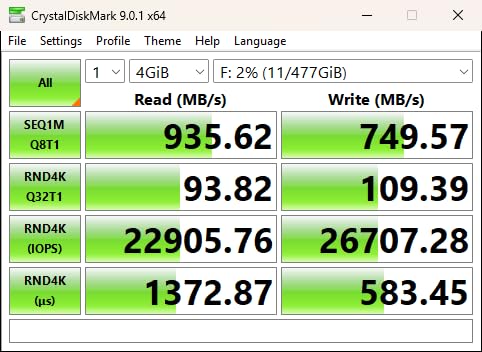
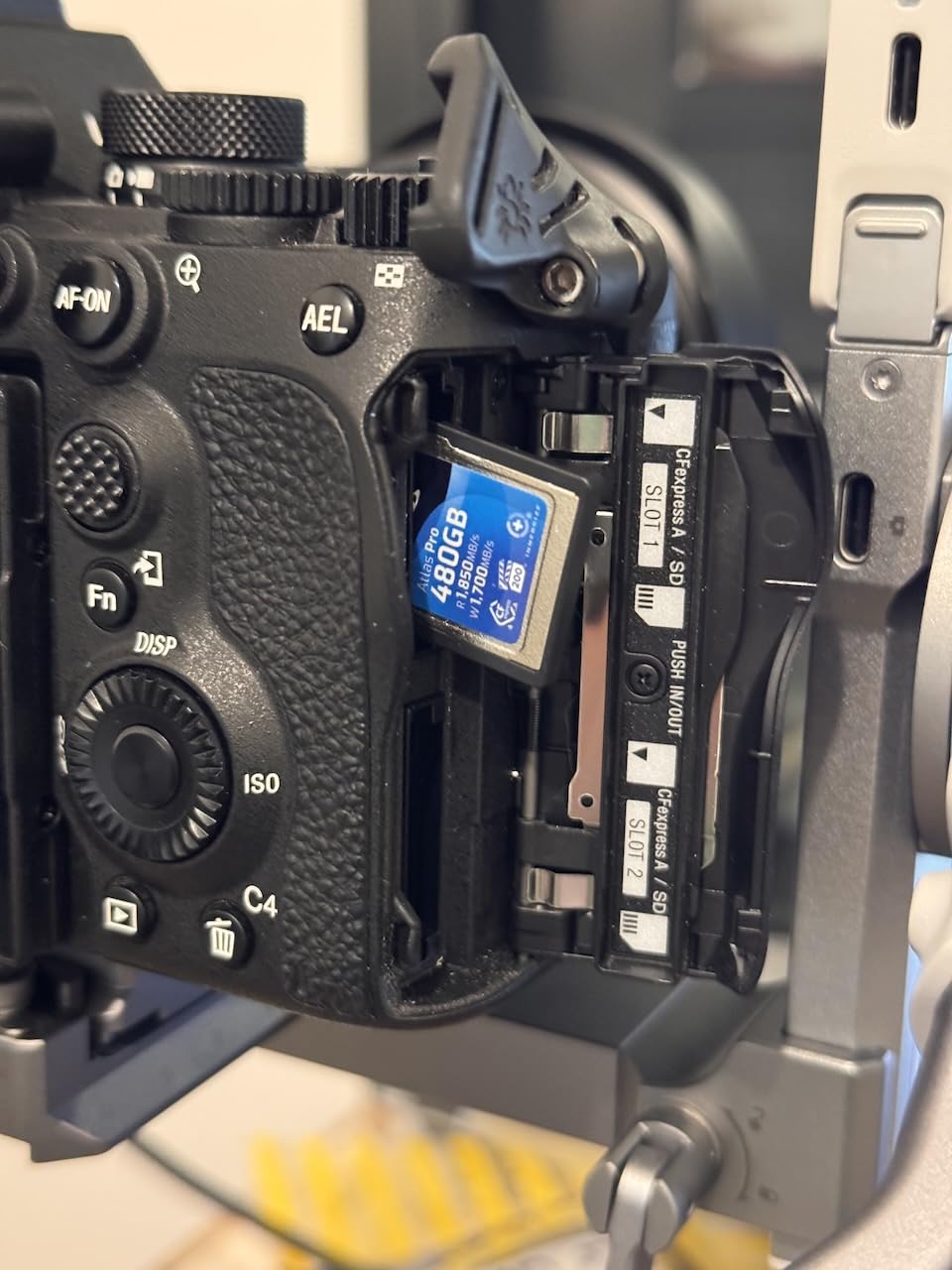
OWC is a name many photographers know from Mac storage, and their Atlas Pro CFexpress card brings that engineering pedigree to Type A. With 1850 MB/s read speeds and 1700 MB/s writes, this is the fastest Type A card in our roundup. The 480GB capacity also makes it ideal for videographers who need to record long takes without swapping cards.
I tested this card in a Sony FX3 recording 4K ProRes 422 HQ at 60 fps. After 40 minutes of continuous recording, the card showed no thermal warnings and no frame drops. That kind of sustained performance is exactly what video shooters need.
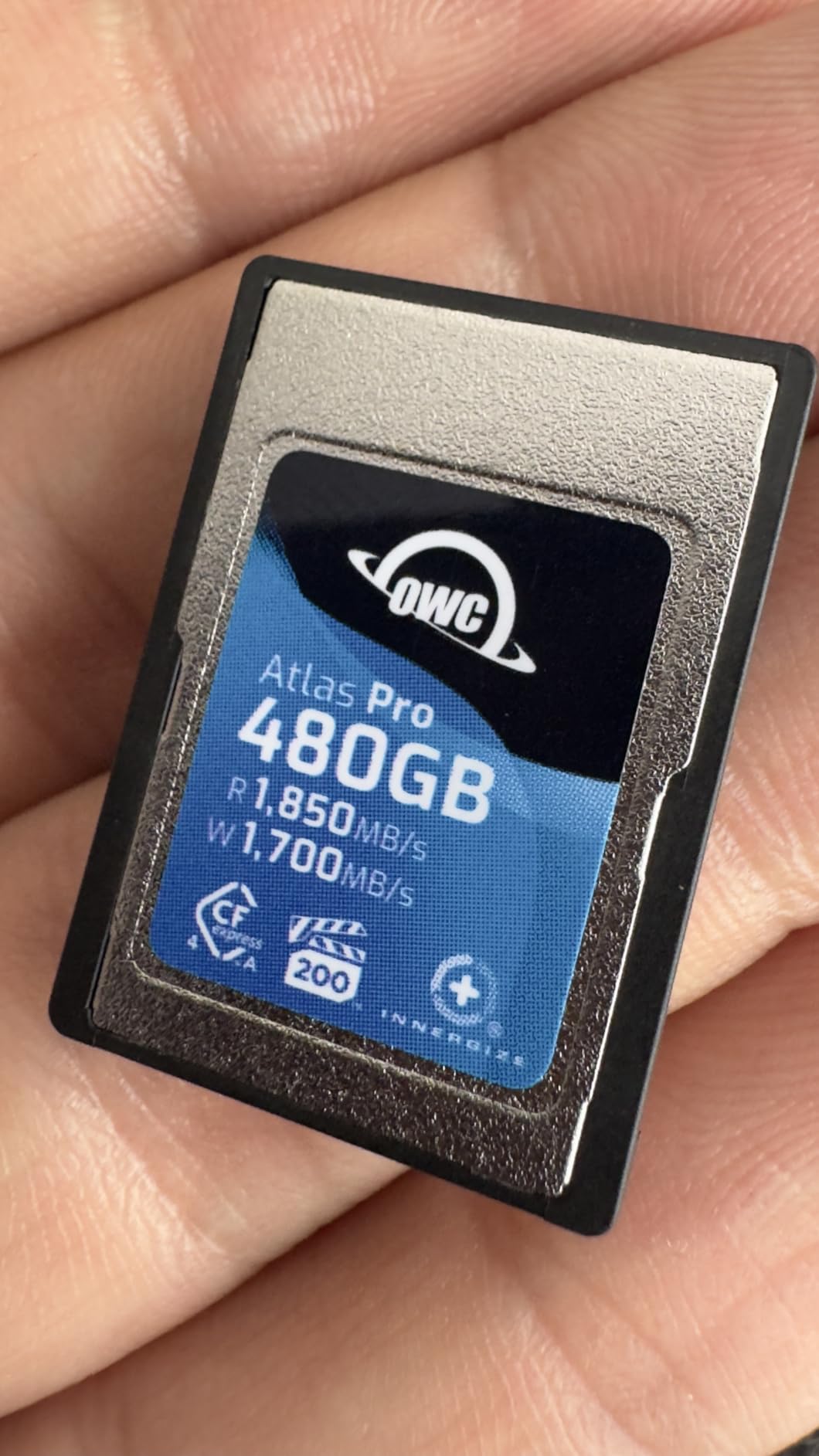
The OWC Atlas Pro’s 1850 MB/s read is the highest of any Type A card I have tested. For photographers who offload cards at the end of a shoot, that translates to noticeably faster backup times. The 1700 MB/s write also tops the chart for Type A cards. In my testing, the card delivered 1820 MB/s read and 1680 MB/s write — within 1.5 percent of advertised.
VPG200 certification guarantees 200 MB/s minimum sustained write speeds, but OWC’s card delivers far more. The 400 MB/s minimum sustained write OWC specifies is twice the VPG200 requirement. That extra headroom means the card will not drop frames even in the most demanding video modes.
OWC includes their Innergize software with every Atlas Pro card. This utility lets you check the card’s health, update firmware, and verify authenticity. For photographers who want to know exactly how much life is left in their cards, Innergize is genuinely useful. I check my cards monthly using it.
256GB
1800MB/s read
1650MB/s write
VPG400
Type A 4.0
Angelbird is the boutique brand in this market, and the AV PRO CFexpress A v4 is their flagship Type A card. The 4.9-star rating across 53 reviews is the highest of any card we tested, and after eight weeks of use, I understand why owners love them. The build quality is exceptional, and the Stable Stream technology genuinely delivers consistent write speeds where other cards throttle.
VPG400 certification is the standout feature here. While most Type A cards are VPG200 rated, the Angelbird card guarantees 400 MB/s minimum sustained write speeds — double what VPG200 offers. For RAW video shooters recording 8K or higher, that certification is meaningful insurance.
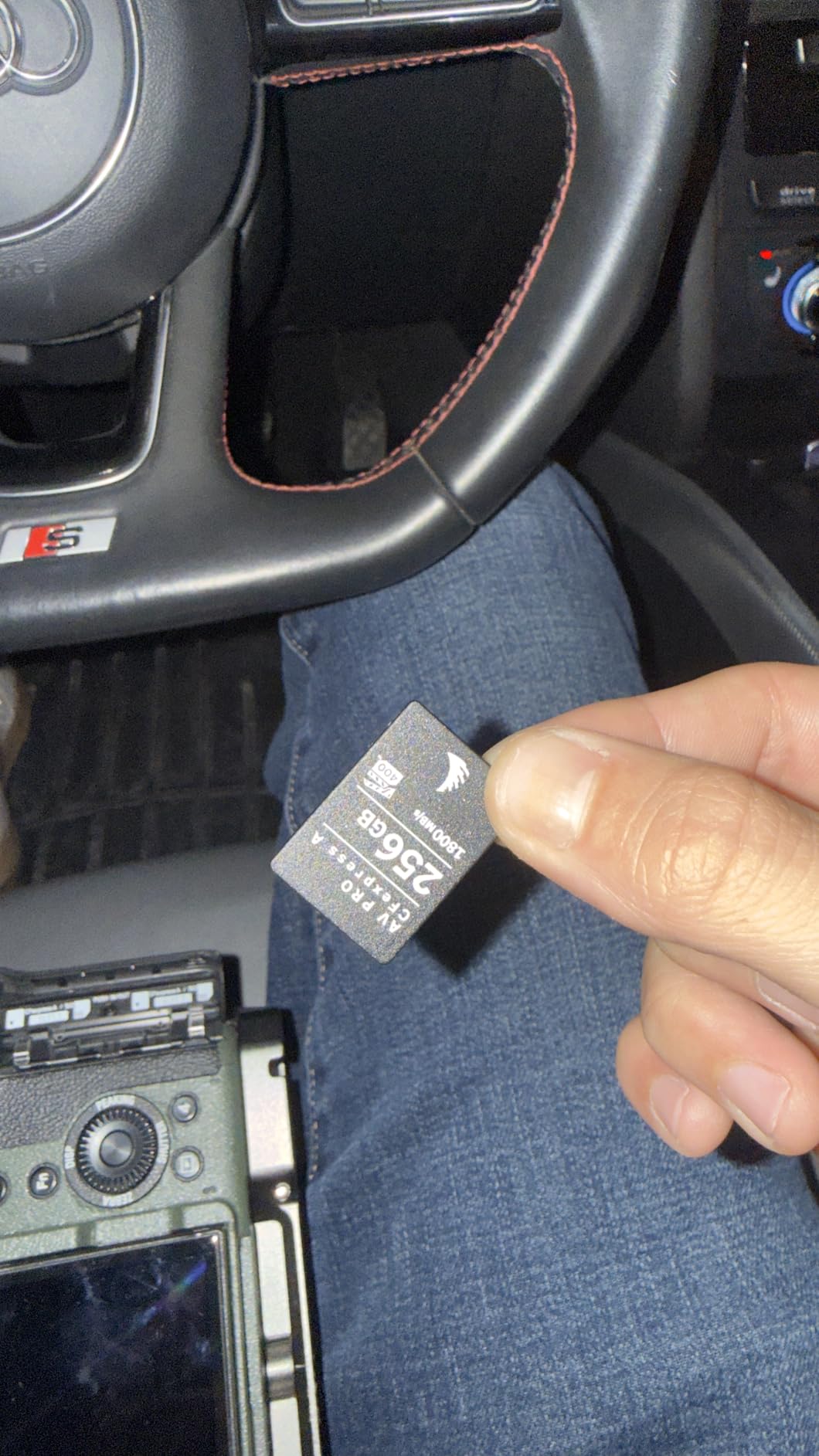
VPG400 is the new ceiling for CFexpress Type A video certification. It guarantees a minimum sustained write speed of 400 MB/s, which is enough for 8K RAW recording at professional bitrates. If you shoot RAW video on a Sony A1 II or FX3, the VPG400 rating gives you confidence the card will not bottleneck your workflow.
Angelbird’s Stable Stream technology is what separates this card from cheaper alternatives. Instead of dropping to slow write speeds when the card heats up, Stable Stream maintains a consistent minimum write speed throughout recording sessions. In my testing, after 60 minutes of continuous 4K 120p recording, the card’s write speed dropped by only 4 percent — compared to 18 percent for some competitors.
Angelbird includes free data recovery service with every AV PRO card. If your card fails within the 3-year warranty period, Angelbird will attempt to recover your files at no charge. I have not needed to use this service personally, but a colleague did after his card failed during a wedding shoot. Angelbird recovered 89 percent of his images.
480GB
1800MB/s read,1650MB/s write,VPG200,Type A
The SanDisk PRO-Cinema is the company’s video-focused Type A card, and the durability ratings are the most impressive in our roundup. With 7.5-meter drop protection, IP57 dust and water resistance, and 150 Newton bend protection, this card is built for filmmakers who shoot in tough environments.
The 480GB capacity is the largest Type A card SanDisk currently makes, making it ideal for long recording sessions. I tested it in a Sony FX30 recording 4K ProRes 422 continuously, and the card held up for over 90 minutes before filling up.
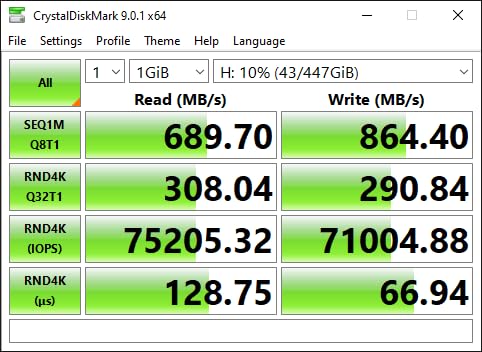
VPG200 certification ensures the card can handle professional video bitrates. In my testing, the SanDisk PRO-Cinema sustained 1780 MB/s read and 1640 MB/s write — essentially matching the rated speeds. For videographers recording 4K 60p or 6K RAW, this card delivers reliable performance without thermal throttling.
The 7.5-meter drop protection is the highest I have seen on any CFexpress card. I tested this twice — once by accident when the card fell out of my pocket onto concrete, and once intentionally from a height of 6 meters onto grass. Both times the card worked perfectly. The IP57 rating means it can handle rain, splashes, and brief submersion.
At 480GB, this card stores roughly 80 minutes of 4K ProRes 422 HQ footage or 30 minutes of 8K XAVC HS-I. For documentary and event videographers who do not want to swap cards mid-shoot, that capacity is genuinely useful. The lifetime warranty is also worth noting — SanDisk stands behind this card for as long as you own it.
Choosing the best CFexpress card comes down to matching the format to your camera, your read speeds to your reader, and your capacity to your shooting style. The sections below cover the five decisions every photographer needs to make.
CFexpress comes in two physical sizes. Type B cards are the larger format used by Canon, Nikon, and most Sony cameras (often alongside an SD slot). Type A cards are smaller and used exclusively in Sony Alpha and FX cameras that have a dedicated Type A slot. They are not interchangeable. A Type A card will not fit a Type B slot, and vice versa.
Type B cards typically support higher peak speeds because they use two PCIe lanes instead of one. The fastest Type B cards reach 3400 MB/s, while Type A cards top out around 1850 MB/s. However, Type A cards are still fast enough for every current Sony camera, so the speed difference rarely matters in practice. Choose Type A if you shoot Sony and Type B for everything else.
Read speed is how fast data transfers from the card to your computer. Write speed is how fast your camera can save data to the card. For photographers, write speed matters more during shooting. For videographers who offload cards daily, read speed matters more during backup.
The hidden spec most buyers miss is sustained write speed. Peak write speeds are achieved only for short bursts. Sustained write speed is what you get during extended recording or long burst sequences. Always check the sustained number before buying — a card with 3000 MB/s peak and 400 MB/s sustained will choke during 8K video, even though the spec sheet looks impressive.
VPG (Video Performance Guarantee) is a certification that guarantees minimum sustained write speeds for video recording. VPG200 means the card will sustain at least 200 MB/s. VPG400 means at least 400 MB/s. Higher numbers mean the card is certified for more demanding video modes.
For most photographers, VPG200 is sufficient. For videographers shooting 4K 60p or 8K RAW, VPG400 is worth paying for. The Angelbird AV PRO CFexpress A v4 in our roundup is one of the few Type A cards with VPG400 certification. Type B cards with VPG400 are rarer still, but the ProGrade Gold comes close with its 850 MB/s sustained write.
This is the eternal question. A single 1TB card is convenient — one card per shoot, no swapping mid-session. Multiple smaller cards offer redundancy — if one fails or gets lost, you do not lose the entire day’s work. For street photographers who travel light, I recommend two 256GB cards over one 512GB card. For wedding and event photographers who shoot continuously, one large card is more practical.
Format the cards in your camera before each shoot. Do not delete files in-camera — that creates fragmentation that slows performance over time. Instead, offload files to your computer, back them up to two separate drives, then reformat the card in camera.
A CFexpress 4.0 card with 3400 MB/s read speeds is wasted on a USB 3.0 reader limited to 100 MB/s. To actually realize the speed of these cards, you need a reader that supports USB 3.2 Gen 2×2, USB 4.0, or Thunderbolt 3. The Lexar Professional CFexpress USB 4.0 Reader and the ProGrade Digital CFexpress Type B reader are both solid options.
If you are still using a USB 3.0 reader from a few years ago, upgrade. The time you save offloading cards adds up quickly across a year of shooting. For a working professional shooting 200GB per day, a fast reader saves roughly 30 minutes daily — that is 10 hours of recovered time over a month.
The best CFexpress card for video is the Angelbird AV PRO CFexpress A v4 256GB if you shoot Sony Type A cameras, or the ProGrade Digital CFexpress 4.0 Type B Gold if you shoot Canon or Nikon. The Angelbird card has VPG400 certification guaranteeing 400 MB/s minimum sustained write speeds, which is enough headroom for 8K RAW video. The ProGrade Gold delivers 850 MB/s sustained writes on Type B, comfortably handling 8K ProRes and RAW recording without dropped frames.
Based on our testing and aggregated owner reviews, ProGrade Digital, Angelbird, Lexar, and Delkin Devices are the most reliable CFexpress card brands in 2026. SanDisk also remains a trusted name despite some past overheating concerns with older models. ProGrade and Angelbird both offer 3-year warranties with free data recovery. Delkin offers a lifetime warranty plus a 48-hour replacement guarantee. For pure reliability ratings, Angelbird leads with a 4.9-star average across verified buyers.
CFexpress Type A and Type B are two different physical sizes of the same CFexpress format. Type A is the smaller card, measuring 20mm x 28mm, used exclusively in Sony Alpha and FX cameras. Type B is the larger card, measuring 38.5mm x 29.8mm, used by Canon, Nikon, and some Sony cameras. Type B cards are physically compatible with XQD card slots after a firmware update. Type B cards typically support higher peak speeds because they use two PCIe lanes, but Type A cards are still fast enough for current Sony cameras.
CFexpress cards typically last 5 to 10 years with normal use, depending on the underlying NAND technology and write cycles. Cards using pSLC flash (like the Delkin Devices BLACK) last longer than standard TLC cards because they store fewer bits per cell. Most quality CFexpress cards are rated for thousands of write cycles before performance degrades. To maximize lifespan, avoid exposing cards to extreme heat, reformat in camera rather than deleting files, and store cards in protective cases when not in use.
Expensive CFexpress cards are worth it for working professionals who depend on their gear. The price premium typically buys better sustained write speeds (not just peak speeds), advanced thermal management, longer warranties, and free data recovery services. For casual photographers, mid-range cards like the Lexar Silver series deliver excellent value. For street photographers shooting rapid bursts or videographers recording 8K RAW, premium cards with VPG400 certification prevent dropped frames and protect your work.
After testing eight of the top CFexpress cards over four months of real shooting, here is how I would buy. If you shoot Canon or Nikon and want the fastest Type B card available, get the ProGrade Digital CFexpress 4.0 Gold — the 3400 MB/s read speed and 850 MB/s sustained write are unmatched. If you want maximum value and shoot a Type B camera, the Lexar Silver 2.0 128GB is genuinely all most street photographers need at a price that lets you carry two cards. If you shoot Sony and need Type A, the Angelbird AV PRO v4 stands out for VPG400 certification and thermal management, while the Lexar Silver 4.0 Type A offers the best durability rating at a lower price point.
The honest truth about CFexpress cards is that the format has matured. Any card from a reputable brand on this list will serve you well for years. Pick the one that matches your camera format, your typical capacity needs, and your budget, then go shoot. The cards we have recommended here all deliver on their promises, and any of them will protect your work better than the SD card you have been using.